Hi!
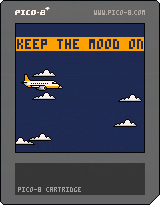
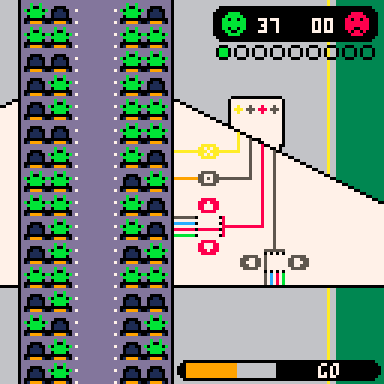
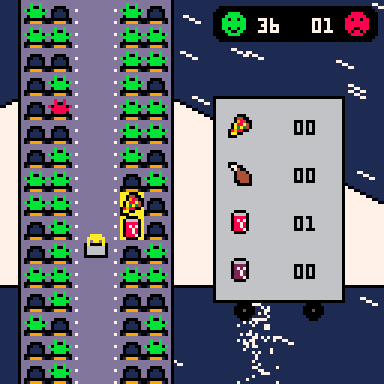
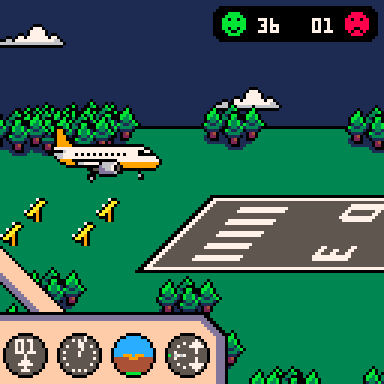
I'm excited to share my very first video game, "Keep The Mood On".
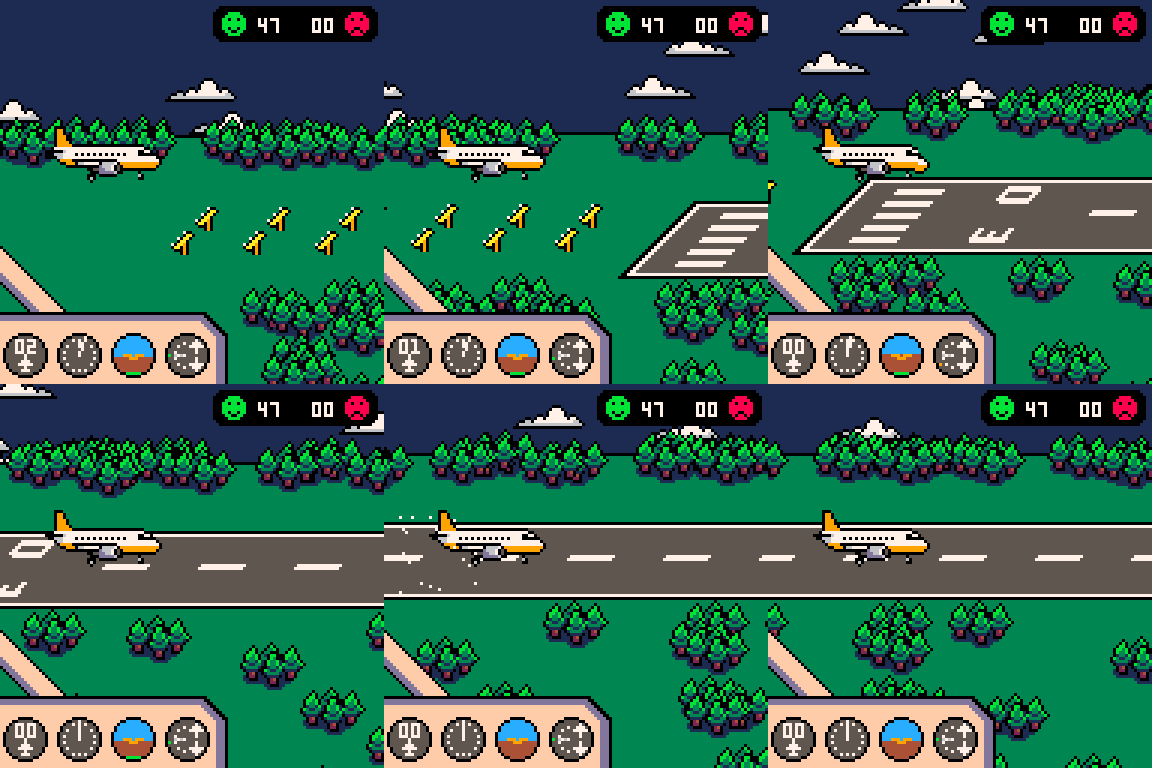
The goal is to complete as many consecutive flights as possible (with increasing difficulty) while keeping at least one passenger happy on board.
Each flight is made up of three mini-games, representing the different phases of a commercial flight.
The music is a slight adaptation of "Bad Speech" by Snabisch.
Feel free to share your feedback!
Steven Pie


 4 comments


.png)


Exploring a Pseudo OS with no documentation
I've been in the coding business for a while now: reading source code isn't that scary. That seems to be the world I'm putting myself in with the picotron. The manual seems woefully sparse and is falling behind with each update. There are sections and behaviors of the editors that are so cryptic that I still don't know what they're doing. Fortunately, I can scry the behavior from /system/apps. Still I wonder why Luadoc wasn't adopted and enforced early by the developer. Strange.
Maybe the online blogs are the place to find the answers. I'm struggling to filter or find.
Examples of the inexplicable
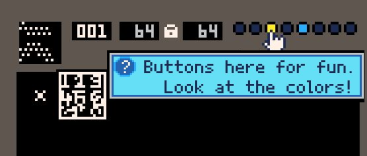
In the GFX Editor, we've got these dots here. I click on them and they fill with a colored circle--cool. But... what is that?

It would be nice to hold Alt or something and put my mouse over to get a description like this.
Maybe this is my first cartridge. However, I'd rather make a juvenile videogame.
2 comments

Hi,
This is my first post, and excited to share my WIP case simulator. Still new to PICO-8, so looking for any feedback and ideas of features to add. I still have a bit of work to rebalance the item pricing and rarity.
thanks!
 3 comments





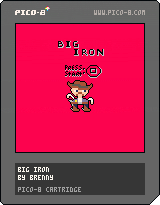
Big Iron
By brenny

My First Game
Thanks for taking a look at my game!
Use Z to start the game and reset each round. Use X to shoot. Try and shoot the outlaw as soon as he reaches for his gun. Reset to play again and again to see how good of a K/D ratio you can get!
0 comments
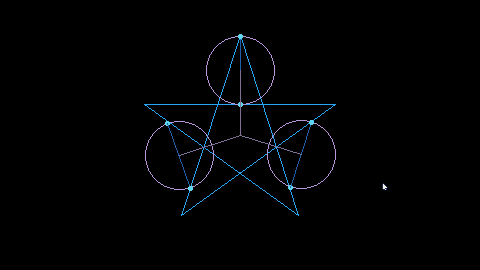
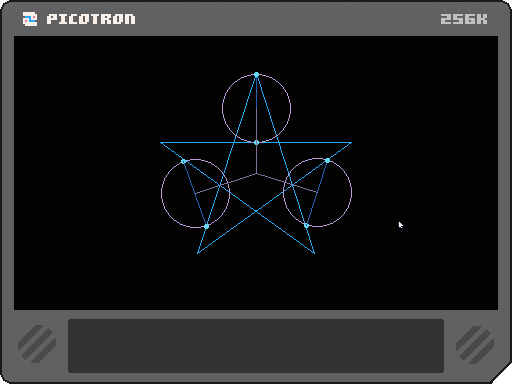
Saw a gif of the motions and wanted to figure out how to do it.
z will stop/start the color cycles
x will start/stop the rotation
0 comments


Like the title says, the return value of :matmul, when passed true to indicate that the result should be stored in itself, is that same boolean value. This is inconvenient since it breaks method chaining. Here's a small repro as proof:
-- declare vector & metadata
local v = vec(1, 2, 3)
local m = userdata("f64", 3, 3)
m:set(0, 0,
	1, 0, 0,
	0, 1, 0,
	0, 0, 1
)

-- ok, should return userdata
? "return type 1: "..type(v:matmul(m))

-- ok, stores result in copy
local vcopy = v:copy()
? "return type 2: "..type(vcopy:matmul(m, vcopy))

-- prints boolean, breaks chaining
local vcopy = v:copy()
? "return type 3: "..type(vcopy:matmul(m, true)) |
0 comments


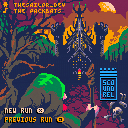
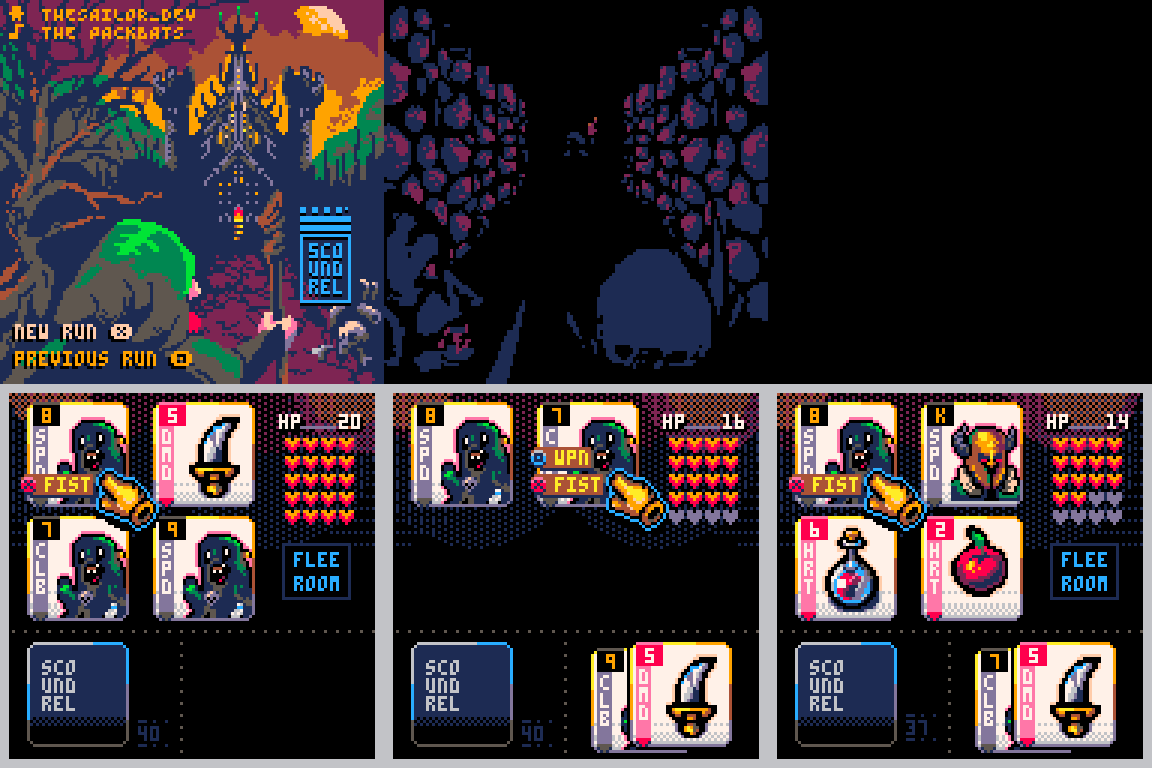
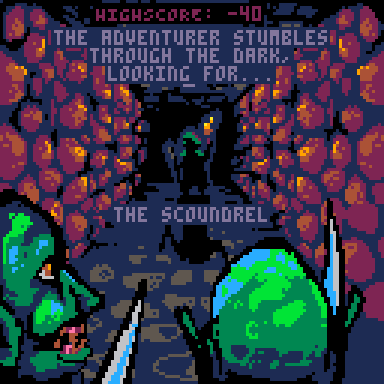
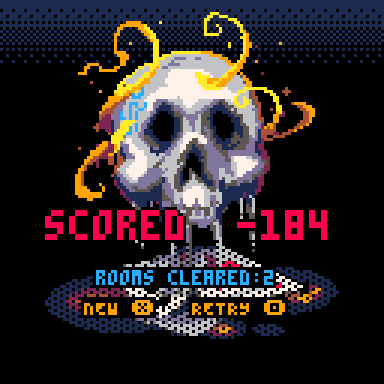
THIS VERSION HAS THE HALLWAY SCENE REMOVED SO THAT I DON'T NEED TO USE SHRINKO8
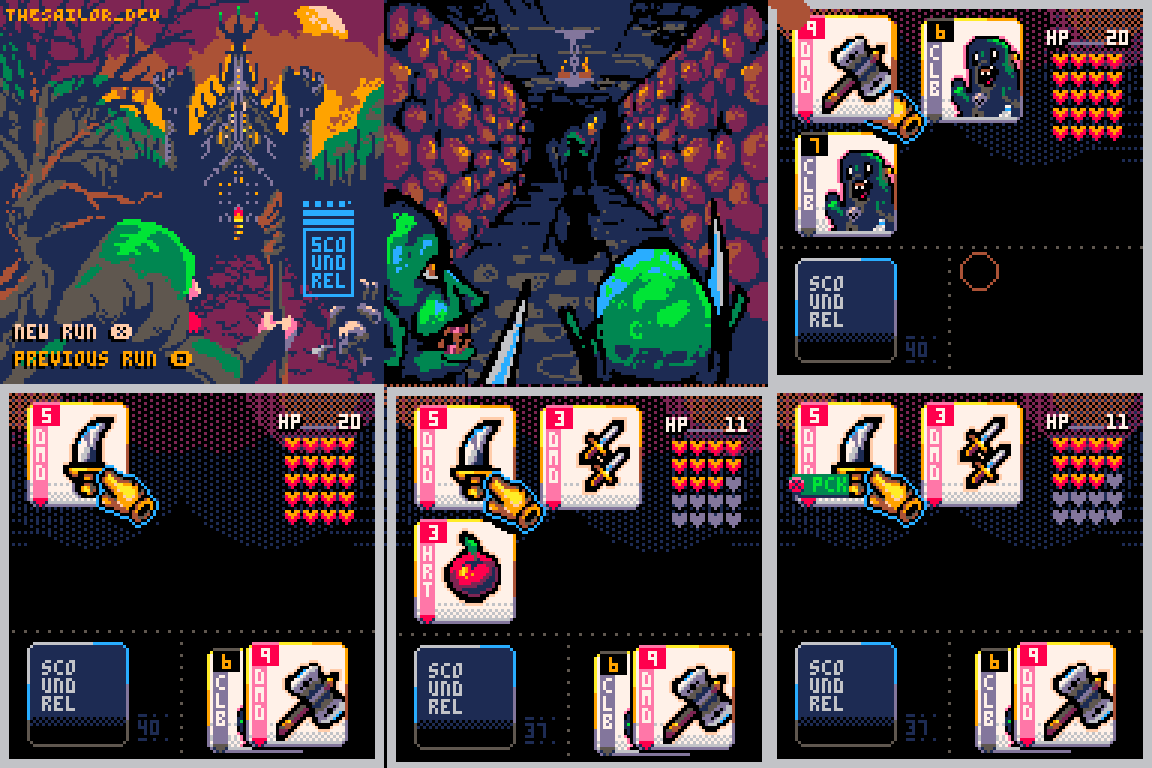
A simple roguelike game.
I'm still working on some things but the game is playable! The original game was created by Zach Gage and Kurt Bieg.
HOW TO PLAY
LEFT & RIGHT KEYS (Select your card)
X KEY (Attack with Fist | Use Potion | Pick up weapon)
Z KEY (Attack with Weapon)
RULES
- There are only 44 cards to the deck. (The RED face cards have been removed)
- DMD (Diamonds) - Are weapons you can pick up. If you have a weapon attached it will automatically gain a attack limit (BLACK card behind it). You can only attack monsters of the SAME or LOWER limit attached to the weapon. If you don't have a weapon or your weapon limit is too low, you can attack with your FIST.
- HRT (Hearts) - Health Potions. YOU CAN ONLY USE ONE POTION PER ROOM!
- SPD | CLB (Spades and Clubs) - Monster cards which rank from 2-14 (J(11),Q(12),K(13),A(14))
- Each new dungeon room has four cards to get past. Once you have 1 card left in your hand you move on to the next room.
- You have the option to FLEE a room if you choose. Those cards will be shuffled back into the BOTTOM of your deck. You cannot FLEE two rooms consecutively.
SCORING
- Getting out of the dungeon means playing through the entire deck. Once you have played all the cards and none remain, your score will be your current HP points.
- If you have ZERO HP points, the game ends. All monsters left in the dungeon are subtracted from your ZERO HP.
ART AND CODE - TheSailor
MUSIC - The Packbats
35 comments








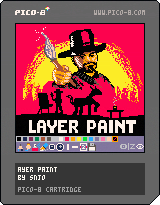
Layer Paint
A simple painting program with layers.
Controls
Mouse or button mode can be selected on the Start screen.
Mouse mode
| Button | Function | |
|---|---|---|
| lmb | : | Paint / click toolbar item |
| rmb | : | Select background color (right click on palette) |
| Hold ❎ | : | Draw straight lines |
| Hold 🅾️ (Z) | : | Quick actions popup menu |
| rmb | : | Pick color from canvas |
| rmb | : | Toggle layer visibility (right click on layer button) |
| ⬆️⬇️ | : | Adjust brush size |
Button mode
| Button | Function | |
|---|---|---|
| ❎ | : | Paint / click toolbar item |
| 🅾️ | : | Select background color (click on palette) |
| 🅾️ | : | toggle layer visibility (on layer button) |
| Hold 🅾️ | : | Quick actions popup menu |
Tools:
 8 comments



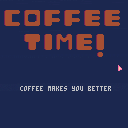
My first game!
This is my very first pico 8 game, i love how pico 8 looks and feels already!
I hope to be able to make more carts for the pico 8!
Revision 1
Added Help, fixed menu and bankrupt screen using X instead of O
Revision 2
Fixed bug where half of the Help button appeared on the bankrupt screen
sidenote: renamed the buttons in the help menu in revision 4 so
i have decided to update it and its not here lel
7 comments







Found two bugs that I should report here:
Bug 1
This code doesn't compile - looks like lua's const feature breaks picotron's shorthands (are shorthands still using a preprocessor in picotron?)
local test <const> = 1
a = {3}
a[1] += 4 |
(same happens with close instead of const)
Bug 2
This code takes takes a ton of real time to execute.
This only happens due to the "<<32" and doesn't reproduce on the latest lua 5.4
t={}; for i=0,0x10000 do t[i<<32] = i end |
I was curious so I checked what was happening and it looks like the older lua version picotron is using is computing hash for integers based on the low bits, meaning large powers of two get really bad hashing. Some later lua version (still in the 5.4 line) fixed this to use modulo with a non-power-of-2 instead
0 comments
.gif)