





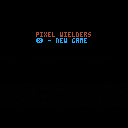
Pixel Wielders
A dueling wizards game for two players.
Be the last wizard standing.
Controls
Both Keyboard and/or Controllers work
Keyboard Player 1
- Movement - Arrow Keys adjust cursor position
- x - changes spell
- z - casts spell
Keyboard Player 2
- Movement - SEDF (left-up-down-right)
- a -changes spell
- left-shift - casts spell
Your spells from left to right are:
- place boulder (p.s. game cannot handle many of them)
- gravity well (attractor)
- increase temperatue
- push (in the direction of your opponent)


 0 comments
.jpeg)
How do I make the player 2 keys work? I'm trying to make s and f the movement for p2 but it won't work. It's just a little game movement thing. The code is here:
function _init()
position = 63
p = 63
end
function _update()
if btn(➡️) then
position+=1
end
if btn(⬅️) then
position-=1
end
if btn() then
p-=1
end
if btn() then
p+=1
end
end
function _draw()
cls()
spr(1,position,63)
player1score = 0
player2score = 0
player1name = "wooper"
player2name = "quagsire"
print(player1name)
print(player1score)
print(player2name)
print(player2score)
spr(2,p,73)
end
3 comments

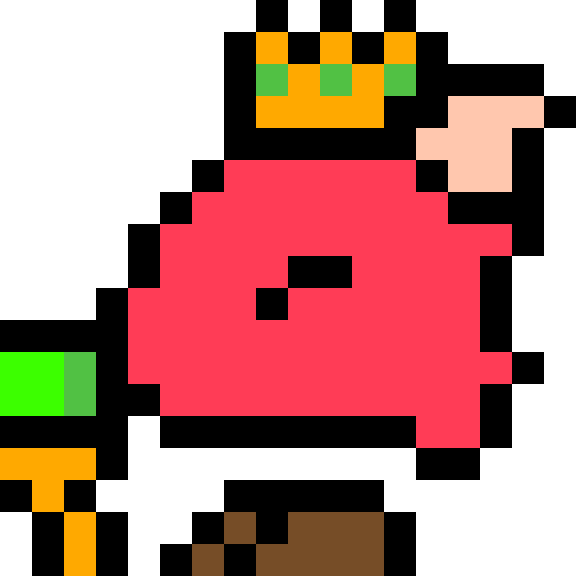
Okay, so I've been working on a cart as of late, and it's been really fun! However, I've hit a roadblock and I'm not sure how to overcome it, could I have some help?
So the game I'm making is a little factory game, and I'm currently trying to get conveyor belts working, specifically getting objects to stop when they run into each other.
I have two tables for co-ordinates; one for x-values of objects, and one for y-values. There are some subtables for certain objects, but that's not important.
Basically, my collision function checks those tables, sees if there's anything in the way, and if there isn't, it moves the object forward. However, whenever it checks the tables, it checks the entire X table, and then the entire Y table. So if there's an object that's in the obstruction area in the Y table and a separate object in the X table, the code thinks there's something in the way, and it stops the object.
So the million-dollar question is: Is there a way to have for functions stepped through one at a time, so as to keep the X and Y co-ordinates in sync? Or is there a better way? Let me know if ya'll need clarification or code examples.
4 comments


ZOMG! I just realized it's October already! The PICO-8 advent calendar is just around the corner. Or, maybe not... We're still looking for tons more people to contribute a winter holiday themed PICO-8 project to the calendar. It doesn't have to be an epic masterpiece. Small games and demos are welcome. You can even reskin a game you previously released.
If you're interested, make sure you've joined the PICO-8 Discord server and then see https://discord.com/channels/215267007245975552/220602714982318081/1146905525158682665 for info on how to contribute, cuz we sure need you.
0 comments
How do I switch the roles of the background gray blocks with all the floor pieces? I am quite stuck and tried myself, it didn't work
2 comments


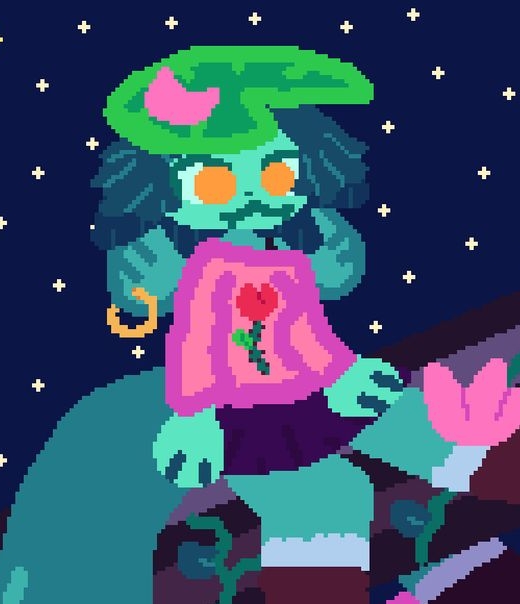

I've found some interesting things tucked away in picotron's code, and I'd like to share them!
First off, you can edit and view any file by typing edit name.ext, where name is the file and ext is the extension.
There are loads of gui features to mess with and ruin, and my favorite is notify_user(<text>). When called, it displays "text" in a little notification bar! Even works with vars! Another honorable mention is the gui text editor. It's buggy sometimes, but you can embed a text editor or code editor anywhere you want in your cart!
As for non-gui things, there are many. You can read keyboard presses (get_key_pressed(key)), actively playing sounds, running processes, open files, OPEN files, delete files, change and list directories, all from within your carts! I'm sure there's a way to make a program run in the background, so this could make for custom themes, keyboard remapping, BG music and sound effects, freaking integration with your, YOUR operating system, the list goes on.
1 comment

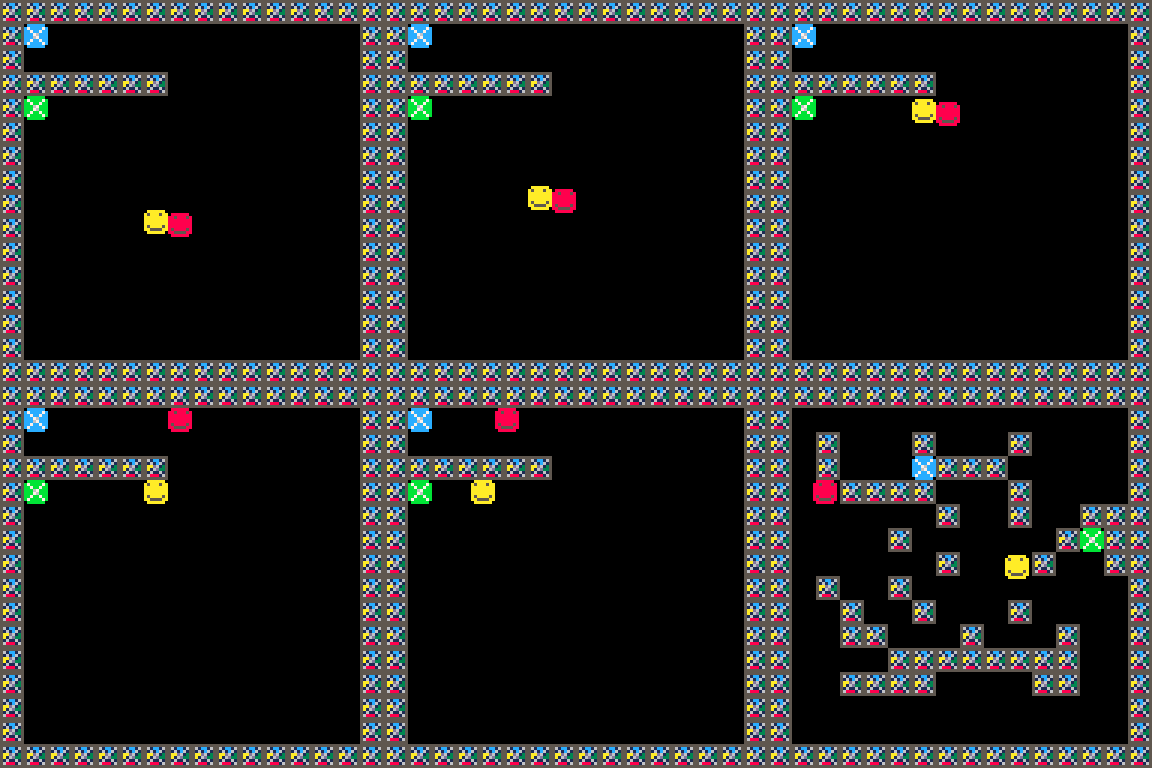

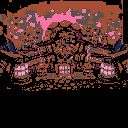
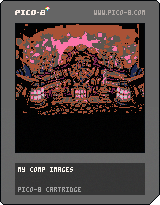
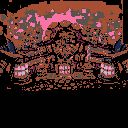
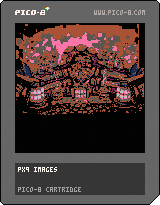
Just finished a image compressor that makes strings around 2/3 the size of PX9. Sacrificing performance and tokens. But despite the overall text being about 10,000 chars less, it still takes up the exact same compression percentage
 6 comments
Just kicked off my Let's Play series on youtube where I do what I can to complete PICO-8 games 100%. Not sure there is much else than that to say I guess :) Check it out!
0 comments




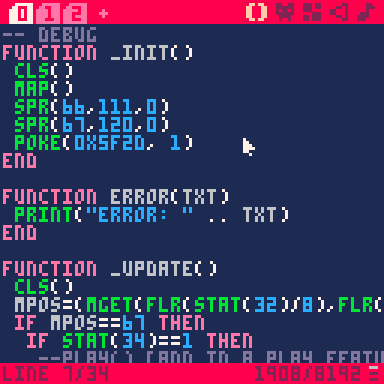
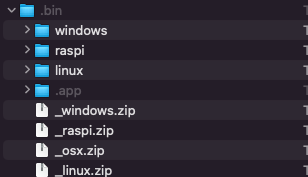
Exporting worked earlier but now when I attempt it I get this response.
Not Writing Properly
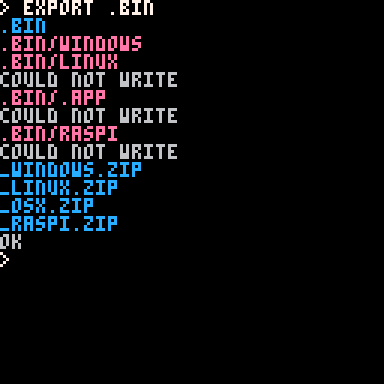
Not passed limit
Uncomplete installs
 3 comments
Hello Lexaloffle community, I have spent a couple of days learning Picotron. Figuring out how to modify files etc. I was wondering if anyone would be interested in me writing a full tutorial/documentation on how to use it, containing a full list of terminal commands (not only the ones specified by using the help cmd) and a full list of commands for the programming language. Containing information about each command. If anyone is interested in this please tell me.
Best Wishes, @grandel234
Picotron Playground:
https://www.lexaloffle.com/picotron.php?page=playground
All Official Documentation:
Gfx Pipeline: https://www.lexaloffle.com/dl/docs/picotron_gfx_pipeline.html
Picotron Pod: https://www.lexaloffle.com/dl/docs/picotron_pod.html
Picotron Usr Data: https://www.lexaloffle.com/dl/docs/picotron_userdata.html
11 comments






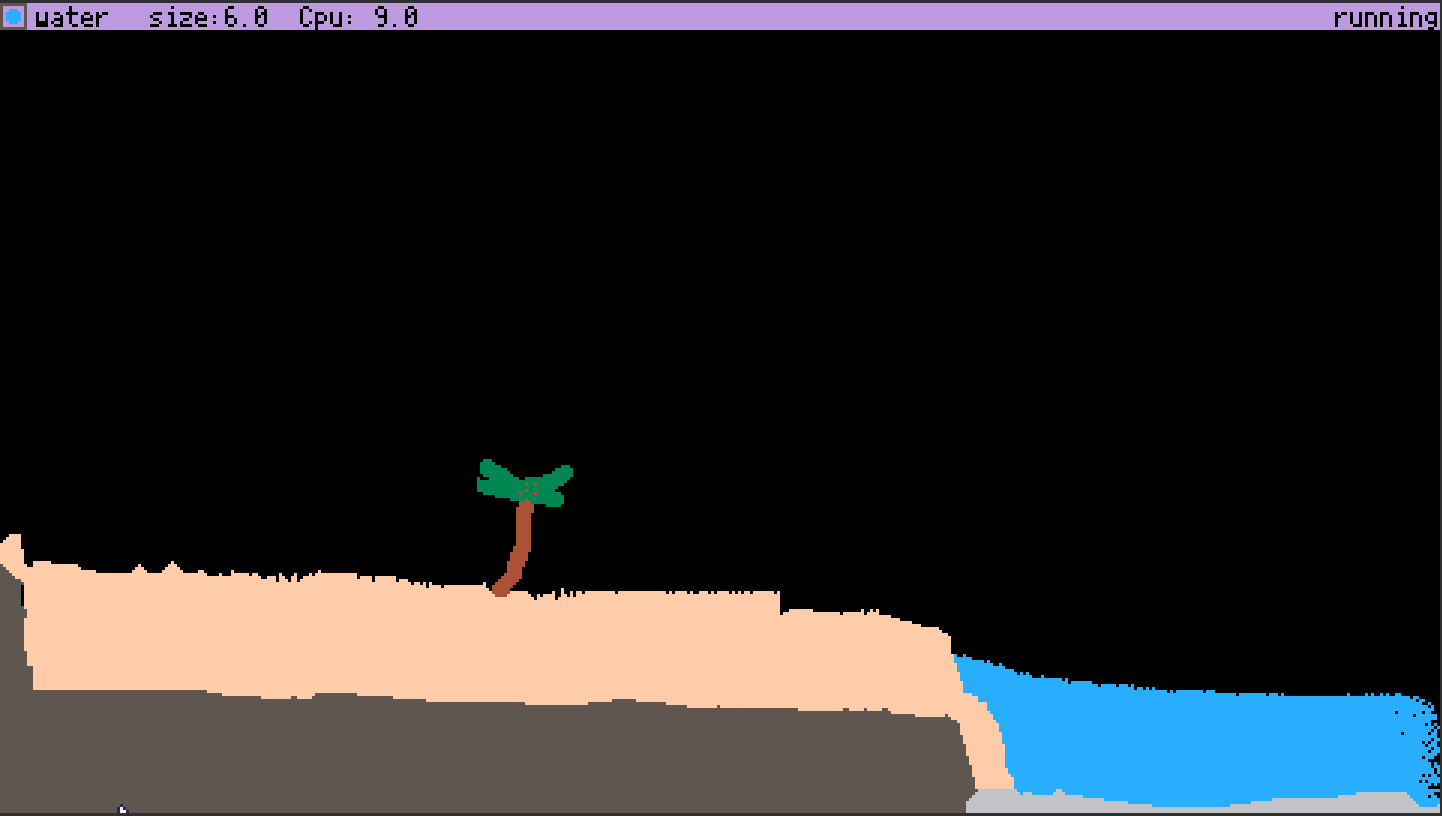
The Pixel Toy (TpxT)
2nd picotron game ever made!?
To play, copy and paste code below (click "show") into picotron playground (or actual picotron when it comes out!)
If it says "clipboard can not be read", then don't use base Firefox. if you aren't using base Firefox, then give picotron clipboard permissions in site settings.
vvv Code vvv
[hidden]
--	ThePixelToy
--	by antibrain

--[[

todo:
maybe some sort of GOL type
sounds/graphics/prebuilt maps when ptron 0.1 comes out
scene loader from clipboard to make something like TPT's save browser
more pixel types
more reactions
make neut/prot act like they do in TPT instead of acting like GAS/FIRE
saving/loading saves to hard disc. maybe using printh as file? cartdata?
chemestry?
air pressure
heat
simulate each pixel individualy so we can track its heat, speed, mass, weight, etc.
virus because virus in TPT is very satisfying
make fill/line tool not terrible
deco layers
ability to change sim speed
full keyboard support?

]]--
j=0
dc=5
size=0
sim=1

function _update() --update loop
	mx,my,mb=get_mouse() --get mouse data
	simulatepixels() --simulate pixels
   controls() --allow game to be controlled
end

function _draw() --draw loop
 mousedraw() --draw with mouse
 ui() --draw ui
end

function simulatepixels()
if sim==1 then
for i=1,4000 do	--4000 times per frame (30fps?)

		local x=rnd(480) --get random x and
		local y=rnd(270) --y values and
		local c=pget(x,y) --get the color of that pixel.
		if c==8 then --is red

			if pget(x,y+1)!=5 and pget(x,y+1)!=7 then --check all bordering pixels and if any of them arent a wall
				pset(x,y+1,c) --then set it to red
			end
			if pget(x,y-1)!=5 and pget(x,y-1)!=7 then --repeat for all other bordering pixels
				pset(x,y-1,c)
			end
			if pget(x+1,y)!=5 and pget(x+1,y)!=7 then
				pset(x+1,y,c)
			end
			if pget(x-1,y)!=5 and pget(x-1,y)!=7 then
				pset(x-1,y,c)
			end
		end

		if c==15 then --sand
		 if pget(x,y+1)==0 then --sand

			pset(x,y+1,c) --f a l l
			pset(x,y,0)
		 end
		 if pget(x,y+1)==12 then
		 	pset(x,y+1,c)
		 	pset(x,y,12)
		 end
		 if pget(x,y+1)==1 then
		 	pset(x,y+1,c)
		 	pset(x,y,1)
		 end
		end

		if c==2 or c==10 or c==11 then --gas (fire?)/neut/prot (i couldnt get neut/prot to act normal so i gave up :p )
				local j=flr(rnd(4)) --pick random number
				local q=flr(rnd(2))
				if q==1 and c==2 then --decay randoly
					pset(x,y,0)
				end
				if q!=4 and j==0 and pget(x+1,y)==0 then --go in random direction
					pset(x,y,0)
					pset(x+1,y,c)
				end
				if q!=4 and j==1 and pget(x-1,y)==0 then
					pset(x,y,0)
					pset(x-1,y,c)
				end
				if q!=4 and j==2 and pget(x,y+1)==0 then
					pset(x,y,0)
					pset(x,y+1,c)
				end
				if q!=4 and j==3 and pget(x,y-1)==0 then
					pset(x,y,0)
					pset(x,y-1,c)
				end
				if c==11 then
					if pget(x+1,y)==1 and pget(x+1,y)==0 then
					 pset(x+1,y,11)
					end
					if pget(x-1,y)==1 and pget(x-1,y)==0 then
					 pset(x-1,y,11)
					end
					if pget(x,y+1)==1 and pget(x,y+1)==0 then
					 pset(x,y+1,11)
					end
					if pget(x,y-1)==1 and pget(x,y-1)==0 then
					 pset(x,y-1,11)
					end

				end
				if c==2 and pget(x,y+1)==12 or pget(x,y-1)==12 or pget(x-1,y)==12 or pget(x+1,y)==12 then
					pset(x,y,0)
				end
		end
		if c==12 or c==1 or c==9 then --warder/deut/lava physics

			if pget(x,y+1)==0 then --let it fall down
				pset(x,y,0)
				pset(x,y+1,c)
			elseif pget(x-1,y)==0 then --if there's an open space and it isnt in free-fall,
				pset(x-1,y,c) --allow it to drip left and
				pset(x,y,0)
			elseif pget(x+1,y)==0 then
				pset(x+1,y,c) --right as well
				pset(x,y,0)
			end
			if c==1 and pget(x,y+1)==11 or pget(x,y-1)==11 or pget(x-1,y)==11 or pget(x+1,y)==11 then
				pset(x,y,11)
			end
		end
		if c==16 then --remove fill border
			pset(x,y,0)
		end
		if c==3 or c==4 then --wood/plant/foliage
		 if pget(x,y+1)==2 or pget(x,y+1)==9 then
		  pset(x,y,2)
		 end
		 if pget(x,y-1)==2 or pget(x,y-1)==9 then
		  pset(x,y,2)
		 end
		 if pget(x+1,y)==2 or pget(x+1,y)==9 then
		  pset(x,y,2)
		 end
		 if pget(x-1,y)==2 or pget(x-1,y)==9 then
		  pset(x,y,2)
		 end
		 if c==3 then
		  if pget(x,y+1)==12 then
		   pset(x,y+1,3)
		  end
		  if pget(x,y-1)==12 then
		   pset(x,y-1,3)
		  end
		  if pget(x+1,y)==12 then
		   pset(x+1,y,3)
		  end
		  if pget(x-1,y)==12 then
		   pset(x-1,y,3)
	   	  end
	   	end
		end
		if c==14 then
		 if pget(x,y+1)==0 then
		  pset(x,y,0)
		  pset(x,y+1,14)
		 end
		 if pget(x,y+1)>0 and pget(x,y+1)!=5 and pget(x,y+1)!=14 and pget(x,y+1)!=29 then
		  circfill(x-4,y-4,16,2)
		 end
		end
		if c==6 then
			if pget(x,y+1)==10 or pget(x,y+1)==9 then
				pset(x,y,9)
			end
			if pget(x,y-1)==10 or pget(x,y-1)==9 then
				pset(x,y,9)
			end
			if pget(x+1,y)==10 or pget(x+1,y)==9 then
				pset(x,y,9)
			end
			if pget(x-1,y)==10 or pget(x-1,y)==9 then
				pset(x,y,9)
			end

		end
		if c==7 then
			if pget(x,y+1)==0 then
				pset(x,y,0)
				pset(x,y+1,7)
			end
			if pget(x,y+1)==12 then
				pset(x,y+1,7)
			end
			if pget(x,y-1)==12 then
				pset(x,y-1,7)
			end
			if pget(x+1,y)==12 then
				pset(x+1,y,7)
			end
			if pget(x-1,y)==12 then
				pset(x-1,y,7)
			end

			if pget(x,y+1)==2 or pget(x,y+1)==9 then
				pset(x,y,12)
			end
			if pget(x,y-1)==2 or pget(x,y-1)==9 then
				pset(x,y,12)
			end
			if pget(x+1,y)==2 or pget(x+1,y)==9 then
				pset(x,y,12)
			end
			if pget(x-1,y)==2 or pget(x-1,y)==9 then
				pset(x,y,12)
			end
		end
		if c==9 then
			local q
			if pget(x+1,y)==6 and q==0 then
				pset(x+1,y,c)
			end
			if pget(x-1,y)==6 and q==0 then
				pset(x-1,y,c)
			end
			if pget(x,y+1)==6 and q==0 then
				pset(x,y+1,c)
			end
			if pget(x,y-1)==6 and q==0 then
				pset(x,y-1,c)
			end

			if pget(x+1,y)==12 or pget(x-1,y)==12 or pget(x,y+1)==12 or pget(x,y-1)==12 then
				pset(x,y,6)
				q=1
			else
			 q=0
			end

		end
	end
end
end

function mousedraw()

if mb==1 and not(btn(5)) then --if left click then
  circfill(mx,my,size,dc) --draw red/wall at mouse pos
 elseif mb==2 then --if right click (or ctrl click)
  circfill(mx,my,size,0) --erase (draw black at mouse pos)
 end
if btn(5) then --check if x is pressed
	if mb==1 and j==0 then --only do this once per fill!
		ox=mx --set old mx to mc
		oy=my --same for old my
		j=1 --j
	end
	if mb==1 then-- if mousedown
	 omb=1 --set old mouse click to 1
	 rect(ox,oy,mx,my,16) --fill outline
	elseif omb==1 then --if its one then
	 rectfill(ox,oy,mx,my,dc) --fill
	 omb=0 --set old mouse button to 0 (because mouse was released)
	 ox=nil --nil ox and oy
	 oy=nil
	 j=0 --j
	end
else
	ox=nil --if x isnt pressed, nil x and y, then j
	oy=nil
	j=0
end

end

function ui() --ui bar
 rectfill(0,0,480,8,29) --bar
 circfill(4,4,2,dc) --current color
 rect(0,0,8,8,5) --outline on current color
 print("size:"..flr(size),50,1,0)--brush size
 print(scolor,12,1,0)
 print("Cpu: "..flr(stat(1)*10),100,1,0)
 if sim==1 then
 	print("running",445,1,0)
 else
   print("paused!",445,1,0)
 end
 if dc==0 then scolor="erase"end
 if dc==1 then scolor="deut"end
 if dc==2 then scolor="fire"end
 if dc==3 then scolor="plant"end
 if dc==4 then scolor="wood"end
 if dc==5 then scolor="wall"end
 if dc==6 then scolor="stone"end
 if dc==7 then scolor="snow"end
 if dc==8 then scolor="eater"end
 if dc==9 then scolor="lava"end
 if dc==10 then scolor="proton"end
 if dc==11 then scolor="neutron"end
 if dc==12 then scolor="water"end
 if dc==13 then scolor="paint"end
 if dc==14 then scolor="bomb"end
 if dc==15 then scolor="sand"end
end

function controls() --controls
		if btn(1) then dc+=0.1 end --change brush color
		if btn(0) then dc-=0.1 end
		if dc<0 then dc=0 end --dont let color be too much or little or else
		if dc>15 then dc=15 end --the screen dies :(
		if btn(2) then size+=0.1 end --change brush size
		if btn(3) then size-=0.1 end
	   if size<0 then size=0 end--dont let it go negative
		if btn(4)==true then sim=0 else sim=1 end --pause when z is held
		if btn(1)==false and btn(0)==false then dc=flr(dc) end
end |
2 comments

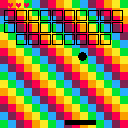
Breakout clone - none of this stuff is serious, just playing with Lua for fun and to share with a couple of friends. Chill people.
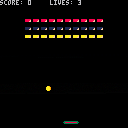
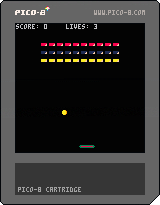
x launches the ball.
Probs need to break up the hitbox detection so that I can change the angle the ball bounces - at the moment it just reverses DY, so DX never changes - I did notice the ball can get trapped on the right edge if you launch the ball with the bat off screen. Bugs hey?
0 comments

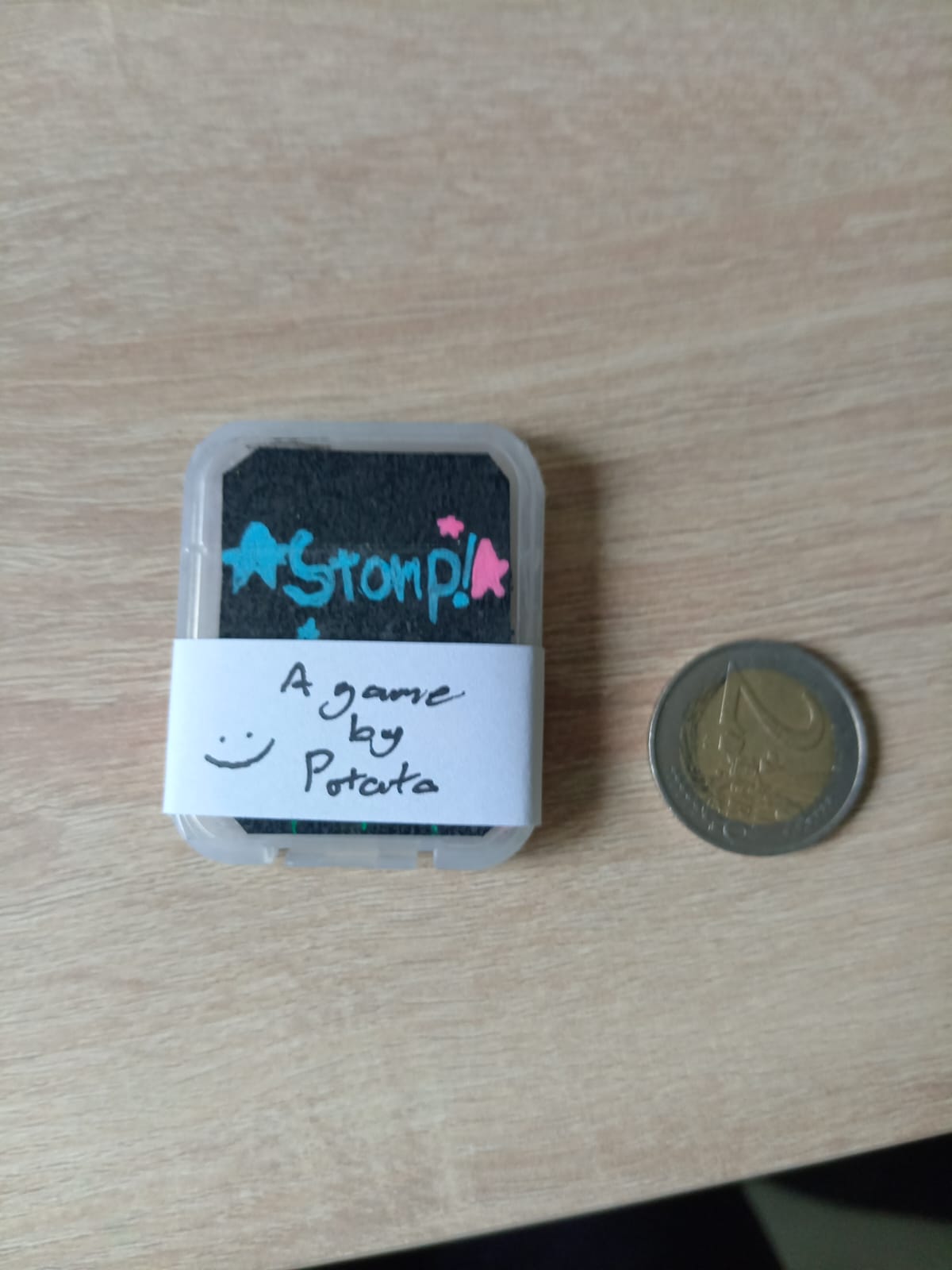
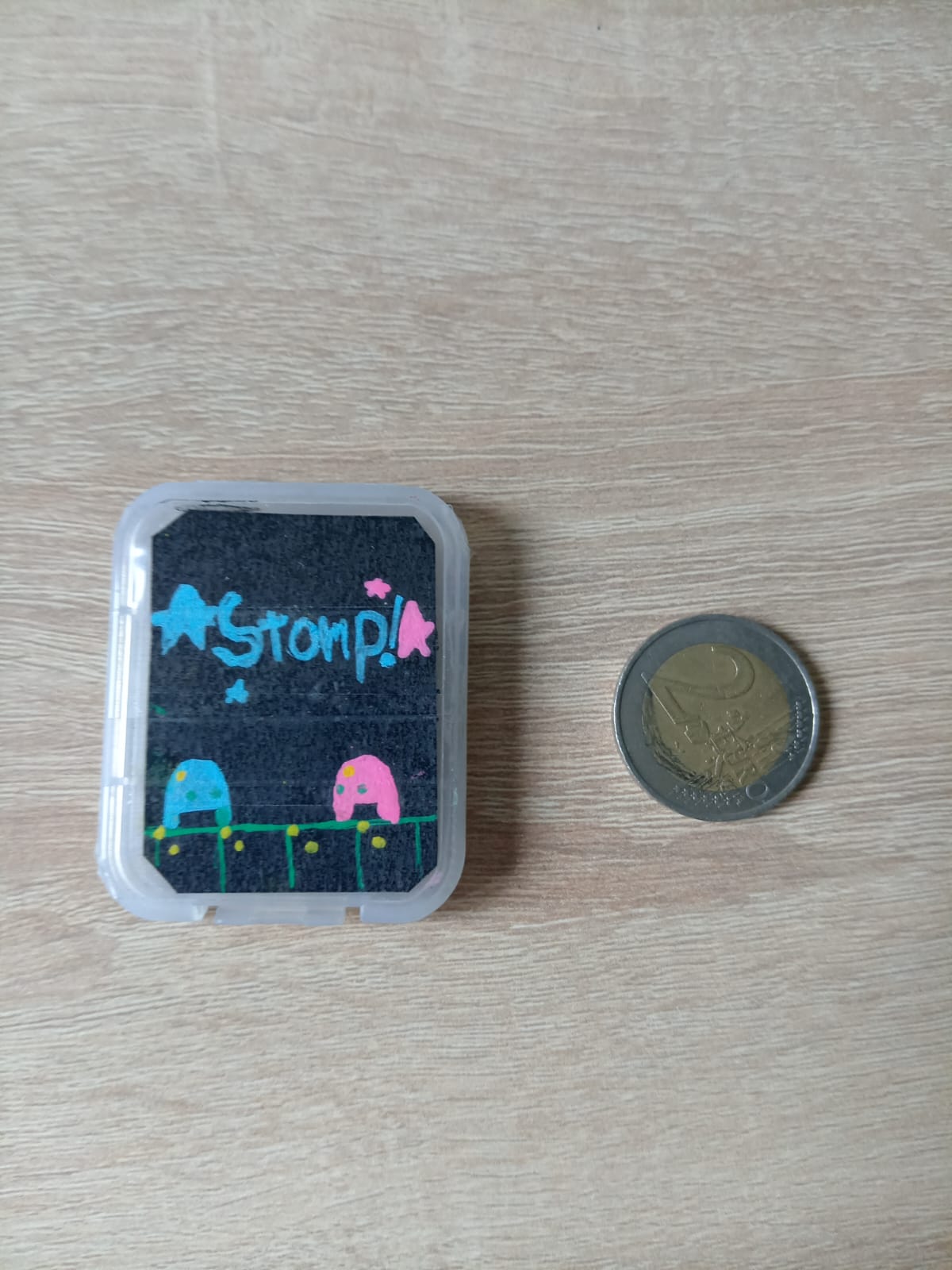
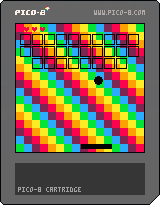
(Still working on the cover art, this is just a sketch)
I most likely ain't gonna publish this, maybe I'm gonna go do a yard sale or give to friends, dunno! (But gonna make a little bit of cash :D)
There is a Micro SD card inside of the case with the game and some bonuses inside!
0 comments
it has been a while since i talked about my game (or talked at all) so i am going to share the first demo clip: dialogue
.gif)
its really cool, its going to be in the first playable demo, too!
...and anything that has to do with "N O D E" and made by me
and remember to have a...

|
[62x10] |
0 comments

I want to put my own little message for my lazy little mod and I don't know what to really do. Help would be appreciated
2 comments

