I haven't missed an update, and I want the newest one. Since making a room a checkpoint is a feature in the update, I want it now. And yes, I already have Voxatron.
(Off-Topic: Yep, I'm back!)


 2 comments

Hey there people of Voxatron My name is F|FTH, I'm a really big fan of this game as you can see i spend a lot of time trying to make popular models. So i come to you with one question, what would you like to see me make? simple say it and I'll make it. (with in reason.) has to be something i can make over night. After it's complete I'll put a link where you guys can see it in action. So what's on you're mind?
9 comments


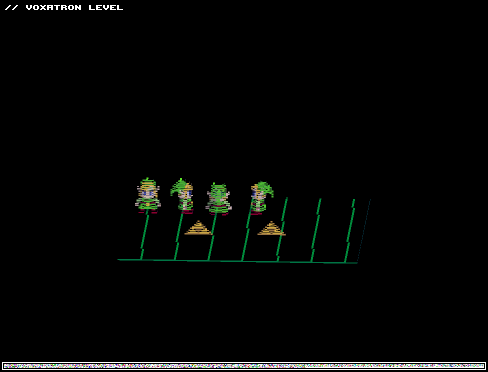
Hi, everyone! You might have seen my post earlier today, with a model of Link from LoZ the minish cap...
Well, I just spent a few more hours making it into a Fully Playable character! AWW YEAH! xD
I tried my best at making a bow animation for the shooting, and sword animation that looks fluid. I'm actually very surprised at how cool it looks, considering I've never made anything like this before!
Enjoy and feel free to use it in adventure maps ^_^
1 comment
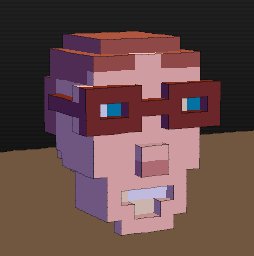
zep,
could you possibly add a way to hide selected objects in the room editor? I want to make a level that changes a lot but it gets messy pretty quickly when I add props and items over each other.
8 comments


Hi, everyone! I just spent the past couple of hours trying to make a model of Link from LoZ the minish cap. Sorry if the proportions aren't 100% correct, but it was the very first time I used the Voxatron editor, and I had never before designed anything similar, but I believe it still turned out really good, so I decided to share with everyone :)
Tell me what you think of it! :D
UPDATE:
I removed the old versions on this post, so they no longer show on the BBS list.
I ended up making it into a fully playable character! Check: PLAY AS LINK!! - Zelda: The Minish Cap
0 comments
This is my personal Favorite I really like what i did with the helm and sword check it out here in this video.
http://www.youtube.com/watch?list=UUqam1oE0ZZJ1m-uU7SLv6Fw&v=AX2FuQxFBwU&feature=player_detailpage
0 comments
This was my first voxatron model and i think it came out well the video below will show you my grimreaper model and also show you how to make one if you are still having trouble.
http://www.youtube.com/watch?list=UUqam1oE0ZZJ1m-uU7SLv6Fw&v=AX2FuQxFBwU&feature=player_detailpage
2 comments
Hey there guys i wanted to show you a model I've worked on. i spent two hours makeing the minecraft character it was hard work but it works watch this video to see him in action!
http://www.youtube.com/watch?v=AX2FuQxFBwU&list=UUqam1oE0ZZJ1m-uU7SLv6Fw&index=0&feature=plcp
0 comments

Yo!
Here's another 100% reproducible SIGSEGV:
- Options
- Video Options
- Mode: Windowed (I guess selecting that should switch to Fullscreen)
- Immediate SIGSEGV
Version: 0.2.1 md5sum vox: 8b36d1948b1a8174c9c8f29bd1446364 Platform: Linux 3.4.7 amd64 |
There is no amd64 build (hint hint puppy-eyes) and I don't have a 32-bit debug libc, so I preloaded. Looks like you are trying to memcpy() to NULL:
Program received signal SIGSEGV, Segmentation fault. (gdb) bt #0 0xf7ed2111 in ?? () from /lib32/libc.so.6 #1 0xf7fdbc84 in memcpy (dest=0x0, src=0xf51dd008, n=12800) at vox_dbg.c:15 #2 0x080aa41e in codo_blit_to_video () #3 0x080a942f in codo_blit () #4 0x08095697 in codo_blit_back_page () #5 0x08094337 in codo_main () #6 0x080499fb in main () |
Core file from a non-preloaded run + libc is here (about 6 MB download).
1 comment
Hi!
Here's how I can get the game to crash every single time:
- Play
- BBS Levels
- View: WIP / Experimental
- Page 2 of 36
- 5960 Return to Castle Voxatron
- SIGSEGV a few seconds after level start, no action required
Version: 0.2.1 md5sum vox: 8b36d1948b1a8174c9c8f29bd1446364 Platform: Linux 3.4.7 amd64 |
If it's any use, I upped a core file (about 7 MB download). Some basic info:
Program terminated with signal 11, Segmentation fault. (gdb) bt #0 0x08062cb1 in activate_object () #1 0x0806356c in activate_objects () #2 0x0805b1b5 in move_frame () #3 0x0805b75e in move_all () #4 0x0804b5b5 in codo_main_update () #5 0x0809432d in codo_main () #6 0x080499fb in main () |
(gdb) info reg eax 0x258 600 ecx 0x0 0 edx 0x0 0 ebx 0x9a67470 161903728 esp 0xffea3650 0xffea3650 ebp 0x258 0x258 esi 0x258 600 edi 0x9cd6884 164456580 eip 0x8062cb1 0x8062cb1 (activate_object+65) eflags 0x206 [ PF IF ] cs 0x23 35 ss 0x2b 43 ds 0x2b 43 es 0x2b 43 fs 0x3 3 gs 0x63 99 |
2 comments
Howdy!
Turns out the Debian package won't install on lightweight ummm... installations
because postinst, postrm and prerm don't check for existence of the
programs they use:
$ dpkg -i voxatron_0.2.1_amd64.deb Selecting previously unselected package voxatron. (Reading database ... 59948 files and directories currently installed.) Unpacking voxatron (from voxatron_0.2.1_amd64.deb) ... Setting up voxatron (0.2.1) ... /var/lib/dpkg/info/voxatron.postinst: 3: /var/lib/dpkg/info/voxatron.postinst: xdg-icon-resource: not found /var/lib/dpkg/info/voxatron.postinst: 4: /var/lib/dpkg/info/voxatron.postinst: xdg-desktop-menu: not found dpkg: error processing voxatron (--install): subprocess installed post-installation script returned error exit status 127 Errors were encountered while processing: voxatron |
Wrapping each command like so
[b]if type xdg-desktop-menu > /dev/null; then[/b] xdg-desktop-menu install --novendor /usr/share/applications/voxatron.desktop [b]fi[/b] |
2 comments


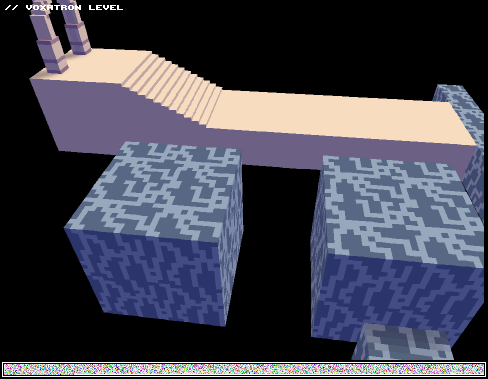






Here's a quick tutorial that shows how to use the new door types with triggers to set up a level which has 'locations' -- areas that you can enter just once. When the two locations are completed, a third boss location is unlocked.
You can use the NOITEM trigger with regular items too; they don't have to be blue doors. For example, if you'd like a block to permanently appear after an apple has been collected, set the apple's COLLECT ONCE parameter to 1. Then group the apple and the block (select, shift-G) and set the block's trigger to NOITEM. If you'd like the block to permanently disappear along with the apple, do the same but set the trigger to GROUP.
Here's the level file: (not fun to play -- just a demonstration!)
tutorial_doors.png
For more complex examples, you can see a lot of these triggers used in Twisty Castle. For example, the four pots that you jump down are grouped with their respective blue doors and triggered with 'GROUP' so that they no longer appear after the section has been completed.
4 comments



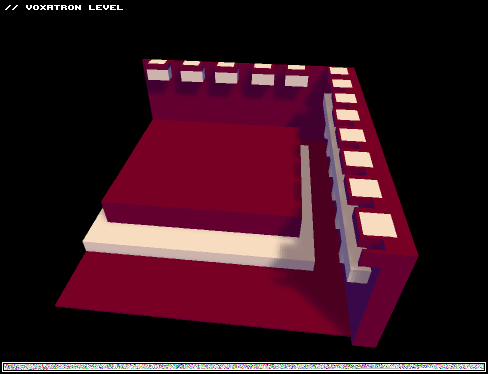

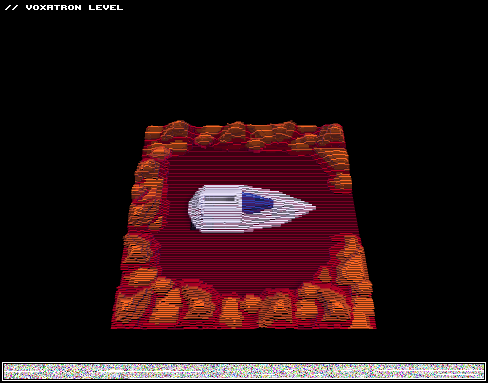
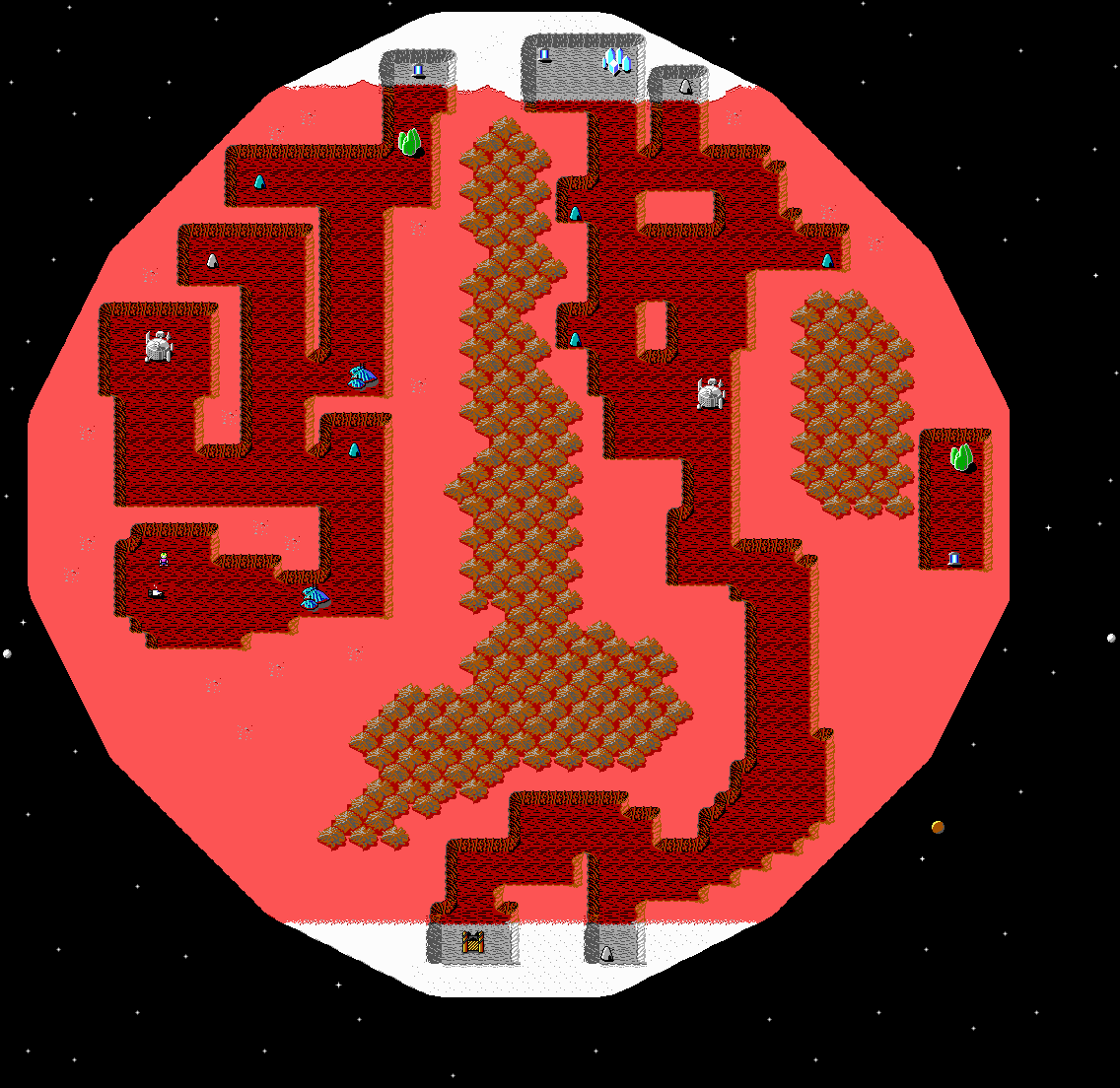
This is actually the first map I'm trying to work on since I've got Voxatron.
Though as you can see, there is no weapon, and levels inside objects yet.
2-way doors are kind of broken, you just have to find them to go to next part of map.
It's based on this: http://www.shikadi.net/wiki/keen/images/5/53/Ck1lv80.png
Levels for map will be available when I finish porting whole mars map. Map is splitted into squares, as full map would be for me pretty much confusing still as player could skip levels by going around area instead to follow steps properly.
Another problem for me is triggering levels as done (Example: Enter shrine, do something around level, exit, replace shrine with object "Done"
2 comments
My friends played Jasper's Journeys and somehow they liked it more than Voxatron (you don't say). Yet, they even wanted to know is there some way to get level editor for it.
Any chance that you publish level editor at least?
2 comments