Yo!
Here's another 100% reproducible SIGSEGV:
- Options
- Video Options
- Mode: Windowed (I guess selecting that should switch to Fullscreen)
- Immediate SIGSEGV
Version: 0.2.1 md5sum vox: 8b36d1948b1a8174c9c8f29bd1446364 Platform: Linux 3.4.7 amd64 |
There is no amd64 build (hint hint puppy-eyes) and I don't have a 32-bit debug libc, so I preloaded. Looks like you are trying to memcpy() to NULL:
Program received signal SIGSEGV, Segmentation fault. (gdb) bt #0 0xf7ed2111 in ?? () from /lib32/libc.so.6 #1 0xf7fdbc84 in memcpy (dest=0x0, src=0xf51dd008, n=12800) at vox_dbg.c:15 #2 0x080aa41e in codo_blit_to_video () #3 0x080a942f in codo_blit () #4 0x08095697 in codo_blit_back_page () #5 0x08094337 in codo_main () #6 0x080499fb in main () |
Core file from a non-preloaded run + libc is here (about 6 MB download).


 1 comment

Hi!
Here's how I can get the game to crash every single time:
- Play
- BBS Levels
- View: WIP / Experimental
- Page 2 of 36
- 5960 Return to Castle Voxatron
- SIGSEGV a few seconds after level start, no action required
Version: 0.2.1 md5sum vox: 8b36d1948b1a8174c9c8f29bd1446364 Platform: Linux 3.4.7 amd64 |
If it's any use, I upped a core file (about 7 MB download). Some basic info:
Program terminated with signal 11, Segmentation fault. (gdb) bt #0 0x08062cb1 in activate_object () #1 0x0806356c in activate_objects () #2 0x0805b1b5 in move_frame () #3 0x0805b75e in move_all () #4 0x0804b5b5 in codo_main_update () #5 0x0809432d in codo_main () #6 0x080499fb in main () |
(gdb) info reg eax 0x258 600 ecx 0x0 0 edx 0x0 0 ebx 0x9a67470 161903728 esp 0xffea3650 0xffea3650 ebp 0x258 0x258 esi 0x258 600 edi 0x9cd6884 164456580 eip 0x8062cb1 0x8062cb1 (activate_object+65) eflags 0x206 [ PF IF ] cs 0x23 35 ss 0x2b 43 ds 0x2b 43 es 0x2b 43 fs 0x3 3 gs 0x63 99 |
2 comments
Howdy!
Turns out the Debian package won't install on lightweight ummm... installations
because postinst, postrm and prerm don't check for existence of the
programs they use:
$ dpkg -i voxatron_0.2.1_amd64.deb Selecting previously unselected package voxatron. (Reading database ... 59948 files and directories currently installed.) Unpacking voxatron (from voxatron_0.2.1_amd64.deb) ... Setting up voxatron (0.2.1) ... /var/lib/dpkg/info/voxatron.postinst: 3: /var/lib/dpkg/info/voxatron.postinst: xdg-icon-resource: not found /var/lib/dpkg/info/voxatron.postinst: 4: /var/lib/dpkg/info/voxatron.postinst: xdg-desktop-menu: not found dpkg: error processing voxatron (--install): subprocess installed post-installation script returned error exit status 127 Errors were encountered while processing: voxatron |
Wrapping each command like so
[b]if type xdg-desktop-menu > /dev/null; then[/b] xdg-desktop-menu install --novendor /usr/share/applications/voxatron.desktop [b]fi[/b] |
2 comments


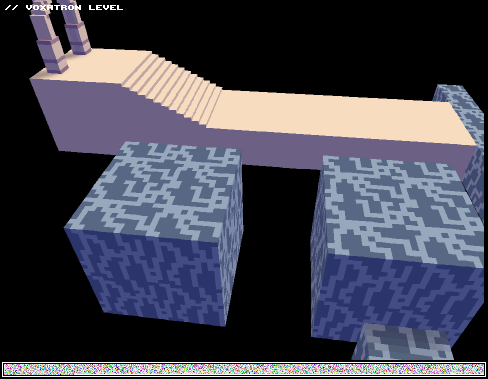






Here's a quick tutorial that shows how to use the new door types with triggers to set up a level which has 'locations' -- areas that you can enter just once. When the two locations are completed, a third boss location is unlocked.
You can use the NOITEM trigger with regular items too; they don't have to be blue doors. For example, if you'd like a block to permanently appear after an apple has been collected, set the apple's COLLECT ONCE parameter to 1. Then group the apple and the block (select, shift-G) and set the block's trigger to NOITEM. If you'd like the block to permanently disappear along with the apple, do the same but set the trigger to GROUP.
Here's the level file: (not fun to play -- just a demonstration!)
tutorial_doors.png
For more complex examples, you can see a lot of these triggers used in Twisty Castle. For example, the four pots that you jump down are grouped with their respective blue doors and triggered with 'GROUP' so that they no longer appear after the section has been completed.
4 comments



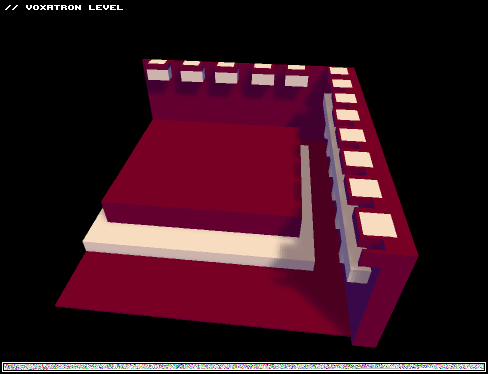

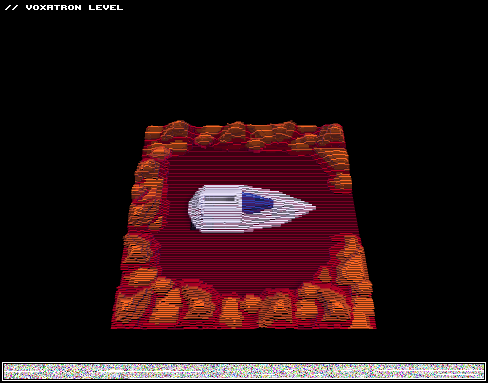
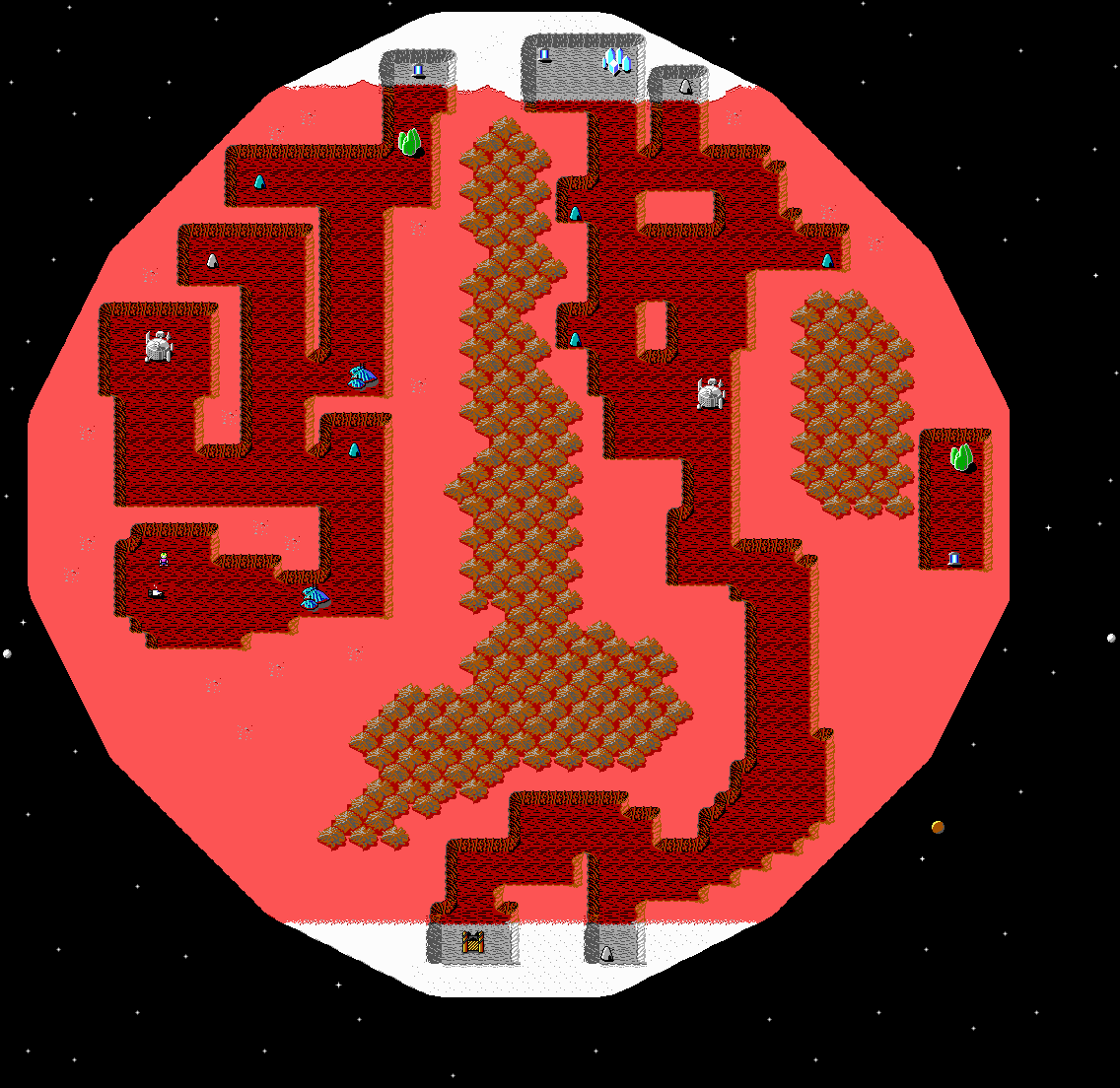
This is actually the first map I'm trying to work on since I've got Voxatron.
Though as you can see, there is no weapon, and levels inside objects yet.
2-way doors are kind of broken, you just have to find them to go to next part of map.
It's based on this: http://www.shikadi.net/wiki/keen/images/5/53/Ck1lv80.png
Levels for map will be available when I finish porting whole mars map. Map is splitted into squares, as full map would be for me pretty much confusing still as player could skip levels by going around area instead to follow steps properly.
Another problem for me is triggering levels as done (Example: Enter shrine, do something around level, exit, replace shrine with object "Done"
2 comments
My friends played Jasper's Journeys and somehow they liked it more than Voxatron (you don't say). Yet, they even wanted to know is there some way to get level editor for it.
Any chance that you publish level editor at least?
2 comments

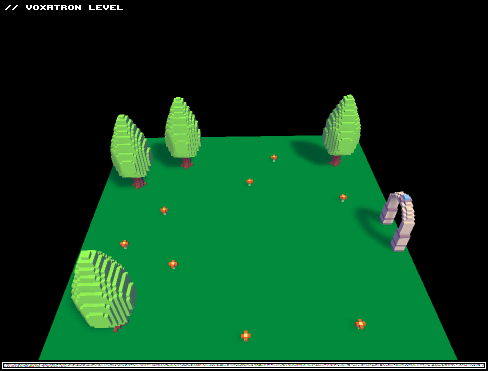
 | A small playground level to test the flash version of Voxatron.
|
This version of Voxatron is a 550k swf compiled from the C source using Adobe Alchemy. I can't imagine it will ever replace the native version as a way to play BBS levels, but it might become a nice way to preview them and to share stuff online. It also has the potential to become a convenient way to show replays. Only the key presses are recorded so the data needed is very tiny (around 3k for a long level).
After you finish the level, try ESCAPE (menu) -> "PLAYBACK >>" to see this in action. F to fast-forward.
You can check the frame rate with ESCAPE->OPTIONS->VIDEO OPTIONS. It does around 18 fps for me (Linux/Firefox). You can turn soft shadows on in the video options but it will cost around 4 FPS
No audio support yet
Have fun!
17 comments





Playing Twisty Castle on 0.2.1, the game has crashed twice during gameplay. I don't see anything that could be causing it, it just tells me vox.exe stopped working. Never happened on previous versions and there doesn't seem to be a crash log anywhere.
If it's any help, here's the problem signature:
Problem Event Name: APPCRASH Application Name: vox.exe Application Version: 0.0.0.0 Application Timestamp: 500ef3dc Fault Module Name: vox.exe Fault Module Version: 0.0.0.0 Fault Module Timestamp: 500ef3dc Exception Code: c0000005 Exception Offset: 0005b560 OS Version: 6.1.7601.2.1.0.768.3 Locale ID: 4105 Additional Information 1: 0a9e Additional Information 2: 0a9e372d3b4ad19135b953a78882e789 Additional Information 3: 0a9e Additional Information 4: 0a9e372d3b4ad19135b953a78882e789 |
Computer specifications:
Windows 7 Home Premium (64-bit)
AMD Athlon(tm) II X4 645 Processor 3.1 GHz
6 GB RAM
ATI Radeon HD 4200 with 2.9GB Video RAM
2 comments

Hi. I bought this game some time ago and while migrating my admin account I accidently deleted the voxatron app itself. I bought it legitamently and what do I do to re-download the app without haviong to pay another 15$ since my parents aren't one to like buying the same thing twice.
I hope this counts as proof I bought it:
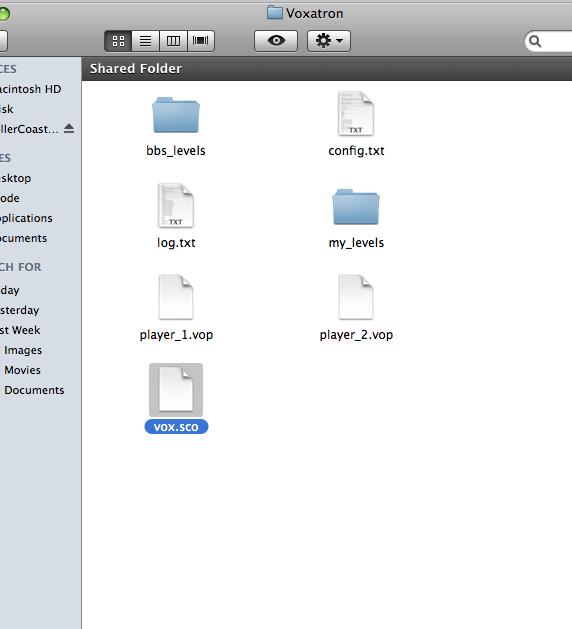
Help?
1 comment


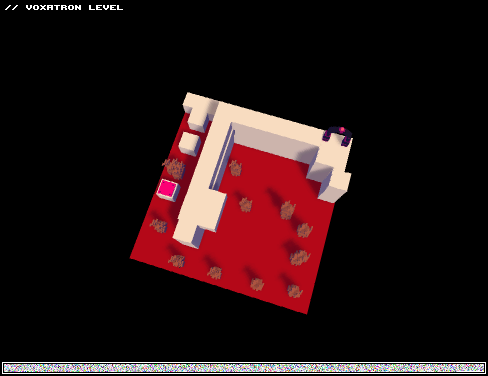
Sorry, I using Translater
English(ENG):
Hello people! It's my first level, and i want know, how many stars(1 - 5) you rate my level?
Plot(I use translater):
You are in Hell, your mission - escape!
There 6 rooms:
0 - Jump, jump, jump!
1 - Doomed forest.
2 - Lair of HellHound's.
3 - Plains of Despair.
4 - Creepy forest.
5 - Halls of fire.
6 - Underground river.
7 - Hell-Botanic Dendrarium.
8 - Dragon Wall.
9 - Fin.
Hint: In Zero-room you can escape level another way, but with little score.
Hint: In Halls of fire you can restart, just walk in the portal under tree.
3 comments

I've allowed to run downloaded applications in System Prefs but still not starting.
Any idea what to check?
2 comments


I just noticed when checking the version on the OSX versions of the games, the version strings are incorrect. They just say "vox" or "zen", they don't have the application version number on them.
0 comments
Good news, everyone!
It's now possible to add games purchased through the Humble Store or the Humble Voxatron Debut to your lexaloffle account.
This makes it a bit easier to update to new versions: you can view and download games from the Games > My Games page when you're logged in. If you don't have/want a BBS account, you can also use this page to request download links for any games that you own.
To activate games, just navigate to your Humble Store game page and click the large link at the top ("Click here to connect with your Lexaloffle account"). If you can't find a link the purchase page in your email, there is a key resender here.
EDIT: Humble Voxatron Debut customers need to follow a few more steps -- see predcon's comment below.
If you use a different email to log in to the BBS, edit your profile settings and set the "Alternative Email" to whatever you registered the game under.
51 comments




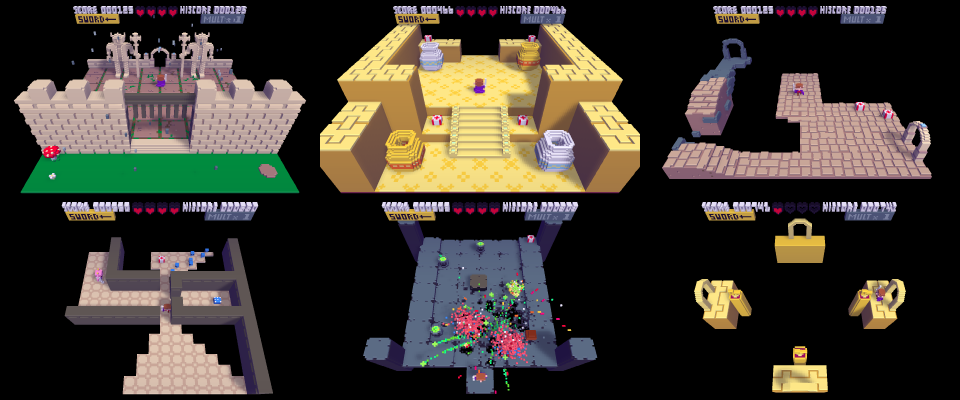
0.2.1 is out now! This version contains some new stuff for level designers to play with, room camera position, refined 0.2.0 monsters, more detailed trigger control, and a Bullet Hell Elephant.
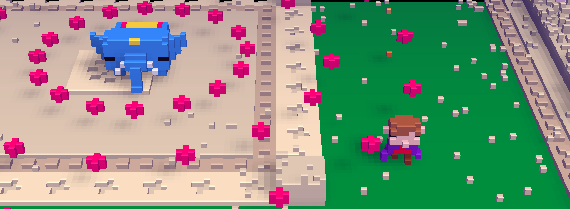
Here's a demo level that shows most of the new features (you'll need to update in order to play this):


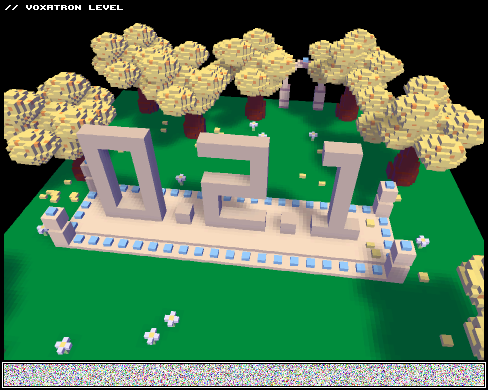
How to Update: Use your Humble Store / Humble Voxatron Debut links. Search your email for "Your Humble Bundle order" or "Thanks for purchasing Voxatron". Alternatively you can request a new link here
*UPDATE: You can now add games directly to your lexaloffle account to make updating easier. Click on the link at the top of the Humble Store page. See here for details.
18 comments