


I'm using a PS2 controller through a USB adapter on Win XP pro.
I can't seem to map the d-pad buttons in the control setup. Thumbsticks, buttons, and triggers work fine.
The D-Pad works fine in other programs and I have used the buttons in a program using directinput that I've recently written.
(Before anyone brings this up, I do know that the PS2 controller supports pressure sensitivity on its buttons. However, the adapter translates them as simple buttons.)
TL;DR
Controller d-pad doesn't work, but works in other applications.
thanks,
- duskesko


 5 comments







I really hope this isn't a repeat post, but I did try looking for a search feature.
I've noticed that this link from the Voxatron page shows thumbnails and level numbers. https://www.lexaloffle.com/bbs/?cat=6&mode=cposts
I can't seem to find a way to switch to this view in the bbs forums, though.
Any help would be greatly appreciated
Thanks so much and sorry if I brought up something that has already been addressed.
- duskesko
0 comments


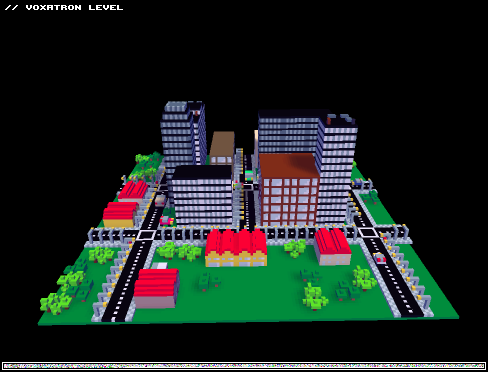
Niveau pour tester l'éditeur et chercher qq idées de gameplay en environement urbain! Ville en construction...
4 comments



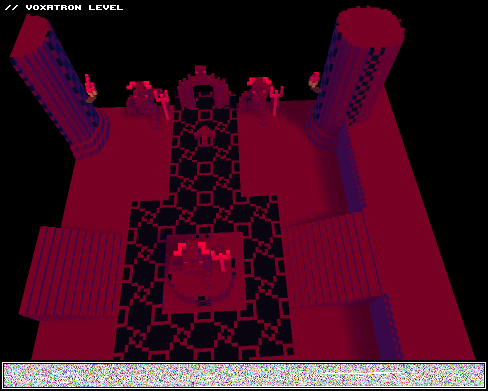


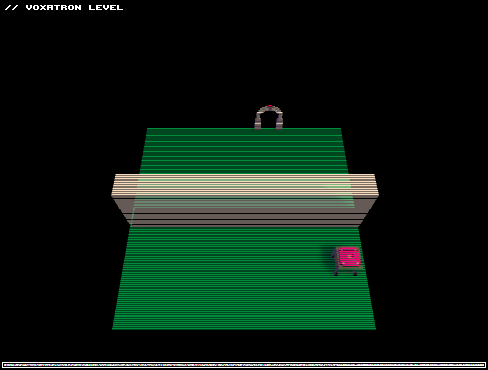

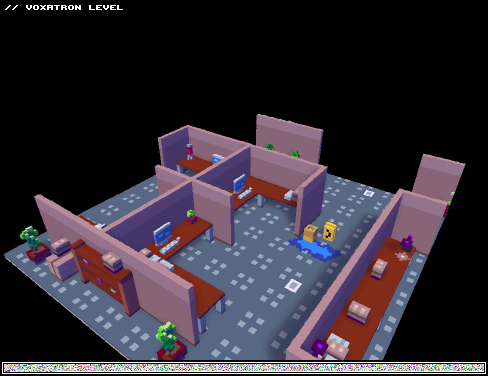
Detailed level with two rooms. First you have to survive in a cubicle office and after that in a warehouse.
Level difficulty is pretty hard but not impossible when you take advantage of level items.
Give it a try and please leave a comment if you liked it! :)
(version 2 fixes bug in room 2)

 3 comments


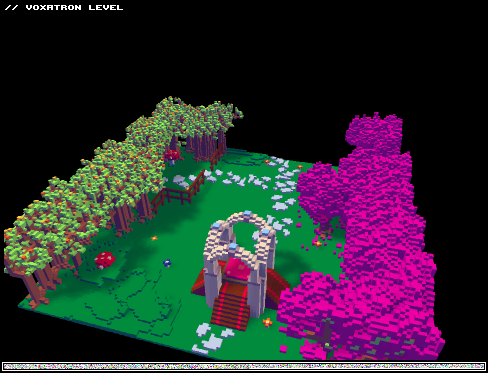
Hey Guy`s.
My last post to this Level was an epic Fail , sry.
But here it is ^^
This is a WIP , in future you will have a grand Journey through Asia ( In Fantasy )
enjoy!
( Sry my english is very bad xd)
Lg Blobla
0 comments
Hey Guys . Its a easy Question , are here any germans ? xD I am a German and i hate it to speak / write english in Forums
10 comments




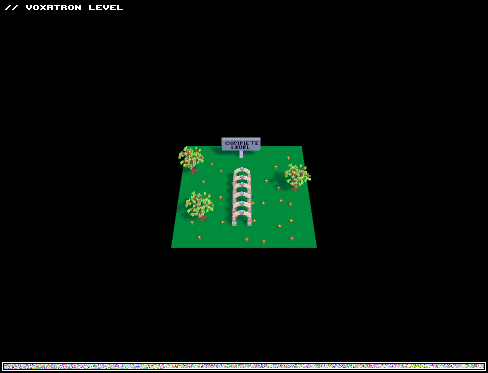


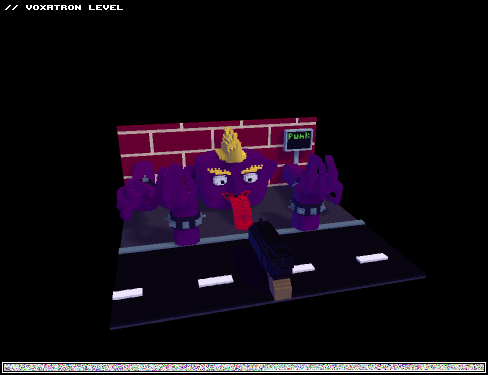
Hi I finished my first level.
You fight a giant purple punk and have to defeat him 3 times to win. Have fun!
6 comments




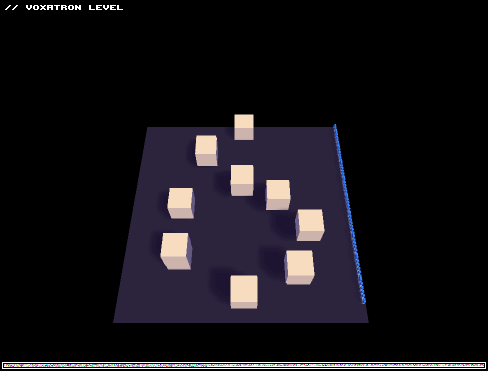

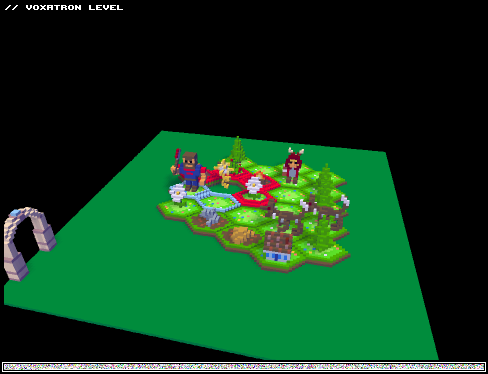
Howdy, Voxatronians!
We here at RetroEpic Software spent a bit of time remaking two levels from "A day in the woods" into Voxatron levels!!!
Go check out the real thing if you like it!

 0 comments

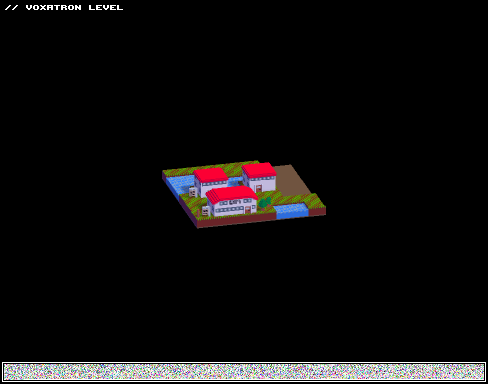
Palett Town
Viridian City
Pewter City
Cerulean City
Update 1:

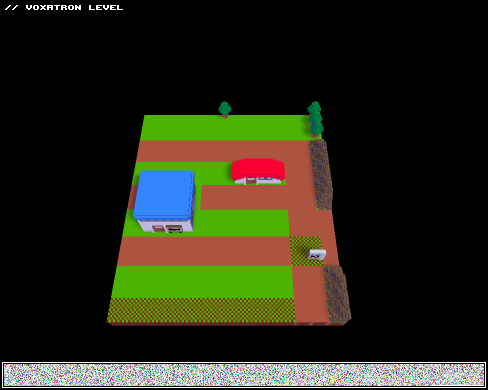
Viridian Forest
Mt Moon
Vermillian City
Update 2:

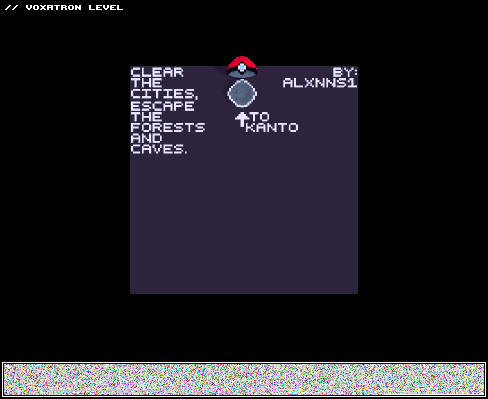 19 comments



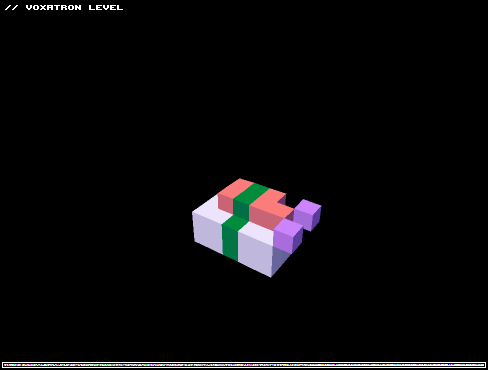
Just something interesting to toy with. I didn't realize you could make invisible items like this. So that's what this is used for, huh?
Please. Make all your event triggers more interesting with invisible sushi instead of just using the "close" trigger type.
2 comments


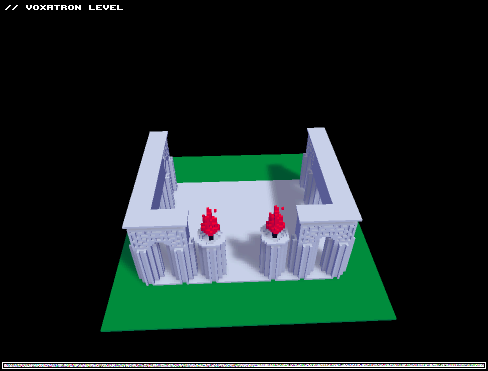
Just a quick level I made for my first go at this whole level editing thing. Thanks for playing!
0 comments

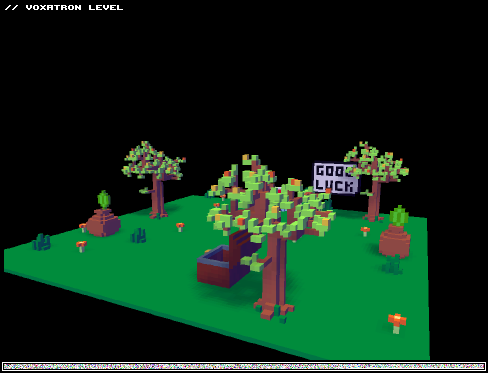
After seeing the way objects appear when triggered, I immediately thought of a "sword in the stone" scenario, and what better way to portray this than through a Zelda-inspired level. I started out just testing the editor, but ended up adding a lot more (and spending more time) than intended. There are only a few enemies, and they are in the first area, so this is more of an interactive environment I guess?
Hopefully this brings back memories. Not sure if I'll add more to this later or not. All criticism welcome. Enjoy :D
PS: Find Navi :)
2 comments


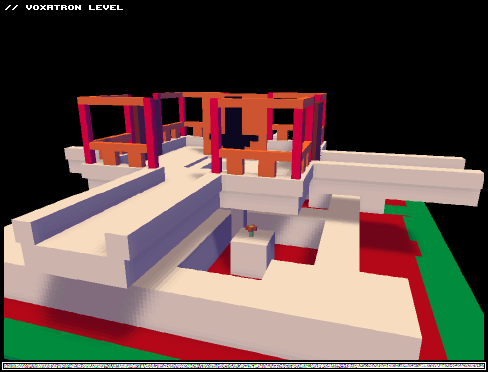
I experimented with timed structures and tried to direct the player near the end. Try to avoid the hole until you see the arrow. I'm afraid people may get stuck behind the timed structure when the enemies come. Let me know how your play-through went.

 0 comments


