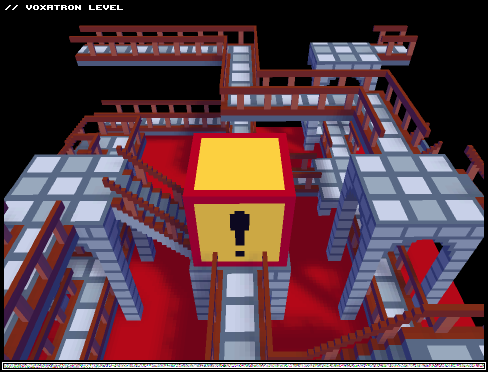


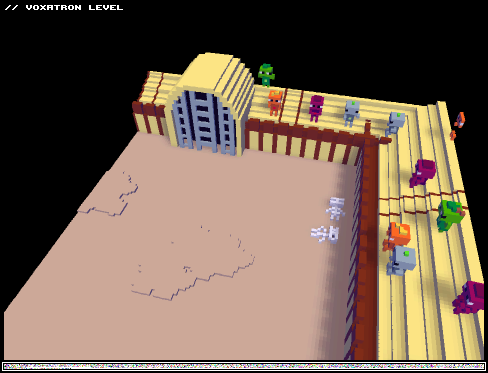
Tweaked several things, picked some music, made it look better, and added gasp a WORKING FINISH! Woooo!
Comments?


 1 comment


Hello everyone!
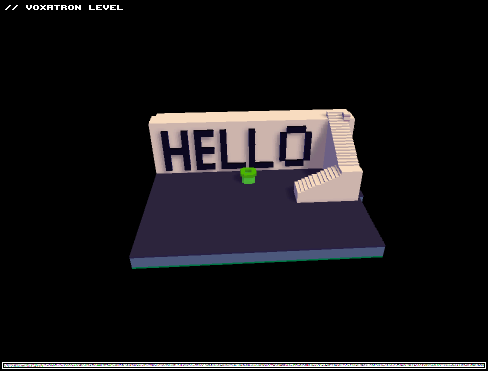
I thought I would add the first level I created as I was learning all triggers, I really enjoy games with level editors built in and I really like what Lexaloffle has done here, I hope it continues to have features added to it for even more customisation of player levels.
I guess people learning how to do things could look at my level in the editor and see how it was structured, that's what i've been doing. Anyway Enjoy...
Time to work on a multi level masterpiece for a proper submission to the BBS.
 1 comment


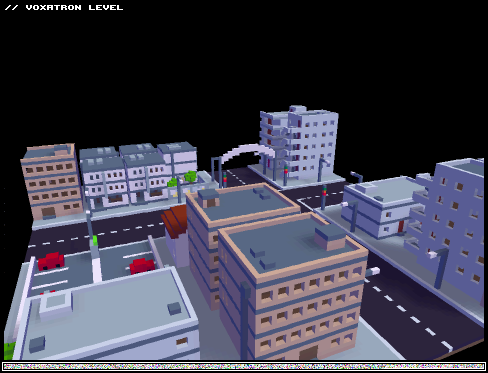




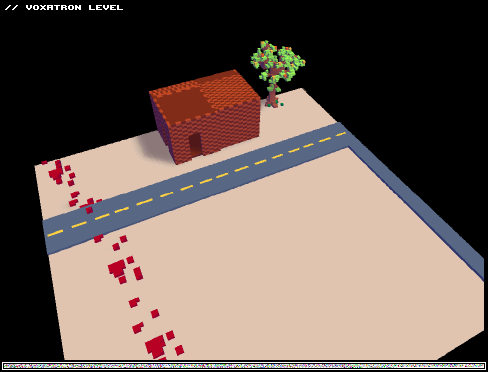
I created this level so that I could start a baseset of props up that I could use for a later project, my intention was to try and create a horror themed stage. Eventually I would like to create a whole campaign based on the idea, right now I'm fiddling around to try convey a story, which you can kind of see here with the inclusion of the bloodtrail.
This is the first stage I've created with these tools, and so far I have to say I'm liking them a whole lot. Sorry if it's a bit laggy!
2 comments






Hi, again!
When I was making a level I added a new room (room [1]) to my inventory, but I was already working on room[0]. The room[1] is empty and when I save the level, the room[1] remains there. How could I delete an empty room to save just the important ones?
Thanks =)
7 comments



We are starting to see some diversification in enemies, which is good. The first several monsters are a bit bland. Some more ideas (for enemies, mechanics, items...):
-
New monster: suicide bomber. The explosion should be quite small but still dangerous up close. Perhaps more importantly, it should harm other monsters. If that's too redundant (too many explosions), they could just burst in a pool of slime spreading across the floor, then drying up after a few seconds.
-
Flying enemies. They could include melee attackers and bombers. Bombers should make significant damage to the terrain. It could be interesting to introduce a new shooting key: "shoot upwards". It would be "5" on numeric, and for everyone else... hmm... I guess 1 more key isn't that much, right ?
-
enemies that shoot projectiles like artillery, in an arc.
- gremlin: a helpful "enemy" that runs away from the player. Like scarabs in Spelunky, they would have to be picked up. This would grant a random powerup, including Duplicate, Apple, Chocolate and Sushi. As for introduction of new powerups affecting old levels... room creators could have two settings for gremlins. a) progressive: gremlins in this room will be affected by future changes. b) conservative, the list of possible powerups will be limited to those available in current version.
14 comments






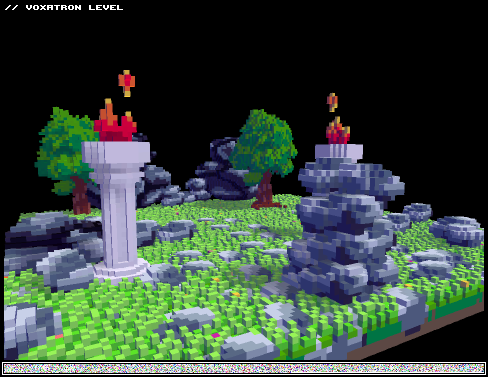
I was playing around with the level editor, and decided I'd post this in case anyone else wants to add to it (I probably won't). Right now there's only one room.
 0 comments

I couldn't find a thread like this in the first five pages or so, so I figured I would make one. If one already exists, or there is already a place for this sort of discussion, let me know.
Rather than multiple threads clogging up the board, everyone can post here, and hopefully it will catch the attention of moderators and developers (who are perusing these boards for feedback, I'm sure). It's also possible that people might suggest things that are already in-game, and others can let them know how to do it.
Some ideas I had about possible inclusions for future updates (mostly relating to the editor):
-the ability to submit levels to the BBS list from the editor/ in-game
-community ratings (star system perhaps) for user-submitted levels
-a simple trigger/button/tripwire mechanic to cue monster spawns and/or item drops
-the ability to draw moving paths for objects
-maybe some sort of minimap (I am expecting some obscenely large maze maps in the future)
-a sub-board for tutorials/help relating to the editor
-(in the very distant future) multiplayer, or co-op (would be awesome fun imo)
70 comments




Post your ideas for interface improvements here.
-
The way rooms scroll is mildly confusing. I can't tell if I should go left, right, "up" or "down" to continue exploring. All screen edges are black anyway. I have an idea: black edge should be reserved for room boundaries. Edges that can be explored could be light gray, like a fog.
-
wasd keys work ingame, but not in menu
-
I find myself trying to save time by going down when already at bottommost menu item. It doesn't work because menu doesn't wrap around. For instance when the cursor is on "back", pressing down should change selection to topmost menu item
-
I MISS DIAGONAL SHOOTING KEYS ! (7, 9, 1, 3)
- Slightly more standardized room exits would help. Invisible diamonds (item 9) are fine when the creator wants to make something fancy, like exit via a car, phone booth, jump into a well, or even a portal in the middle of a room. But LOTS of rooms have exits on one of edges. How about an additional item for exits on screen edge ? It would work the same, except it would look like a bright blue rectangle (1 voxel thick, dimensions about the size of a door). Players would be encouraged to use it when room ends on an edge.
The big suggestion thread:
https://www.lexaloffle.com/bbs/?tid=460
6 comments




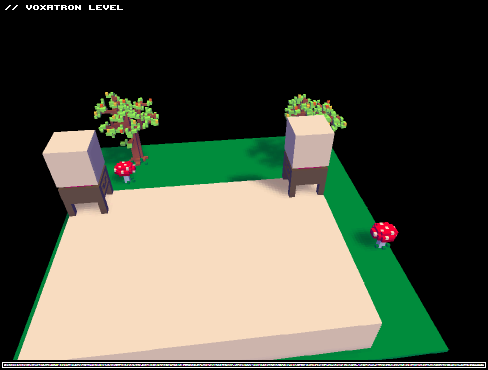


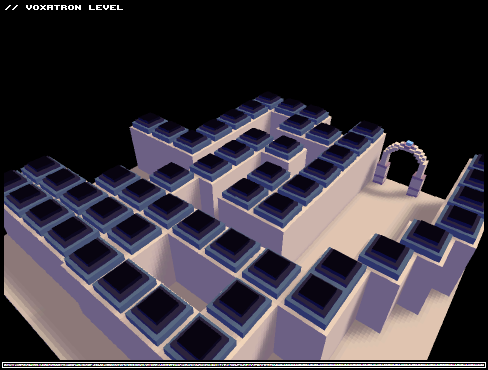
Hi! I just bought the game on Humble Voxatron Bundle and I am loving it! I was messing around with the editor and I want to know if you may help me with some things.
1) I'd like to put some "fireworks" on my level. I'm trying but I don't know how to program an actor/object to go up on the screen, disapear and be substituted by other figures. I can just program at what time it'll appear on the screen, but the velocity or the direction of a movement, I can't. At least, I didn't found how to do it yet.
2) How can I make some object to move on the screen? I know that the pre-set actor can move itself, but how can a new actor do the same?
3) How can I place an object flying in the air, like the dragon of the original game, without let it fall on the ground? Even if the actor is static, when I click on the play button, it simply fall and lose its format in a mess of voxels :/ I tried to place a pre-set object (flower) suspended in the air, and it didn't appear on the screen when I clicked play.
4) I'm having some dificulties to delete an object placed. What's the right way to do it?
Thanks =)
3 comments

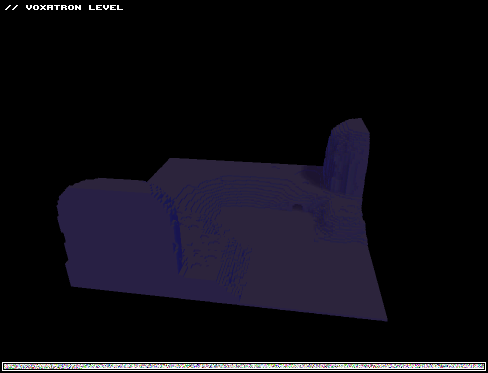
Just testing out the level editor, thought i'd give you guys a bite.
I will keep making this level at a casual rate, look for quite a few rooms including lava puzzles and big battles.
Throw some feedback at me in the comments after you play the first room.
2 comments