


DVD Logo thingy I made while following Lazy Dev's PICO 8 tutorial.
I intentionally don't call CLS() each frame to have a more fun effect.
The bouncing sprite changes its palette every 250 frames, and bounces at a random velocity.


 1 comment

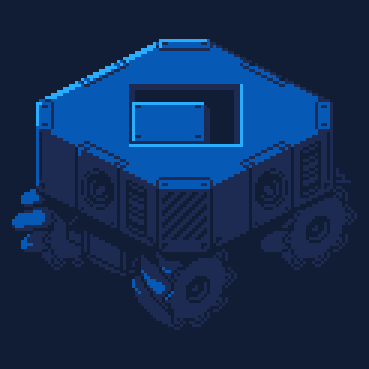


Delve into the caverns in search of the sacred fruit!
X - Inventory
Z - Select
Arrow Keys - Move
While I did get a finished game loop that I'm happy with, there's a lot of potential that couldn't be explored due to the time constraints of the jam (and spending too much time programming systems).
4 comments



Shmup mockup I made while following Lazy Devs' PICO 8 tutorials.
It uses cls, rectfill, rect, print, spr and pal functions.
The alien mother's eye quickly rotates through different colours to give an intimidating effect.
0 comments

Edit 2026-06-22:
Cartridge removed in compliance with new Lexaloffle Generative AI policy. The cartridge was made with agentic coding tools, though art, writing, and music were made by myself. Feel free to play the version on my itch if you'd like. The project is currently on development hiatus as I burned out and am working on other games, but it contains a complete story as is.
I've been working on this for a while. A storybook tactics game inspired by Fire Emblem and Paper Mario!
Plays with either joypad or mouse. Mouse is my recommendation until I add better joypad shortcuts, but both should work.
Despite having worked long on this, there is still so much more I'd like to add. Let me know how you like the game!
Bold Font: lilwide by thelxinoe5
Title Font: Troll by somepx
5 comments




About
A very short game made in under 7 days for the 7DRL Challenge 2026 game jam.
Synopsis
A rogue-like-ish game where you start with every item already in your inventory, and constantly lose items / upgrades instead of obtaining new ones.
1 comment


Please post if you find any bugs with the boss.


Quick Start
Pick a tile from the palette at the bottom
Left click to place tiles
Right click to erase
Tools:
Paint: draw tiles one by one
Fill: fill an area
Controls:
Move mouse to screen edges → scroll the map
9 comments


A bit of a simple request, but it would be nice if the "extra" flag in gfx data remained unused, namely so custom editors could write to it to store per-sprite metadata without it being overwritten by the built-in gfx editor.
This is preferred over adding a new flag to gfx data so that custom tooling remains compatible between picotron versions.
This could be used by custom tools to store layers, animation data, tags, etc.
The same could apply to other formats like .map and .sfx
Why not use metadata?
You could use metadata to store this extra data, and hypothetically it shouldn't be cleared. But it's not a great solution. As long as you only use one editor it would work fine, but if you were to quickly use the built-in gfx editor to move a sprite, then load it back in your custom editor, your data is now all out of order.
Couldn't you add custom flags to gfx?
A quick glance at main.lua in the built-in editor shows two methods for saving and loading gfx data, both of them seem to only support very specific flags. If you were to save extra data in a custom editor, it would simply not get loaded by the default editor.
2 comments



A simple font viewer I made where you drag and drop a .font file to view it or use default_app font_viewer.p64
You can generate a png image of the font by pressing Z.
You can generate a copy-paste font download for your font by pressing X.
1 comment



Please note: Magpie currently doesn't work in Chromium browsers due to a bug. Find binaries to download on itch!
Current Version: 0.2.1 (Joy)
Changes
0.2.1:
- You can now page between modes using CTRL + [,] or CTRL + <,> or click buttons in the top-right corner (thanks Verbante!)
- Added cart metadata (thanks Claus!)
0.2:
- Added many new functions!
- Added Code Explorer - go back in time and view your past Magpie code, load it back in and edit it!
- Refined the way timers worked, fixed some performance things, added new sprites.
9 comments



Hi everyone!
I made a small arcade reflex game inspired by the bamboo cutting mini-game from Ghost of Tsushima.
The goal is simple: repeat the button combo before time runs out and cut the bamboo.
Each round becomes harder with longer combos and tighter timing.
Miss the sequence and the cut fails!
Controls
Z – X input
X – O input
Arrow keys – directional inputs
Follow the combo shown on screen and enter it as fast as possible.
Gameplay
- Random combo sequences
- Increasing difficulty every round
- Time pressure
- Score system with high score tracking
- Simple ninja slash animation
- Bamboo cutting effects
Try to reach the highest score you can.

 0 comments

I am following the lazy devs basic Shmup Tutorial.
I published a little game when I was at the 12th or 13th video
And that's it :)
0 comments


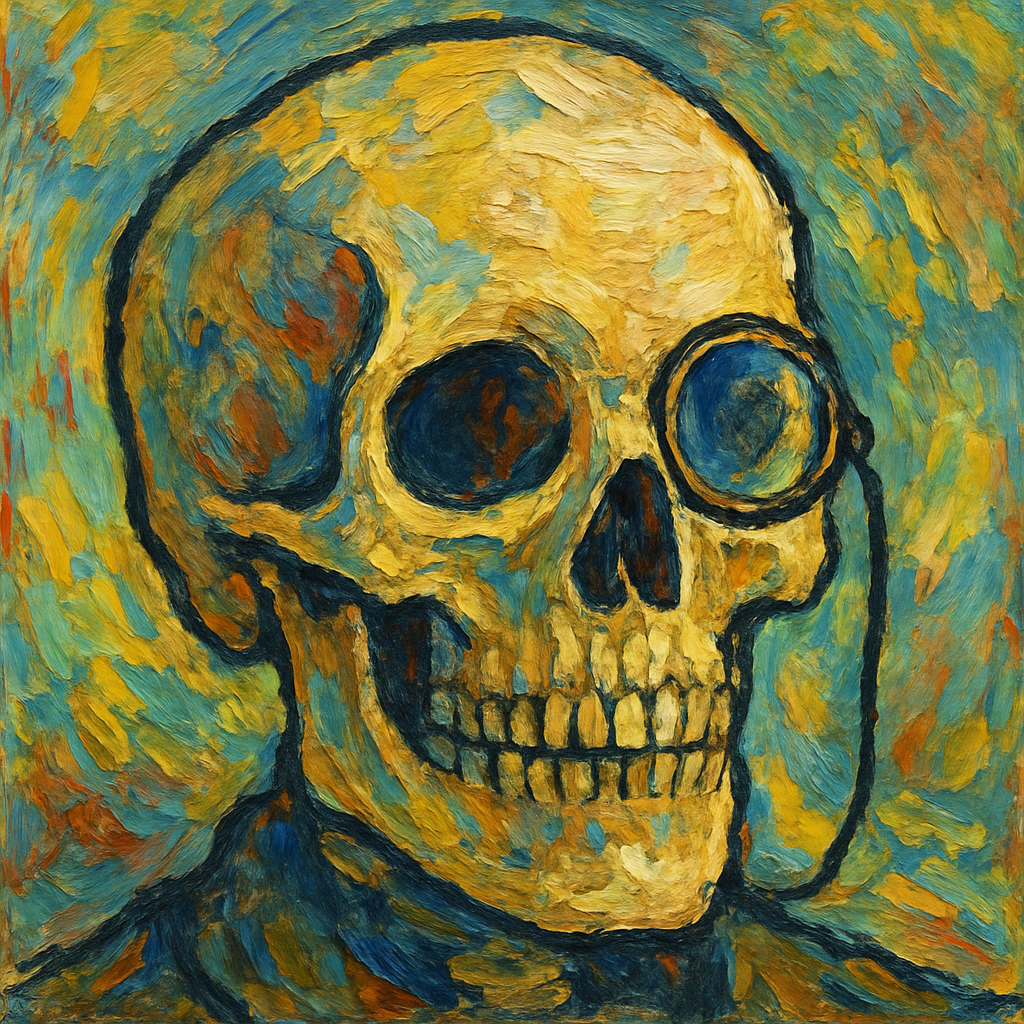
Controls
↑ / ↓ — Move paddle
← / → — Adjust speed
Z (Y) — Change ball direction
Rules
Help my partner Felix sharpen his paddle skills! Aim for the highest score you can, then keep pushing to beat your own record again and again. Challenge your friends and show them how exciting this sport can be!
0 comments


Reach the top of the tower !
Hold the button to aim, release to launch. Aim at the ground for better results.
Control Type B isn't implemented yet.
Music and ending coming soon.
Complete the ritual.
Complete the ritual.
Complete the ritual.
Complete the ritual.
Complete the ritual.
Complete the ritual.
Complete the ritual.
Complete the ritual.
Complete the ritual.
Complete the ritual.
Complete the ritual.
Complete the ritual.
Complete the ritual.
Complete the ritual.
Complete the ritual.
Complete the ritual.
Complete the ritual.
Complete the ritual.
Complete the ritual.
Complete the ritual.
Complete the ritual.
Complete the ritual.
Complete the ritual.
Complete the ritual.
Complete the ritual.
Complete the ritual.
Complete the ritual.
2 comments


down/up navigate or roll new characters
left/right go through the six roles available
you can easily make characters with this
higher GRD means a better overall roll for stats, and look to have matching stats with skills (ideally fewer different gems).
0 comments


bitPicoin
A simple trading simulator.
Controls:
(X) button (X key): Select / Confirm
(O) button (Z key): Cancel / Back
8 comments


Daily Stitch
A relaxing cross stitch canvas for you to create whatever your heart desires. Happy stitching!

Controls
Z: Change stitch colorX: Push/Pull the needle and thread through the holeHOLD Z+X: Undo the last stitch
5 comments

