



Making some edits in my spare time! Still lots to work on here so many screens are empty for now.


 1 comment



Used in Picotron OS (https://docs.google.com/document/d/14K-_DJ7K0JiIF6oUs28JwRtx55at_lhlK7BYeizZd1Q/edit?tab=t.0) for it's physical cartridge system!
Waits for .p64, .p64.png or .p64.rom to be placed in /appdata/cartridgemount/ and boots them.
Skips the first file as of the System File Information file (change this if you're not using Picotron OS, used as of how the physical cartridge system works).
If there are more than one cartridge in the folder, it makes a GUI with the cartridges you can select from, if not it boots straight into the cartridge!
0 comments




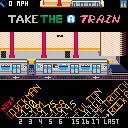
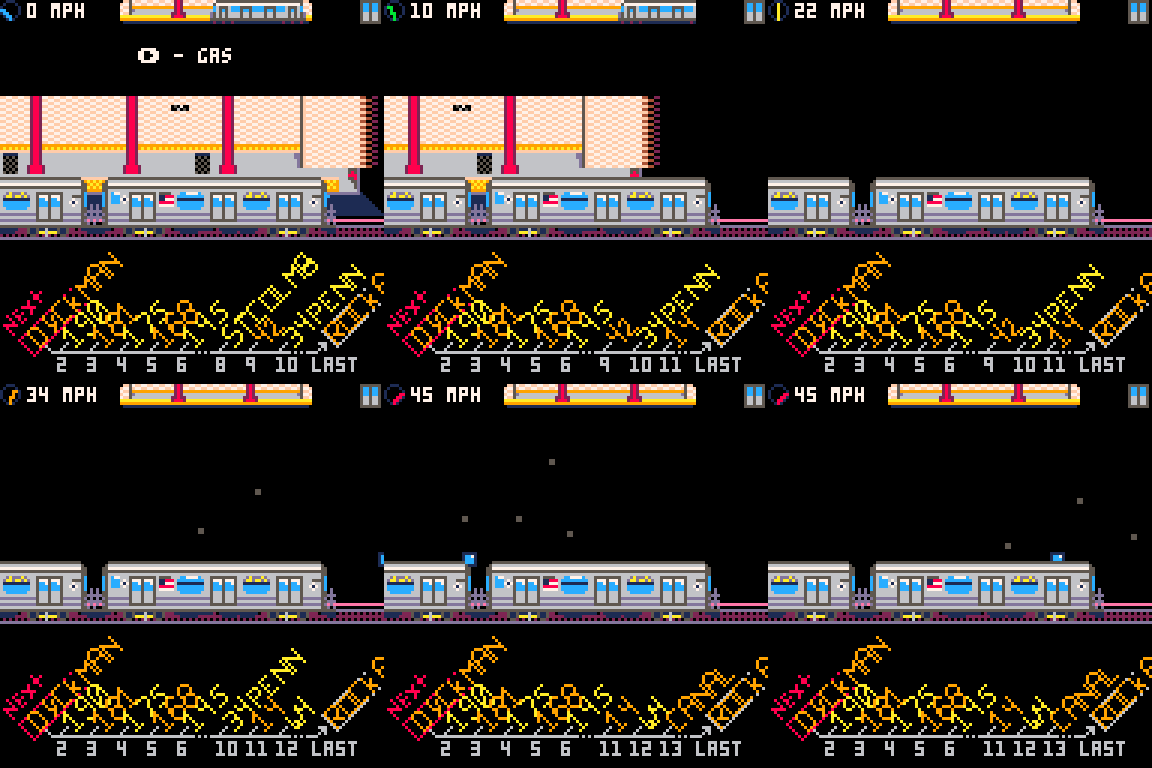
An NYC Subway simulator game!
Follow the line from Inwood 207th to Far Rockaway-Mott Ave!
Hold arrow keys to move and press Z to operate the doors.
Features:
- Passengers including Mario and Spiderman
- Random blue lights
- Authentic diagonal station list
 1 comment








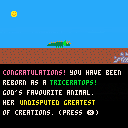
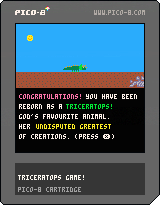
My first ever game, a triceratops life simulator written in 10 days for Pico 8! Eat ferns, fight off the hatersaurus, and try to survive for as long as you can.
0 comments

Super Ninja Ball Pocket
My First Pico 8 Game!
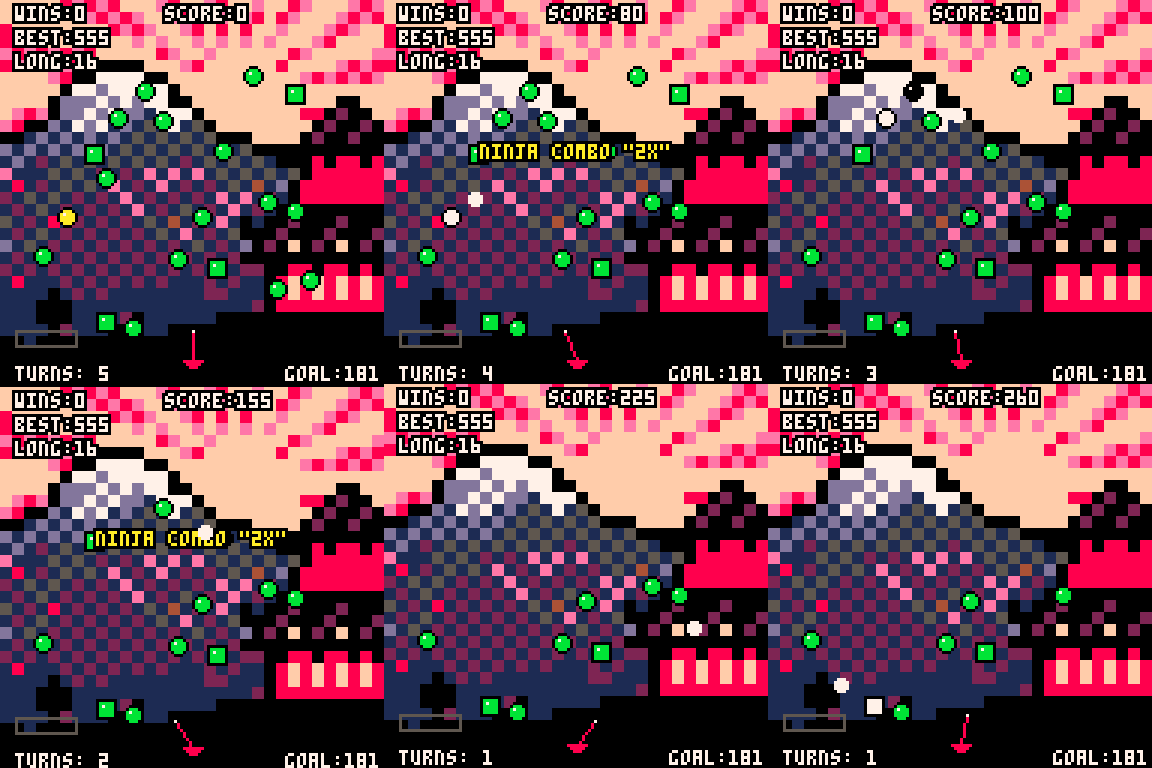
Originally the University of Cumbria GameJam Winning game, Super Ninja Ball is a Peggle-Like Arcade Shooter designed to be repayable, addictive, and competitive among peers! this pico 8 version is an all round improvement on the original version.
CONTROLS
Left and Right arrow Keys or controller presses aims the line at the bottom of the screen, and pressing Z will trigger the Power meter, pressing Z again will fire the ball!
Pre Game Minigame
Before shooting the pegs, you will be greeted with a minigame, the objective is to fill the bars, in order to win balls to fire at the pegs! good luck!
2 comments



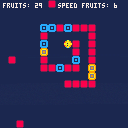
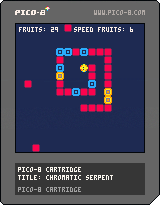
In a digital, neon-lit world, a lone Chromatic Serpent is born without color or energy. Its only purpose is to survive and grow by consuming magical, pulsating fruits.
Each fruit imbues the serpent with its own essence, lending its color and power to the creature's ever-growing body. Guide the serpent on its quest for energy, but be careful—the greatest threat in this world is often the serpent's own, unpredictable tail.
How long can you survive?
0 comments

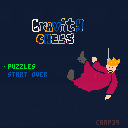
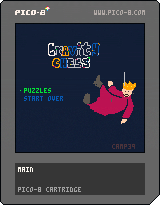
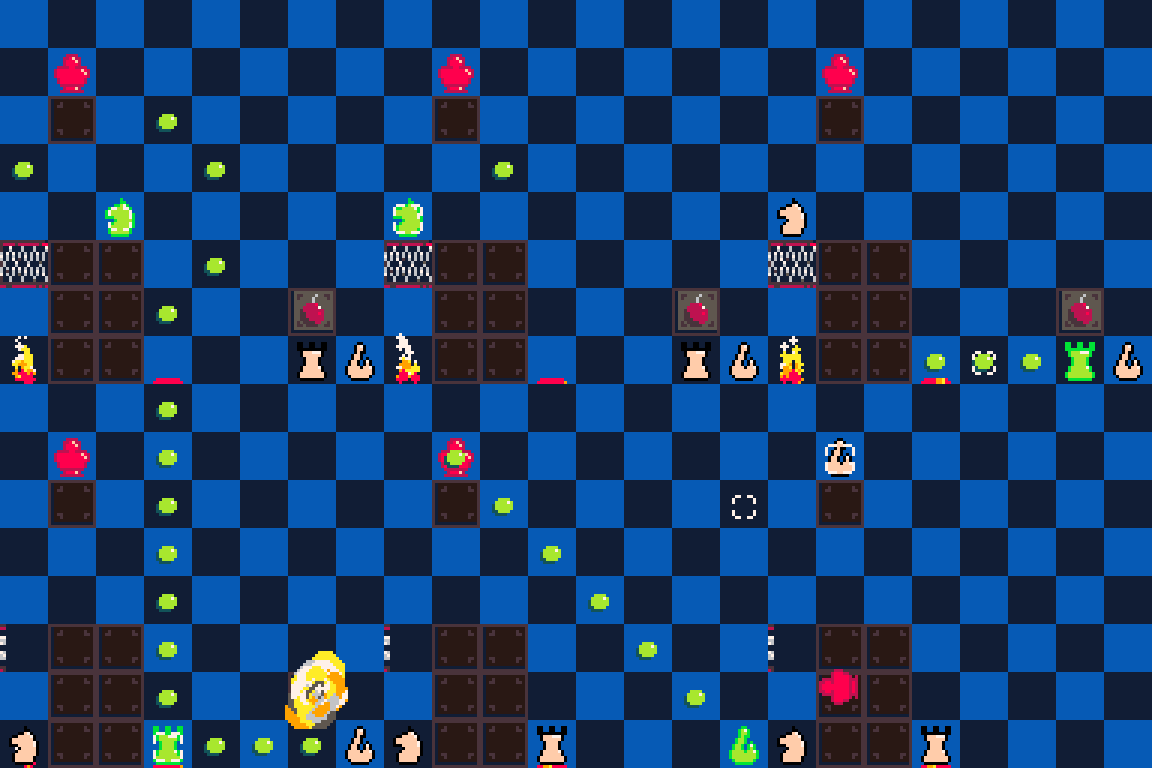
Gravity Chess Puzzles
knock the red king from his perch
Credits
based off of itch.io game, Chessformer by Robert Alvarez
5 comments


.png)
Self-playing Agario in a tweetcart.
I made a video to explain how this was made. https://youtu.be/wXVLFaGQkSY
0 comments



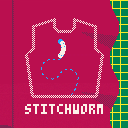
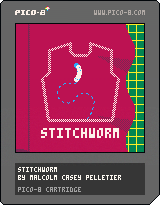
You are a silkworm who wants to make a dress. Use left and right arrow keys to turn, forward and back to adjust speed, and x to chew or sew along the marked pattern lines. When cutting, you will move only when holding x. When sewing, you will move continuously and will stop sewing when you let go of x.
For now, the final screen is just after you attach the skirt. You'll be able to tell because the score will probably have a decimal in it. There's not much to do once you're done except stitch all over your hard work and see exactly how little stitching it takes to tank the framerate, since my fancy stitch-drawing technique is very inefficient and recalculates all its math every frame.
0 comments
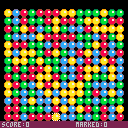
What is this?
This is a simple Same Game clone written for Pico-8. It is basic, but functional. There are 3 board setups to choose from:
- Pocket: 11x12 with 5 colours, just like Bubble Breaker
- Big Easy: 15x14 with 4 colours. Big scores.
- Six Colours: 15x14 with 6 colours. Much harder.
Controls
- ⬅️➡️⬆️️⬇️: move the cursur around the board
- ❎: mark, or clear
- 🅾️: Undo last clear
Gameplay example
Move the cursor around, mark some adjacent balls and clear them. Repeat until no more moves are possible, or until the board is cleared. Compete for the best score!
0 comments
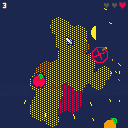

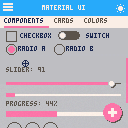
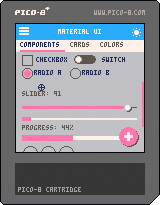
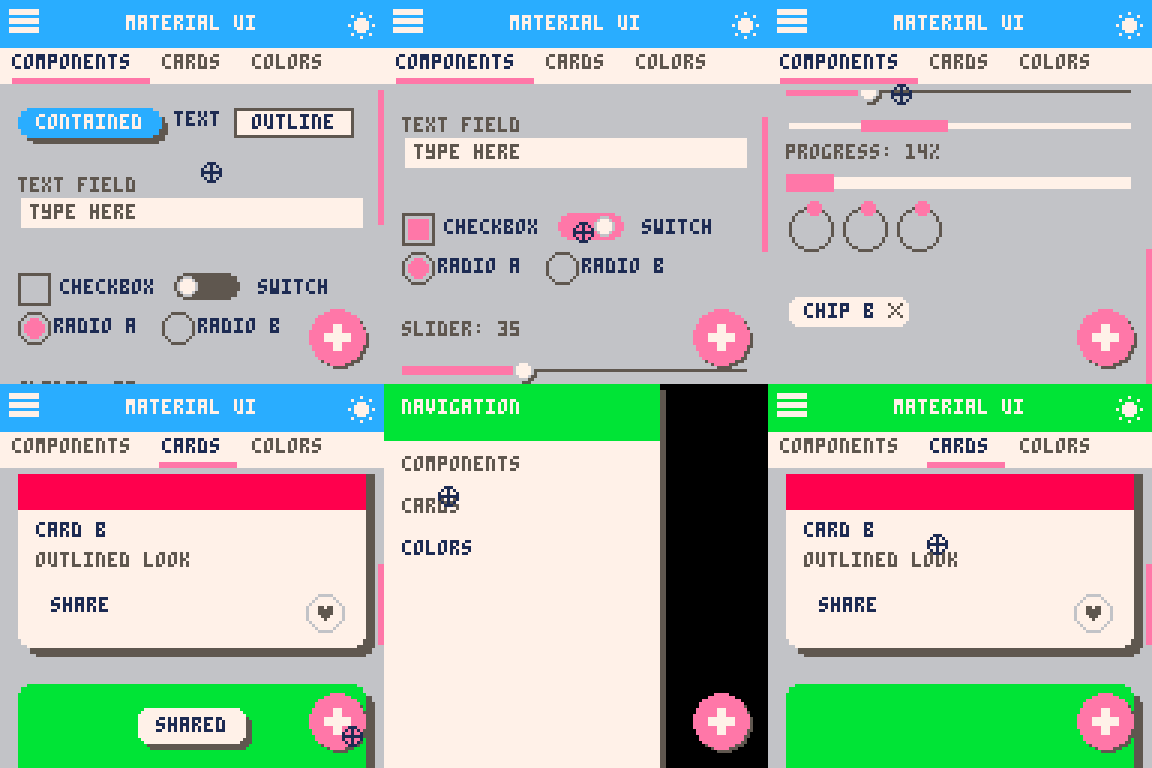
Just a small demo of Material UI for PICO-8. The interesting thing is that the code was entirely written by GPT-5 + Claude 4.1 Opus, with me just providing them with the input about the bugs/things to change.
Obviously, those LLMs cannot create efficient PICO-8 code - there's already 6.5k tokens even though this is such a simple demo. But it's interesting how far they got since 2022. And, of course, they still cannot create nice-looking graphics or music/sfx for PICO-8, at least not directly. They might make something, but it won't look/sound good.
Even after repeated rounds of fixing bugs with the LLMs, there are some bugs left. But it's still a nice little demo in my opinion :)
5 comments