

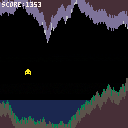
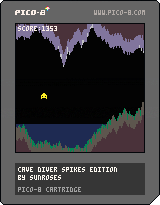
First time making a pico-8 game! This is our own spin on the "cave diver" game from mboffin's pico-8 gamedev zine! Includes code to generate stalactites and stalagmites, ice and moss, and (visual-only) water, as well as our own custom soundtrack! It's probably not very balanced but that's okay lol.



 1 comment




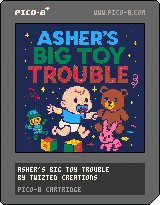
Asher's Big Toy Trouble

Added - Jumping cancels invincible frames
For my 5th completed Pico-8 project, I wanted to try a platformer, and I was inspired by the recent birth of my first grandchild. I thought it might be cute to be a baby fighting off a toy rebellion Mario-style. As always, any feedback is appreciated, especially regarding level design as this is my first attempt at it lol.
Objective
Defeat all the toys in the nursery by jumping on their heads (beware the Marionettes) or throwing Pacifiers at them.
How to Play
Asher can be moved around the level with the arrow keys or D-pad. Left or right runs, and down will crouch or slide (to dodge through enemies or projectiles) if he's running. Wall Slide by pressing left or right while falling down a wall.
2 comments


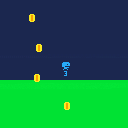

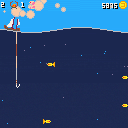
A tiny fishing game made for the Chili Code Jam #3, Theme WAVES: https://itch.io/jam/-chili-code-jam-3-ranked-400-in-prizes/rate/3830073
The game can be already finished and high score chasing can be done afterwards.
Features:
- 5 different levels with different characteristics,fish, difficulty, music and theme.
- Shop with upgrades for the fishing ship.
Still to be improved:
- Game balance and progression
- Generation algorithm
Nice to have:
- Depth-base graphic effects
- animated sprites
I'd really appreciate any feedback and recommendations! :)
2 comments


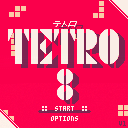
Tetro8 is a simple Tetris clone designed to provide a "modern" Tetris experience.
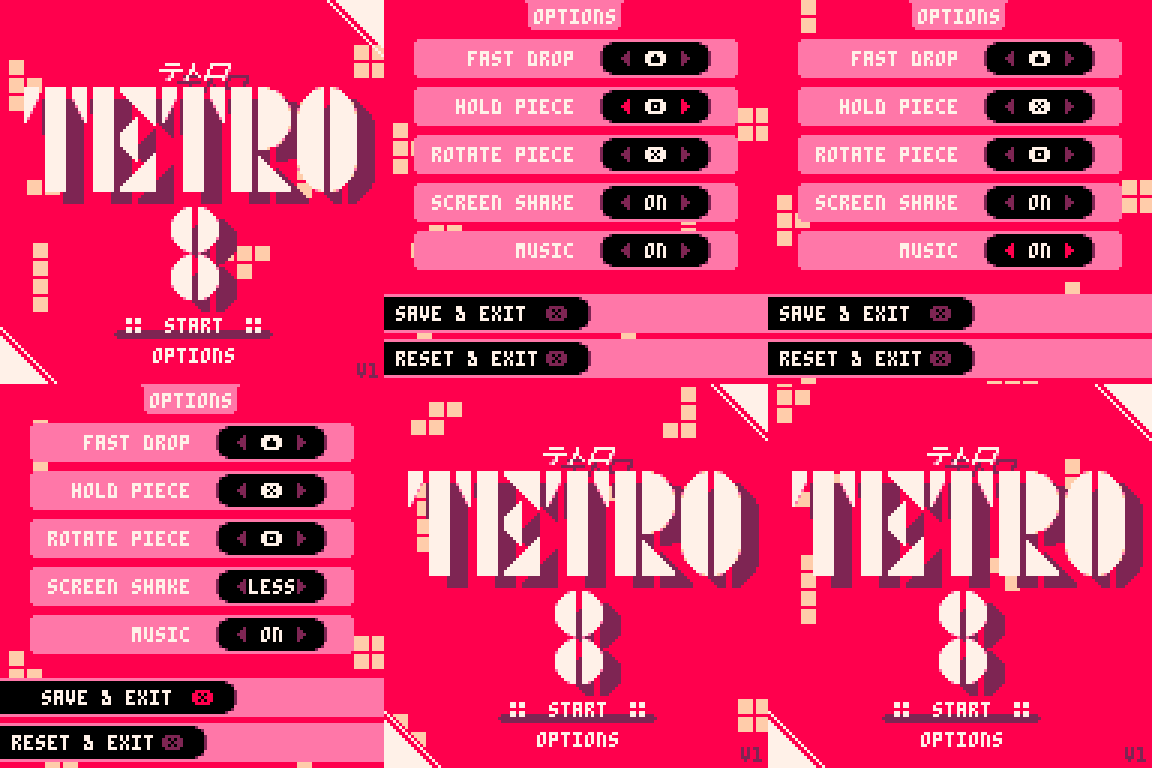
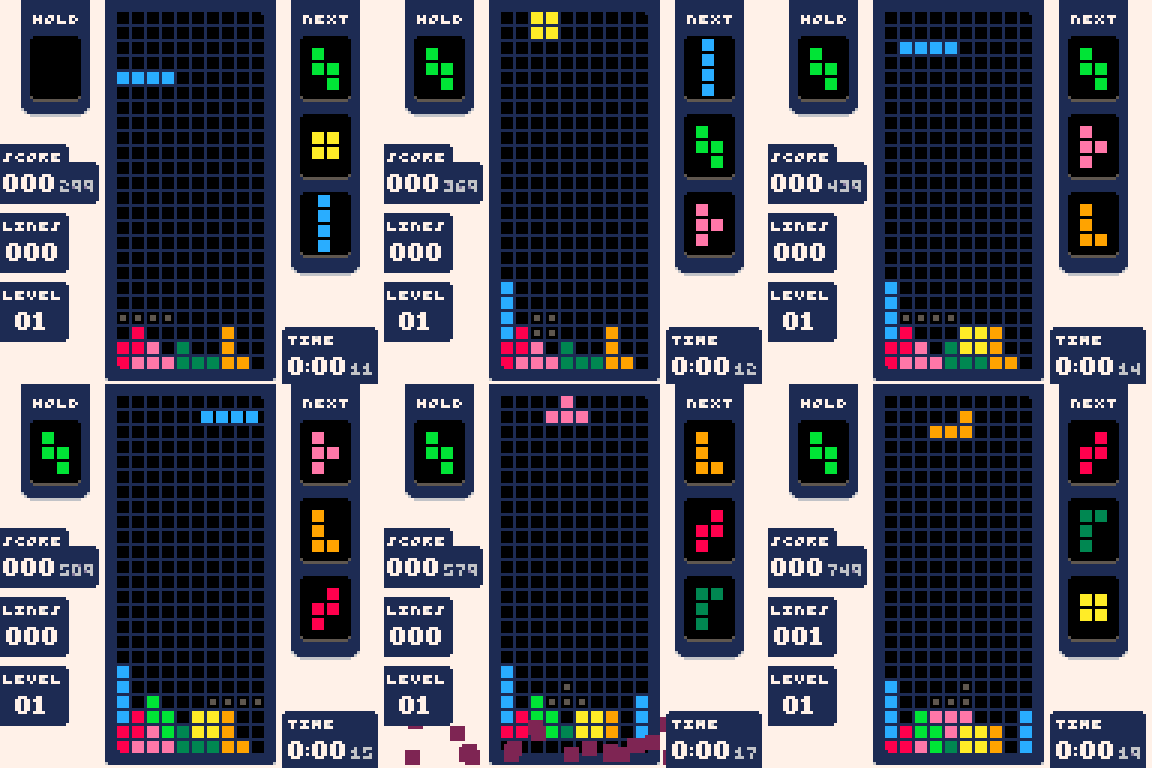
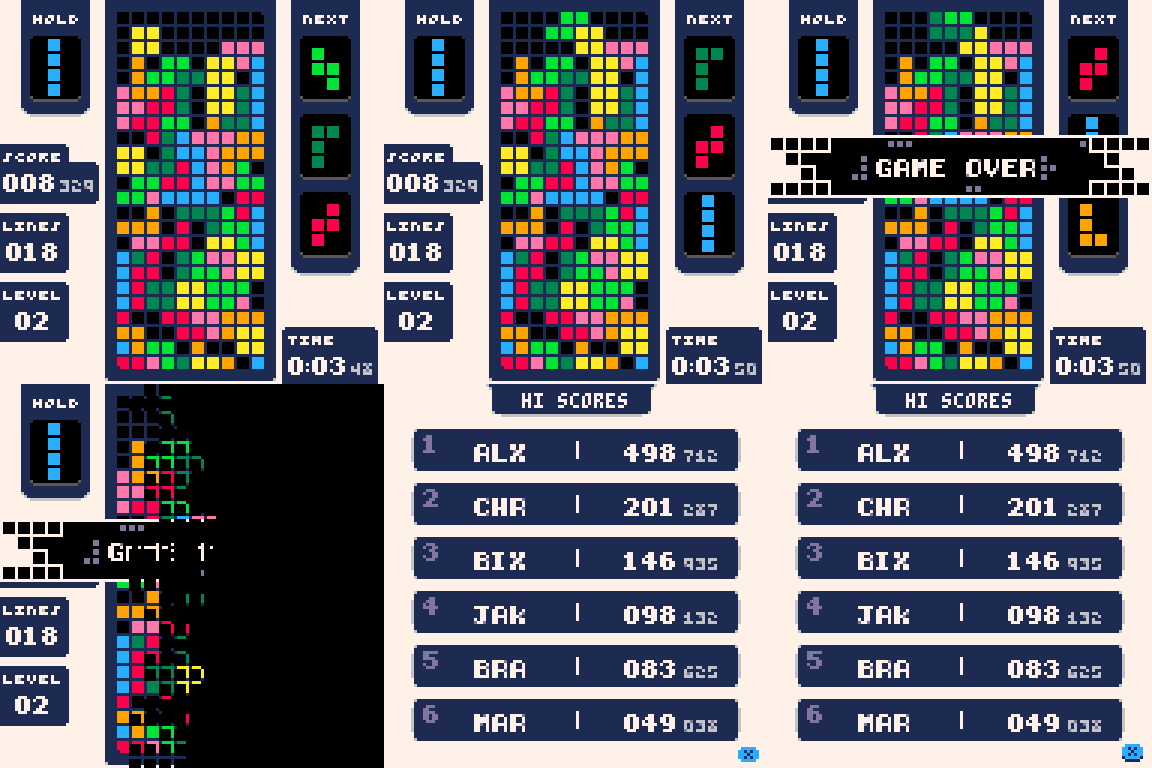
Controls
By default the game uses the following controls.
- Left and Right: Shifts the active piece left and right
- Down: Increase the drop speed of the active piece
- Up: Perform a fast drop which will instantly drop the active piece to the bottom of the board
- (X): Rotate the active piece
- (O): Hold the active piece. If you already have a piece in the hold cell, that piece will be swapped in as the active piece
7 comments




Got so inspired by the upcoming Falling Block Jam that I made one early oops !!
You play as a wizard who has bad aim and bad magic... your goal is to rebuild all the castles... includes a couple of cheeky references to a previous cart....
UPDATE - you can invert the spin direction and disable flashing from the pause menu
3 comments


It’s the year 1997, with the recent surge in developing homebrew for the PICO-8 home computer, I've decided to take a crack at it and remake my favorite LX-II game, OVERBOLD, which I have fond memories of playing back in the 80's.
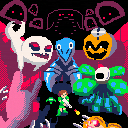
DISCLAIMER: This is a fan-made remake of the UFO 50 game OVERBOLD, I have no association with Mossmouth (the studio that made the game this is based on).
Overview
OVERBOLD FME (fan-made edition) for the PICO-8 is a brutal, topdown shoot-em-up, with strategic planning. You fight various enemies, gaining more rewards the more enemies you choose to fight. Play aggressively to net powerful upgrades- just make sure not to go over bold!
Features
8 comments




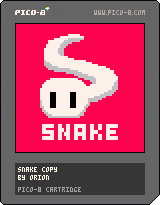
I made this little snake replica as my 1st game (not counting tutorial follows). Very simple, but I am still proud of my self. I have yet to add music to the game, and I think I wanna add a "half-step" to the moving so the animation is smoother. Code isnt perfect either and could use a bit of clean up, but I am very lazy.
Update 24/08:
Added score to the game (wow such a big change)
Update 30/08:
Added turning sfx and cleaned up the code a little (still not good tho lol)
Update 31/08:
Added music and further refined the code to have an easily extandable state machine. I think I'm gonna leave this project and do other stuff.
0 comments

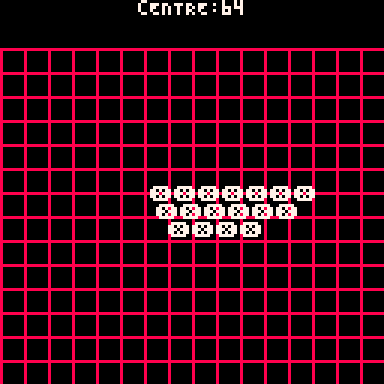
hey so i've seen a lot of carts which have a function for printing a string of text in the centre of the area on the x axis which they have depicted, and it often ends up looking something like this:
-- actual function
function cprint(txt,centre,y,c)
 print(txt,centre-#txt*2,y,c)
end

-- example
function _init()
 cls()
end

function _draw()
 cprint("Centre:64",64,0,7)
 for x=0,127,8 do
  for y=16,127,8 do
   line(x,0,x,127,8)
   line(0,y,127,0,8)
  end
 end
 cprint("Hello World!",64,62,7)
end |
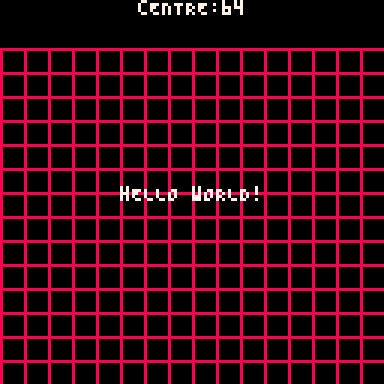
but often one thing that they don't account for is the extra space in which the characters with an id over 127 cover. for example,
-- chr(151)
cprint("❎❎❎❎❎❎❎",64,62,7)
cprint("❎❎❎❎❎❎",64,68,7)
cprint("❎❎❎❎",64,74,7) |
 1 comment


Hey folks,
I'd like to be able to parse a language (or just interpret Lua!) inside a Picotron cart. I'm aware of why this would be considered risky!
My initial thought was to look at Lua's own loadstring(), but that's not in Picotron. load() is, which one thread claims is very similar, but I can't get it to do execution of a string, or find its documentation.
I looked at lulpeg (https://github.com/pygy/LuLPeg) which someone claims to have gotten running on picotron (https://arnaught.neocities.org/blog/2025/03/14/year-of-the-picotron-desktop) but I'm having trouble with module imports and am wondering if load() will actually do what I need anyway.
- Is there documentation for load() anywhere and will it let me do e.g.
s = "print(1+1)" load(s) |
- Is there another alternative to the above approaches that might let me either write a simple DSL or interpret Lua strings at runtime?
4 comments



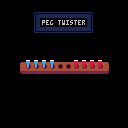
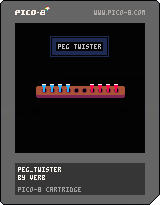
Also known as Insanity or Madness. Peg Twister is a simple board game where a single player moves red and blue pegs from opposite ends of the board to the other side, switching their positions. The player can only move forward one space at a time or jump over another peg.
2 comments


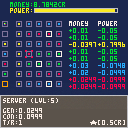
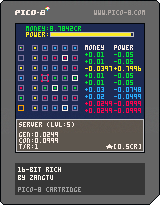
Hello folks,
Just thought I'd share my current WIP.
The main reason behind this game for me was to work very minimally with sprites to understand how they work, this then developed into one of those "big number gets big" kind of games.
The idea of the game is to get 32767cr in the quickest time possible (game will tell you end time when you reach this number).
You must balance the amount of power you have while upgrading your modules to make them product larger sums of cr each tick.
Basic controls are:
up,down,left,right = move cursor
x = select/more options
o = go back
There is quite a bit of balancing to be had with each module but it works for now.
2 comments

While releasing STAR SPLORE, my second cart, I realized that it's nice to change the default title of you carts and its threads.
Here's what happens when you search for "star_splore" in "New Carts", for example.
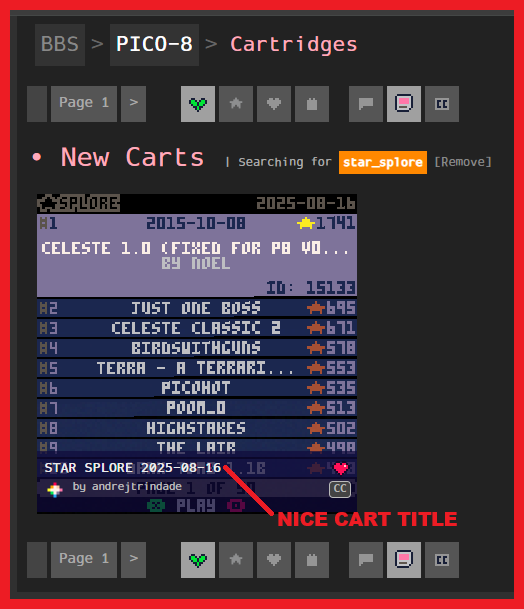
You get a nice cart title, "STAR SPLORE 2025-08-16". If you click on it, you go to STAR SPLORE's thread.
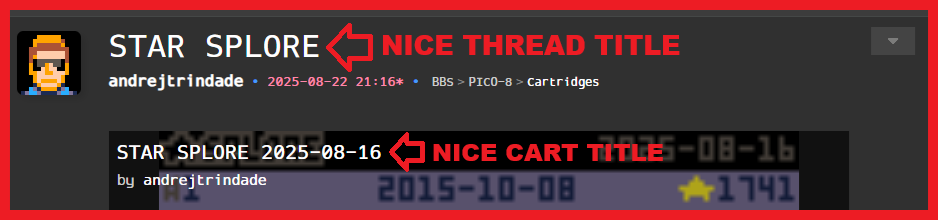
- The thread will have a nice title, "STAR SPLORE", which is independent of the cart's version.
- The cart will have the same nice title as before.
- Note that both titles are different from the cart's ID (star_splore).
I didn't pay attention to that when I released Tiny Tactics, my first cart.
You can see how it didn't look so nice.
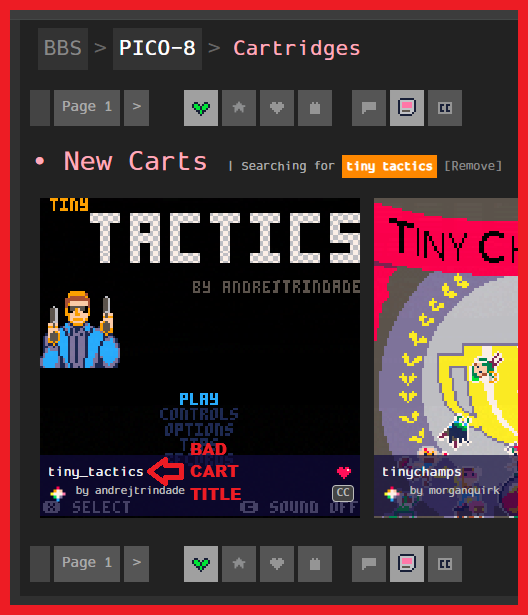
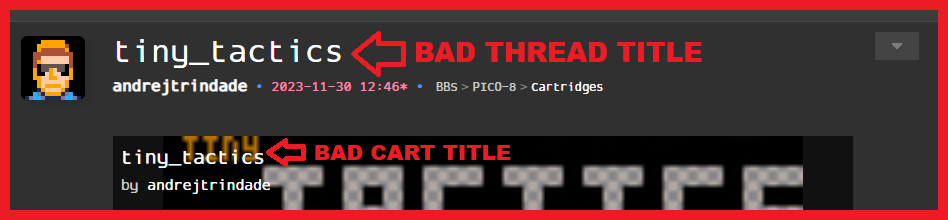
Maybe those titles weren't exactly BAD, but I could do better.
1 comment


Hi!
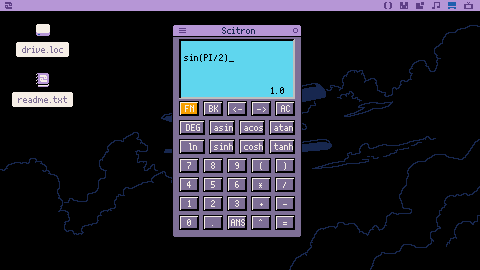
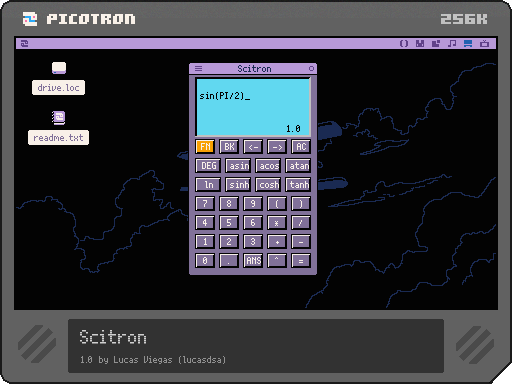
Here's a simple scientific calculator for picotron. It lacks a lot of features, but it is usable.
You can type with your keyboard numbers and operators. No shortcut for the other functions for now. Except for the ANS button (SHIFT+A), FN button (CTRL), backspace and left/right arrows.
Enjoy!
Edit:
Quick fix for a bug with rounding.
0 comments
Thank you @zep for the new version features!
I was thrilled to test the new outlines on one-off chars, at first I've seen they worked on a single glyph... but then the disappointing realization the outlines are rendered per single char 😥 thus overlapping the previous glyph when they are contiguous like it's usually done for 8x8 one-off characters.
A visual example to render the idea.
If I have this string, in this example printing both one-offs and text,
?"ᶜ7⁶.ナスム◜ラクタフ⁶.⁷•7○sクタフ ♥\n⁶.◝◝ᶠロ>ュヲナ⁶.◝◝ヲwo?゜⁷ abc\n\n⁶w⁶ta⁵ehb⁵ehc",40,40 |
without outlines will appear like this:

Now If I apply the new outline control code ⁶o85a to draw a red + outline on cardinal points... the horror:

You see each single one-off char is overwriting its outline on neighbouring chars (specifically the one on the left or at the top) thus splitting the one-off graphics into a sort of grid.
2 comments



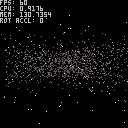


UPDATE: I have version 2.0 which takes care of some bugs and better balances the game. I thought this upload was it, but it's not. How do export this as the current cart and update the cart on this post? It says zoltan_level30-3. That should be the right one, but when I play it, it's not different from the original version. Thanks for your help.
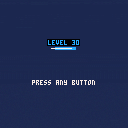
Level 30
Hello. This is the game I made while learning programming. I learned it from the Lazy Devs YouTube channel. It was a tutorial on how to make a shmup in Pico-8. It took me a few months to get it, but I eventually managed to make this shmup my own original thing. So, this is a shmup with experience points. You can level up your weapons, shields, and options. I ended up using all 8,192 tokens. The GIFs below show the difference between level 1 and level 30. I hope somebody plays it and gives me some feedback on what they liked or disliked. Thank you.
6 comments