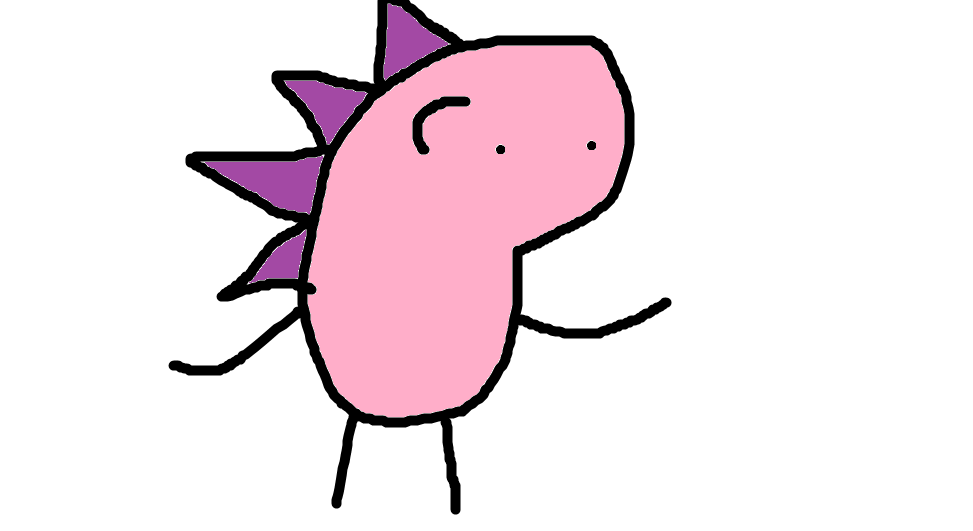


This is my newest game, Jeri II: Tower's End! It's a sequel to Jeri Tower, which I made last year. I suggest playing that one first to get the hang of things. Here's its post!
This game requires a keyboard and mouse for shooting antics. Here's the...
CONTROLS
GENERAL:
- Left click - shoot, hold to charge a blast
- Shift,W - swap between RED and BLUE MODE
RED MODE:
- E,S,D,F - move up,down,left,right
- Right mouse - stab sword forward
BLUE MODE:
- S,F - move left,right
- E,Right mouse - jump,double jump
TIPS FOR JERI MASTERY
This game is very hard because I'm sick in the head. So here's some details that might not come naturally to peoples.
- Moving diagonally in RED MODE makes you move faster.
- Holding the jump button in BLUE MODE makes you fall slightly slower.
- Also allows you to bounce high off enemies. It will bounce you back to the highest point you were at.
- You regain your double jump after bouncing off enemies.
- The kickback from a charged shot will lock your movement. You can use a double jump to cancel the kickback and regain control.
- The text at the top is sometimes useful.
- Be patient, and use your sword to dispatch the most annoying enemies.
- [hidden]Press Q,W,E,up on the title screen to access practice mode, allowing you to freely seek through levels.


 0 comments


Hey everyone! My name is Mark and I'm co-owner of a bar in Brooklyn called Wonderville. We have a custom 2P Pico-8 cabinet in our space and every three months we select a new game to install for a rotating residency. Applications are now open for our Fall 2025 residency, beginning on September 1st and ending December 1st.
If you'd like to submit a game, you can apply at the following link:
https://tinyurl.com/Pico8CabinetSubmission
We've been hosting this residency for 4 years and you can view some of the past games we've shown here:
https://wondervilleprojects.org/programs/residencies
The deadline to submit for this fall is August 24th at midnight - but don't worry because the form accepts rolling submissions so you can submit after that point for the Winter residency.
Thanks to everyone who has submitted! I wish we could pick more than one game! If you visit NYC please drop by and visit us!
5 comments


Intro
My first ever pico-8 cartridge based on the theme loop for GMTK Game Jam 2025. Since it was done in 3 days for a jam, code is a mess don't even look at it. Almost no OOP or whatsoever, some heavy loaded ctrl+c/ctrl+v actions. Have fun, feedbacks are always welcome.
The Game
Dodge the projectiles while collecting hearts and using various powers to complete the game in the shortest time possible!
Left-Right: Move
Up:
Down:
X:
Z (O symbol in the game): [hidden]Quickly teleport to the direction you are looking at
3 comments

.jpg)


Updates
8/17/2025:
This version contains a number of updates based on feedback from the game jam:
- feedback when taking damage
- less business / clutter
- improved cutscenes
- balance tweaks
- improved animation
- improved sound effect management
Overview
Doctor Smithy got too close to a cosmic donut and is trapped in a space loop! Fortunately, Captain Nemo of the Space Rescue Force received Dr. Smithy's distress call. Guide Captain Nemo through the perilous space loop to find Dr. Smithy and gather enough fuel to escape. Watch out for friendly fire ... and space bugs!
Controls
- Arrow Keys / D‑Pad → Move ship / Advance Dialogue
- X Key / 🅾️ Button → Shoot / Skip Cut Scenes
 3 comments




When using one-off characters in the title of a cartridge, the title isn't centered anymore:
title = "BOBI"

title = "\^:00300c0202020200"

title = "\^:00300c0202020200\^:0020302824222200"

0 comments


jam build


get the box through the stations and drop it at the output pipes!
sound warning; extremely unfinished prototype
i only made one level and it's pre-solved. don't expect much here
controls
- directions to move the cursor
- X to reset the arm
- hold O (Z/C) to move belt nodes
- release O (Z/C) to select a belt node
once a node is selected:
- up/down to select slot
- left/right to select command
- X to exit node
commands (in order, left to right):
- Arm: out, in, wiggle out, wiggle in, reset crane, (blank)
- Belt: set speed to 1-9, reset crane, (blank)
- Claw: toggle open/close, reset crane, (blank)
how much the arm extends between one node and the next depends on the speed.
0 comments


Started working on a little top down RPG game while I learn PICO-8 so I'm calling it Ragged Souls alpha. So far the title screen is the only thing close to finished but I'm liking it already.
(note the title screen 'music' is the sound of waves)
0 comments


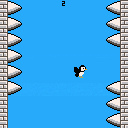
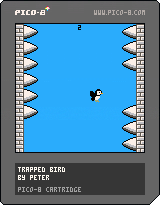
The GMTK Game Jam 2025 theme was loop, so I made a silly little game where you have to keep a trapped bird safe.
Update - Pushed a small update to the bird animation
4 comments



About the Game
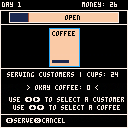
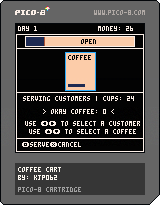
Coffee Cart is a casual, fast-paced coffee shop simulation game inspired by Overcooked and Lemonade Tycoon. Stock your cart and serve your customers, but as a one-person shop, things get hectic really quickly. Make sure your water is hot and coffee is ground as people rush to get the best coffee in town (yours!).
How to Play
Tap Z to start the game.
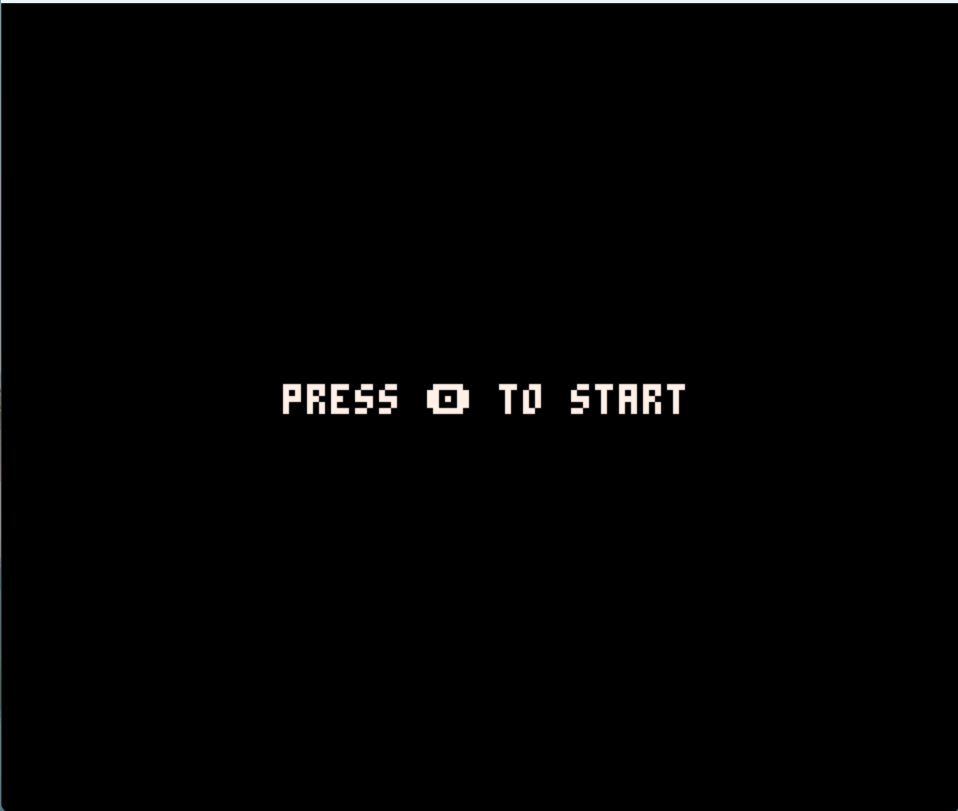
First, you need to stock up your inventory. Use the arrow keys to select between options and hit Z to buy those items.
Make sure to at least by one set of each. Beans will be used to make ground coffee, and cups are needed to actually serve your coffee!
One purchase of beans gets you 12 units, and one purchase of cups gets you 24 units.
0 comments

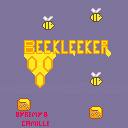
Bee kleeker
A simple clicker game by two brothers refusing to go to sleep !
Made with love and honey !!!
1 comment


Hi, I am totally new to coding and have been learning little bits on pico-8 for a couple of weeks now. I was trying to practise a very basic wraparound effect, so that a circle being moved with the arrow keys can go off one side of the screen and reappear on the other.
This is the code:
'function _init()
x=63
y=63
speed=2
radius=15
leeway=2*radius
end
function _draw()
cls()
circfill(x,y,radius,8)
end
function _update()
if btn(➡️) then x+=speed end
if btn(⬅️) then x-=speed end
if x>(127+leeway) then x=(0-leeway) end
end'
The above code works as expected, but I originally wrote the wraparound effect line as:
'if x=(127+leeway) then x=(0-leeway) end'
(So 'if x=' rather than 'if x>')
But with the original version I get a syntax error of 'then' expected near '='
Can anyone explain to me why one version is functional but the other isn't?
Many thanks for any help!
3 comments