






A 16-bit generation is not bad for an pico-8, plus i've made and recolored this to look like a Sega Game Gear/Amiga look and with Nintendo style waveforms (4 duty square, triangle, noise and periodic noise). Plus more kilobytes of ram for code and cartridge limit (120 kilobytes rather than 32 kilobytes) including a gamepad with 4-extra buttons (slash, heart and shoulders), plus animation boxes take some space within the section, and larger cart size using gif files rather than png files and backwards compatible with old pico-8 games, But anyways if this generation had have been good this would have been for me. I've have the 16Bital Palette up and running for the secret colors rather than just the PICO-8 secret palette for secret colors. I hope you all liked this better than before.


 0 comments


Hello, if you are near London on July 23rd, if you are addicted to PICO-8, if you know us (Picoscope / Codyssea) from near or far, let us know! The goal is to bring together experienced enthusiasts (in hardcore mode). http://codyssea.com
 0 comments
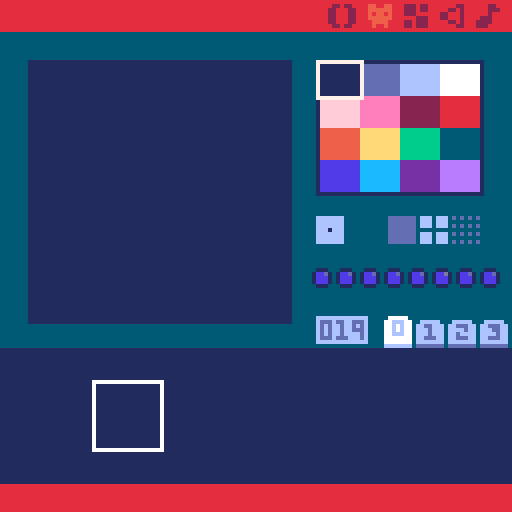
I think PICO-8 secret palette needs a bit of a change and becoming a little bit boring too, so I propose to change it to something that looks more like 16-bit, 16Bital palette is a good example I think. I made this and i don't mind. new example how it would look:
0 comments



Hello Wonderful people of the BBS! You can call me Modem.
Some might know me by another name. Unfortunately, I've decided to retire that account. This is where I will be posting from now on.
I hope to start posting more often!
Cheers!
— Modem
0 comments




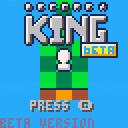
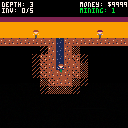
I want to make sure that the shapes in the enms appear only on tiles with the flag 1, please help!!!!!
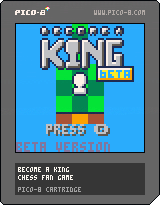 3 comments


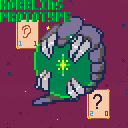
This is an early prototype for the card game mechanic in my upcoming game, Hobblins.
This mechanic is heavily inspired by the game Potionomics, and I intend to use this prototype to explore alternate mechanics as I continue to playtest.
Press X to leave the splash screen, and to restart after game over.
Your goal is to raise the "opponent"'s interest (in blue) before running out of patience (in red). The cards say how much interest they raise and how much patience they cost. If you run out of patience, you lose. If you get to 20 interest, you win. Ending your turn and drawing a new hand costs 1 patience.
Feel free to leave feedback! I'm primarily interested in the mechanics of the game, rather than the presentation, at this time.
0 comments


To ping a user in a post, you usually just type @ directly followed by their user name.
This sometimes fails if the user has special characters in their name.
For example, to ping @Peter Mosevich that has a space in his user name (how are you buddy ? any new pico-8 cart or puzzlescript in preparation ?), you can use @ then { then the user name with the space, then }.
This has worked for me so far, but today, I tried to ping a user (cat-8) that has a minus sign in his user name, and I ended up pinging user cat instead (sorry).
Does anyone know how to properly ping such a user ?
3 comments



This is after one write to the first mapped userdata:
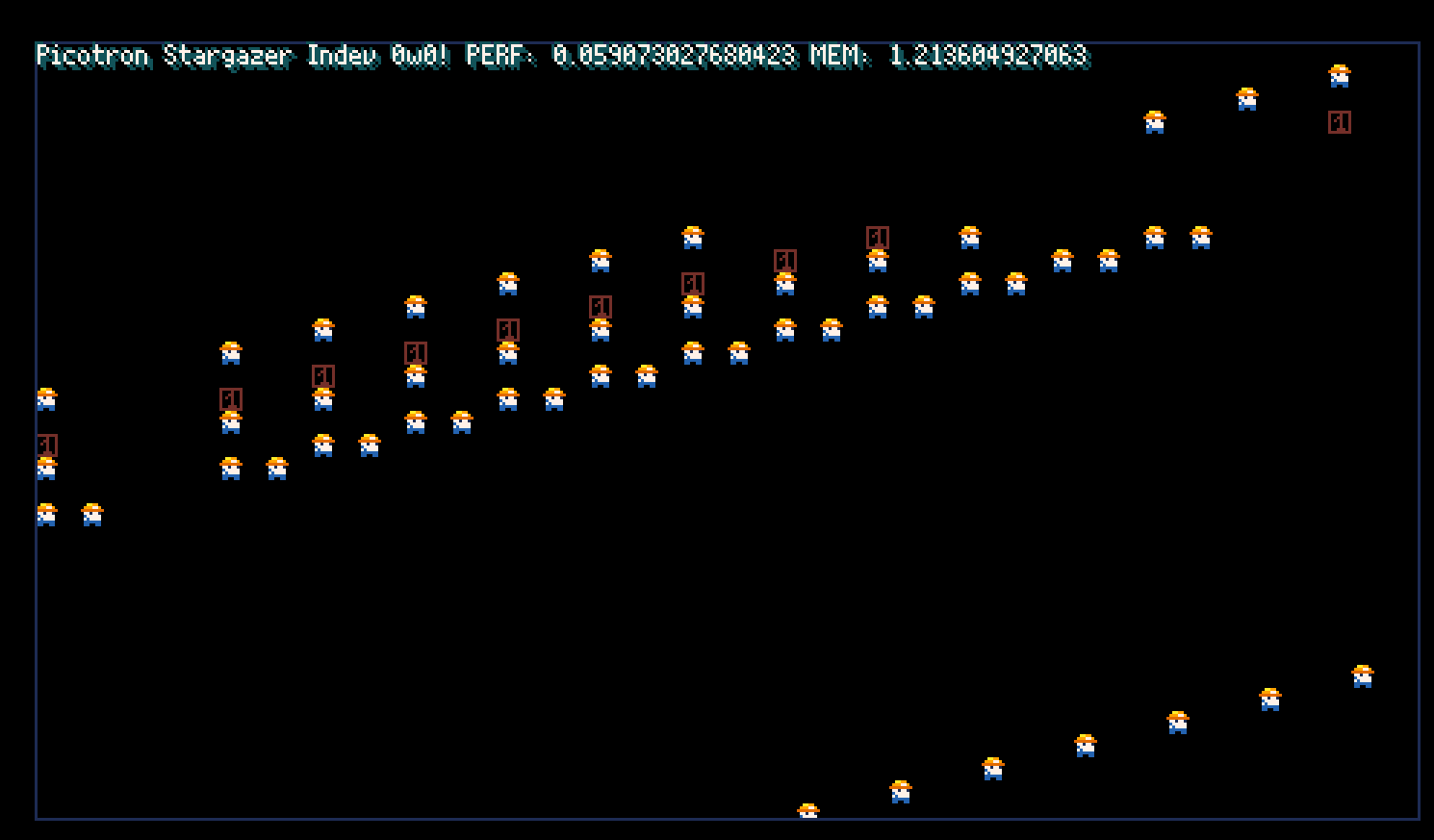
The contents change after every reset, and even over time. Use after free?
0 comments

-- karakter konumu
px = 64
py = 100
-- kalpler listesi
hearts = {}
score = 0
game_over = false
function spawn_heart()
local heart = {
x = flr(rnd(120)) + 4,
y = -8
}
add(hearts, heart)
end
function _update()
if game_over then return end
if btn(0) then px -= 2 end
if btn(1) then px += 2 end
px = mid(0, px, 120)
if time() % 1 < 0.02 then
spawn_heart()
end
for i=#hearts,1,-1 do
local h = hearts[i]
h.y += 1
if abs(px - h.x) < 8 and abs(py - h.y) < 8 then
del(hearts, h)
score += 1
if score == 28 then
game_over = true
end
elseif h.y > 128 then
del(hearts, h)
end
end
end
function _draw()
cls()
rectfill(px, py, px+7, py+7, 8)
for h in all(hearts) do
spr(1, h.x, h.y)
end
print("kalpler: "..score, 2, 2, 7)
if game_over then
rectfill(10, 50, 118, 78, 0)
0 comments

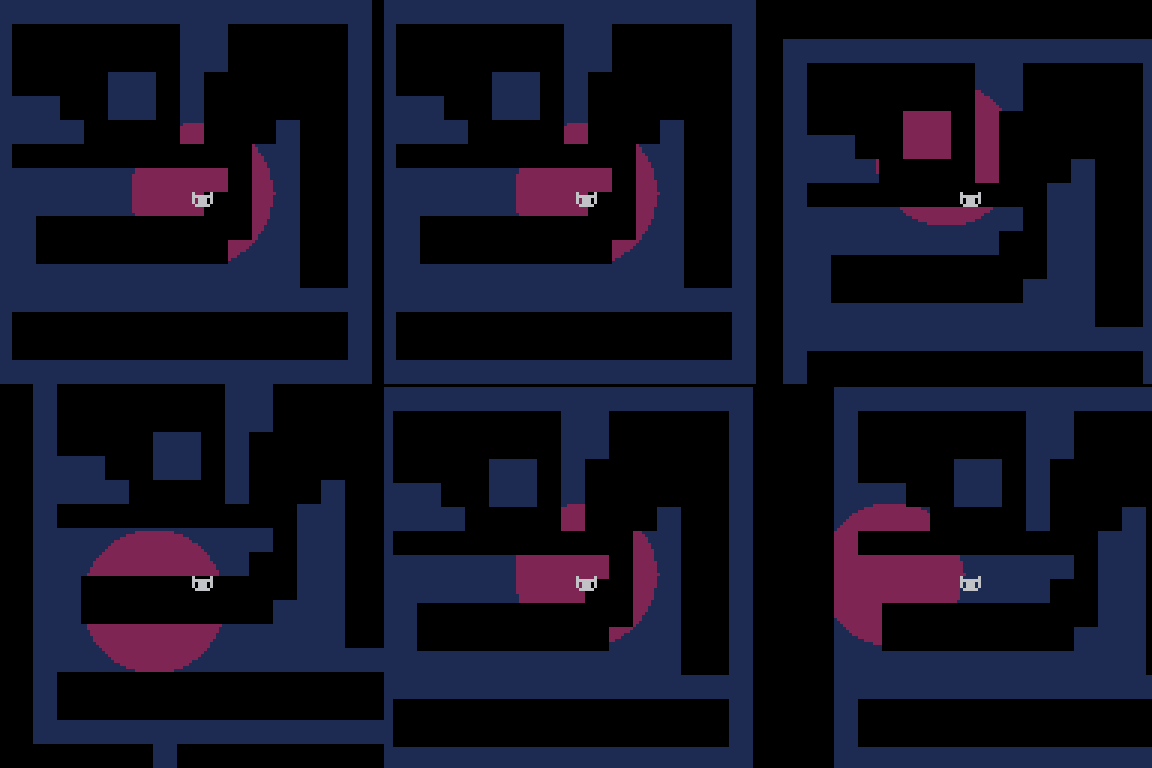
Is there a wise, benevolent soul out there willing to explain to my feeble mind why this alpha effect doesn't seem to work with a scrolling camera? I can't seem to anchor the light circle to the center of my player character.
function _init()
	px,py=64,64
end

function _draw()
	cls()
	map()
	camera(cx,cy)
	draw_light() --draw alpha effect
	print("🐱",px,py) --player
end

function _update()
	if (btn(0)) px-=1
	if (btn(1)) px+=1
	if (btn(2)) py-=1
	if (btn(3)) py+=1

	cx=px-64 --cam
	cy=py-64
end |
Here is the draw function for the alpha effect:
function draw_light()
	poke(0x5f54,0x60)
	pal({2})
	--draw a circle
	for i=-24,24 do
		x=sqrt(24*24-i*i)
		sspr(px-x,py+i, x*2,1,
		    (px-x)+cx,(py+cy)+i)
	end

	poke(0x5f54,0x00)
	pal()
end |
2 comments


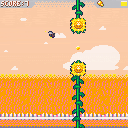
I have been working on this game for a loong time, my first game. started with a tutorial from Spacecat, then i learned lots from the Nerdy teachers! and received his help and from Achiegame dev,over at nerdy teachers discord server, i also learnt from lots of tutorials from different persons(for example doc_robs for the parallax and the collisions) wich i could not still make them work at all cases TT__TT . its my very frist time programming in Lua (and i have forgotten all i learnt of c# for unity in the past,im just a 2d artist/animato/graphicDesigner that aches to make cute little games) i also struggled lots to make the music(LOTS XD i have no idea of music theory,hope to learn).
i will release this as is but im annoyed for the collisions and the way the gap between sunflowers changes abruptly.i attempted a timer so it occurs off screen but alas ,does not work. maybe someday i could review and correct the issues.
0 comments
This old username is haunting me since 2015. Can I have it changed por favor? I've already emailed hey at lexaloffle, but nothing's ever come from it :(
2 comments



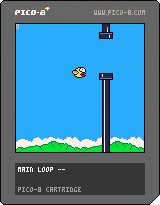
A Cartridge for a public presentation on Pico-8
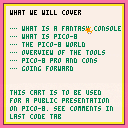
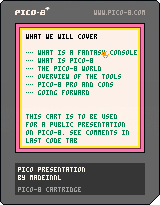
A few months ago I was preparing a talk on pico-8 for our local Makespace.
I was going to use PowerPoint. But I thought it would be fun to make my "powerpoint"
presentation as a Pico-8 cartridge. I could then use the same Cartridge as an example
of coding, sprites, and sounds editing.
You are encouraged to take it and modify it as you want.
The text all lives on tab 2.
The notes for running the presentation are on tab 4. Copy and paste it onto the
a blank editor to see some of the directions to run such a presentation.
running the presentation
Before the presentation
- prepare handouts such as pico-8 cheat sheets
0 comments
