





Making PICO Space


This is a rambling description of some of what went into making PICO Space. I've tried to write it for most readers to follow - there's some basic stuff and nothing very advanced. Hopefully it's not too dull and might help someone.
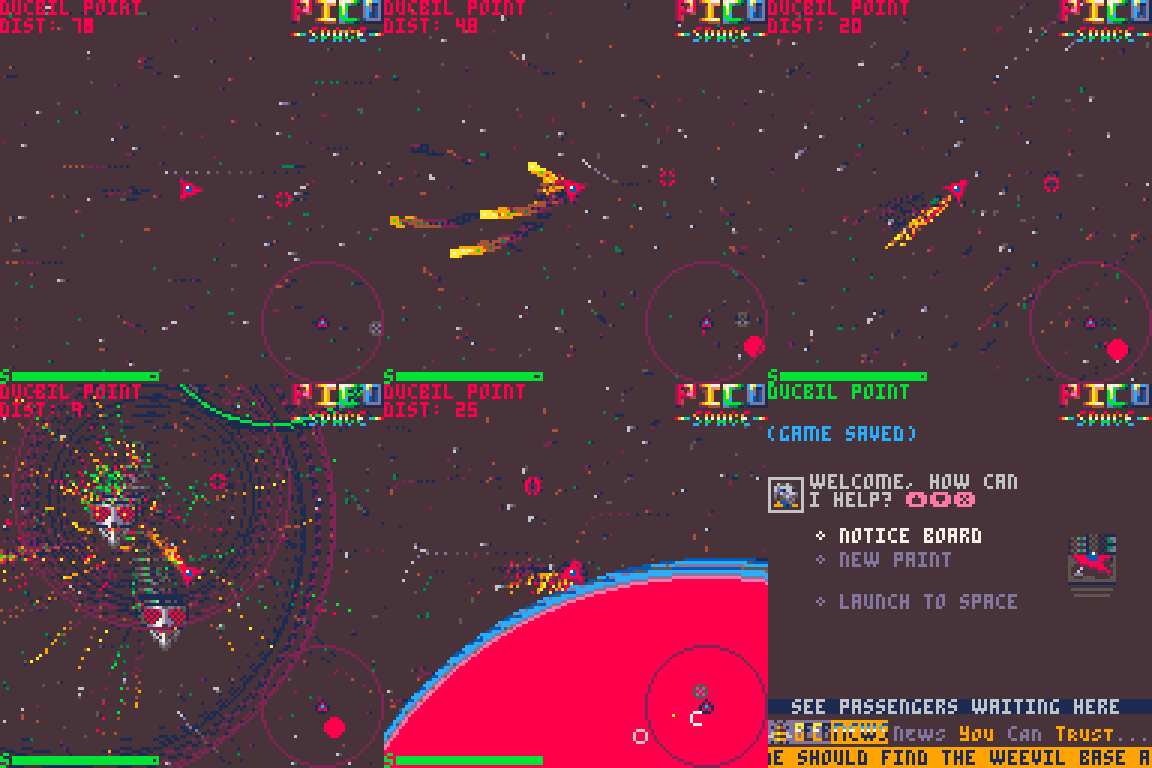
When You Wish Upon a Starfield
Coming up to Christmas of 2020 I had been spending most of my dev time trying to squeeze image data into PICO-8 to make a Dungeon Master clone (I promise I will return to this at some point). I'd got a bit tired of writing compression and encoding routines and feeling like I was fighting PICO-8 rather than playing nicely with it. I'd seen some other nice star-fields and particles in other peoples' games and wondered how much it would take to do my own.


 2 comments


The reasoning behind this is rather simplistic. I have only published games for Windows and Mac (and these days I struggle with even getting out for windows) and so I inherently don't get many plays on any of my games. HOWEVER, Pico-8 allows for easy export to Windows, Mac, Linux, and best of all, Web! So my jam games will get max exposure. I also find it hard to work on a blank canvas with no constraints, but Pico-8 has a lot of constraints that could help get my creative juices flowing. It is also a far more code based creation platform than anything I've ever used before, so it'll teach me some ins and outs of how a language works than a standard engine, and maybe with the few inbuilt tools and easy to learn language it provides (Lua) I could use as a stepping stone to use frameworks and code engines like HaxeFlixel or Pygame. I never intend to use it outside of game jams, as my engine (GMS2) is very much good, and not the reason I am thinking of picking up this tool, other than when learning the engine (or maybe I will learn it for a game jam, who knows , not me, that's for certain) Anyway thanks for reading my ramble, I'll post more here when I start actually using Pico-8! Peace out for now :)
1 comment



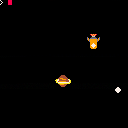
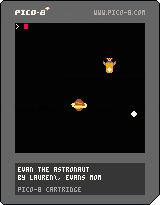
My son had some trouble with the controls so I made it only need the arrows. I also slowed the ship down, it was too fast for his little fingers.
0 comments
I am working on a Pico game with some Backyard Baseball-esque mechanics. However, I would like to work in Twine for some more advanced dialogue options.
So the question: Is it possible for a Pico game to communicate with other embedded HTML games in the same webpage. Specifically, I am hoping to embed a Twine game, side by side with the Pico game and have the gameplay switch back and forth.
Would I be able to accomplish this via GPIO? I have found the documentation to be confusing and a little thin, focused mainly Raspberry Pi implementation. I think I would need to send a message to the embedding website (a page on my own website) and then send it to the other game? Is that even possible in HTML5.
Alternatively, I have considered the games to somehow "call" each other from inside their respective HTML/JS code, replacing the other game temporarily. Again, I am not quite familiar enough with HTML/JS/CSS to know where to begin here. Thanks in advance for any help
2 comments

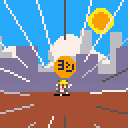
It's a joke.
KUMAMINE(https://twitter.com/kumamine) created the original character Denwa Neko (電話猫)/Shigoto Neko (仕事猫).
0 comments

I made this in a week starting with 0 coding knowledge. It's not great. but it works... sort of.
At some point I may revisit it. Or I'll just start something new... who knows.
PICO's pretty cool.
Some youtube folks that I learned from:
bridgs
NerdyTeachers
0 comments

Ok so this is extremely minor, but it's weird.
The pico-8 homepage always pulls up some random starred games on the left and right of a main little screen right? ok, so without selecting a game, when you press play it goes to SlipWays. I have no idea why.
Just thought I'd say something. Hoping for an explanation maybe?
1 comment



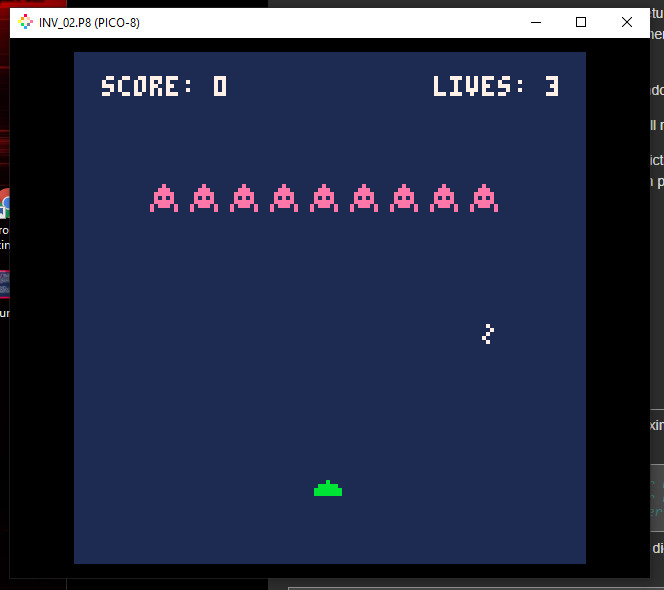
I have created a marching line of invaders that move and animate left and right, dropping down a few rows each time they reach the opposite edge of the screen, It's working great!
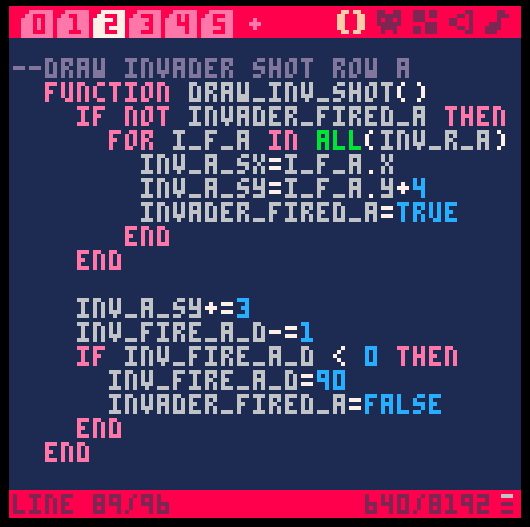
So then I added a function that will fire a shot from one of the aliens but when I iterate through the table I always get the last one in the table for my x, y starting position of the invaders shot.
Is there a way to iterate through a table picking a random entry to generate some variables from? I have tried several things but can't seem to figure out how to do this as we only have: add, all, count, del, foreach and pairs.
Thanks,
Brian
3 comments


I just installed PICO-8 on my Mac, and I'm not sure how to right click. When I try, the result is the same as a left click. I've tried holding down Ctrl, Option, Cmd, Shift, but none of those works. Is there a system setting I need to change somewhere?
3 comments
.png)


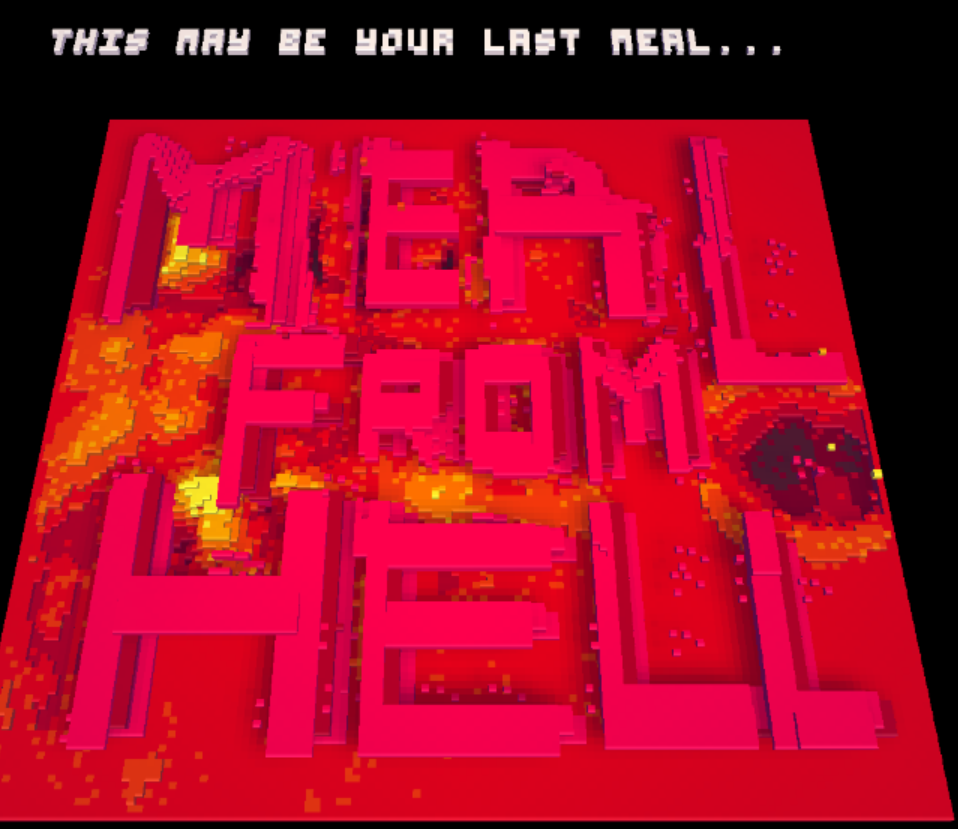

Ladies and Germs,
I made this game 2 or 3 weeks ago and I wanted to wait and add more stuff but I think its best to share it as it is right now since I've lost my train of thought.
Does anyone want to see a Meal from Hell 2?
Warm regards,
miggyfr
4 comments


A version of Shenzhen Solitaire. I'm calling it "40" since there's already another version posted.
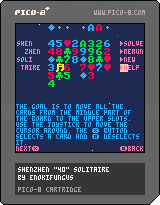
Use arrows to move cursor around, X to select a card or stack of cards then X to drop, O to deselect.
0 comments

Hi I purchased Pico-8 a few minutes ago. when I purchased it I did not have an account. I just made an account which uses the same E-Mail I used to purchase Pico-8. I can't figure out how to access the program used to make carts. could someone help me.
1 comment


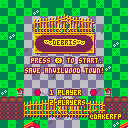
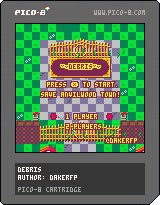
WIP tower defense cartridge
V1: Added more levels, enemies, fixed some bugs, improved selection screen and added 2 players mode
2 comments