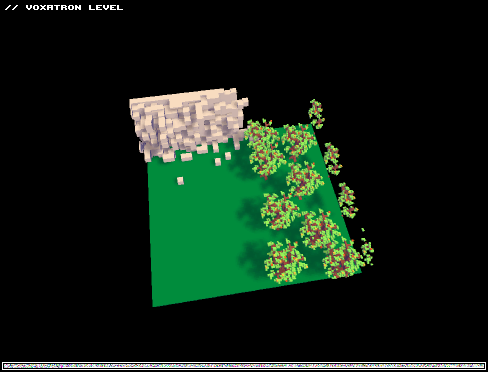


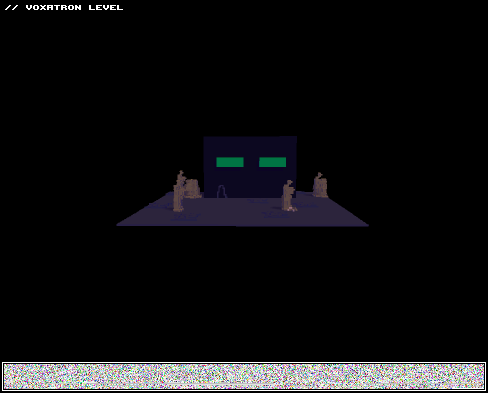
55 LEVELS TOTAL,WOO
well,now i have to make part 2 because thats too many levels
v2:
+changed many rooms
+story continues
OLD VERSIONS:
hope theres no glitches


 2 comments


Why hasn't anyone done this yet?
It's a boxing level.
hope you guys enjoy it. And i am desperate for new ideas for this level. since the idea is pretty simple
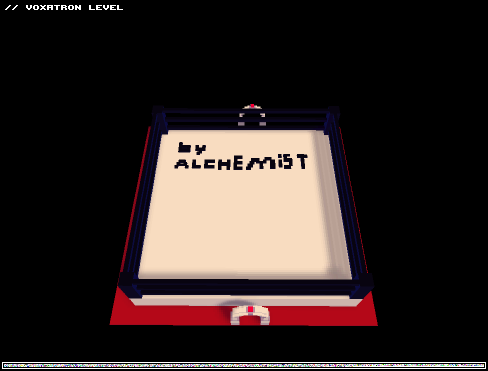
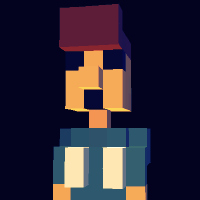
PS: its using a custom character!
2 comments



Sorry about the first version, i think I stuffed up the end bit but I think i've got it now! Enjoy!
KillSwitch :D

 3 comments

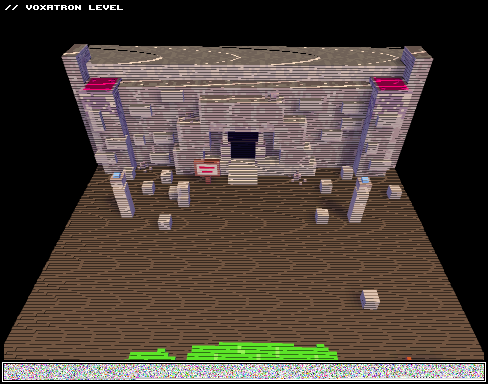
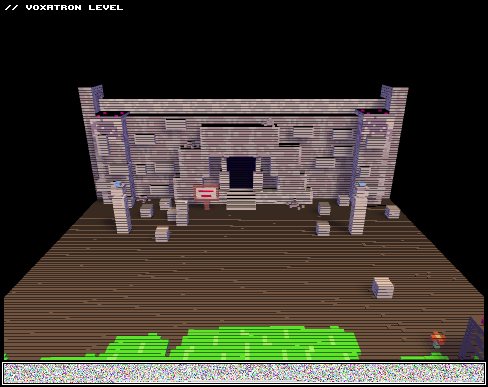
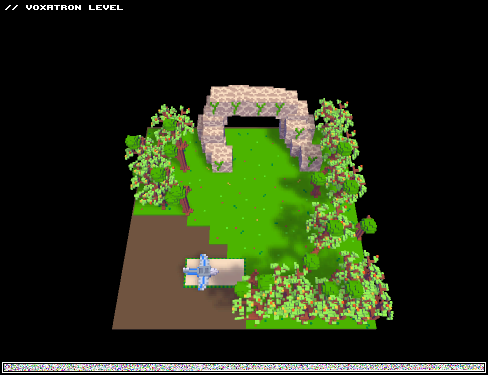
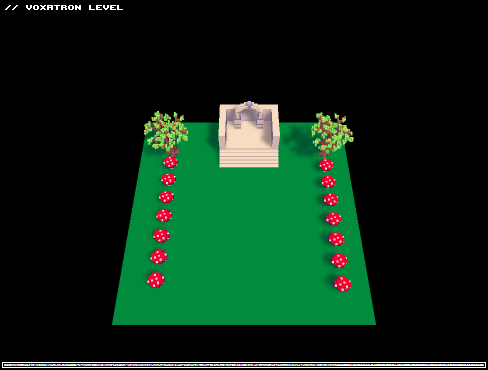
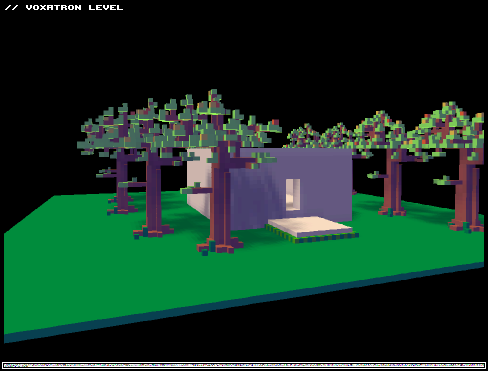
This map is a work in progress, the rest of the story of Indiana Voxatron will be coming soon!
Please support and comment what you think I should add to it!
Thanks Voxelers! :D

 2 comments






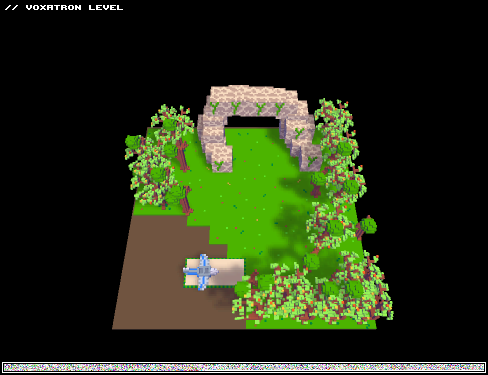
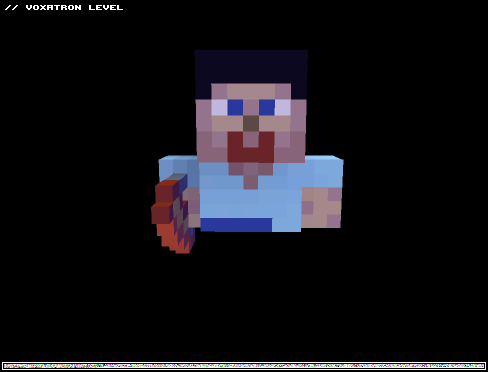
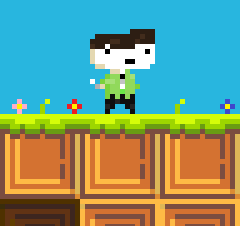
This is a Minecraft Steve model. Bow is for shooting and ninja mode is gold chestplate and diamond sword.
The size of the model is clipping to other objects and actors, but if I kept it within the size limit of no clipping, then it wouldn't look like Steve.
Please leave any feedback on the model if something needs to be fixed, or you want something modified.
NOTE: The file opens in the first frame of the model, which is Steve neutral in a normal shooting mode. Go to the rooms panel to access the room itself.
EDIT: I bumbed this to celebrate the Release of Minecraft.

 0 comments

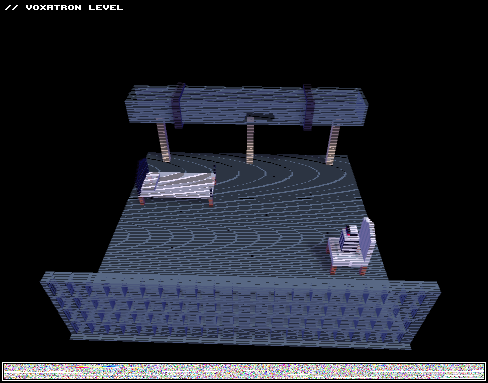


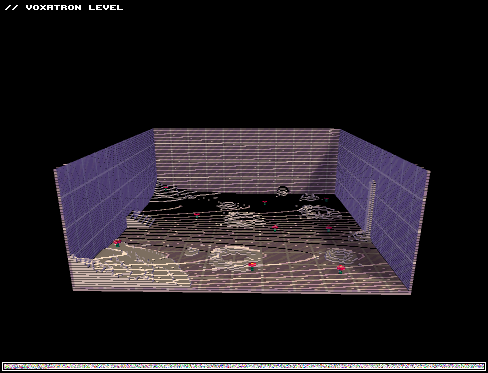
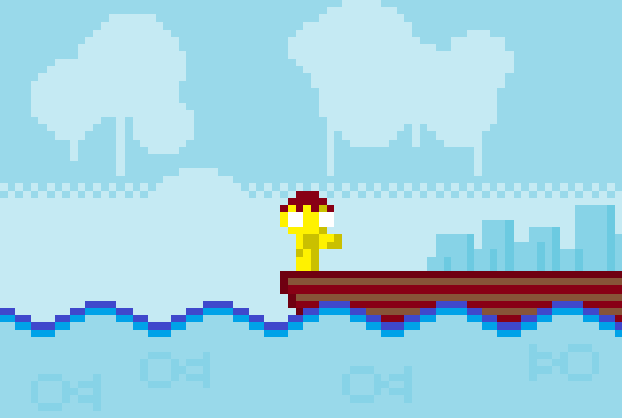
I managed to add water into the game... well, atleast something that looks like it.
The image does not represent the actual water. I tried to edit it, but Voxatron won't open it anymore.
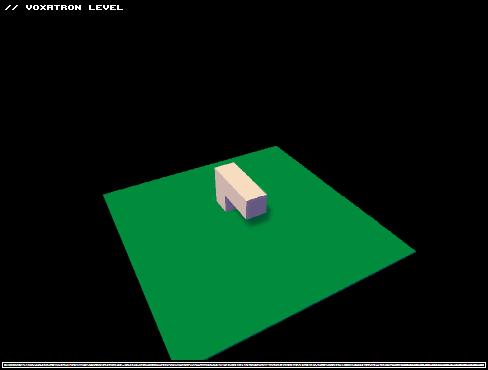
Simply walk to the right.
| WARNING! Graphic-Intense! If your PC sucks, don't try to run the level. |
Don't take that too seriously :)
0 comments
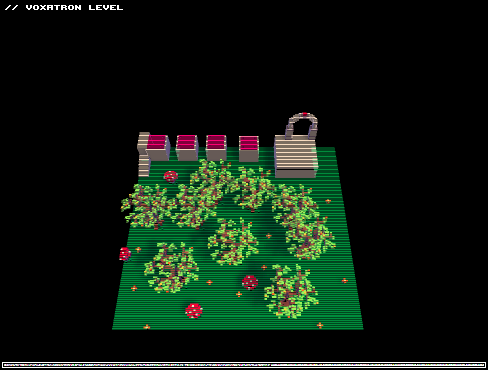
Hi! :)
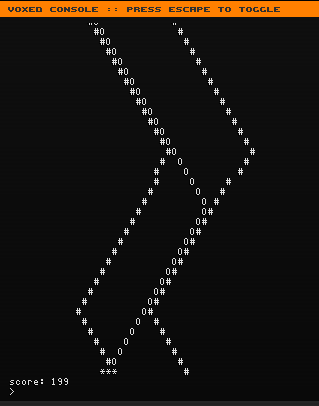
You tried the race-minigame/easteregg? No?! Open Voxde (that editor) and type "race" inside the console! Ta-da!
 4 comments




I am on Ubuntu Studio 11.04 (AMD64) and I have been unable to run Voxatron without a crash immediately on getting to the main menu selection screen, looks like some sort of ALSA bug, dunno what exactly:
$ gdb /opt/voxatron/vox
...
(gdb) run
Starting program: /opt/voxatron/vox
[Thread debugging using libthread_db enabled]
[New Thread 0xf5bdeb70 (LWP 11461)]
[New Thread 0xf43d2b70 (LWP 11462)]
Program received signal SIGSEGV, Segmentation fault.
[Switching to Thread 0xf43d2b70 (LWP 11462)]
0x0809e370 in update_mix_channel ()
(gdb) quit
$ cat ~/.lexaloffle/Voxatron/config.txt
video_mode 1024 768 32
windowed 1
force_32 1
sound 0
go_easy 0
sound_volume 256
music_volume 256
mix_buffer_size 1024
windib 0
opengl_blit 0
show_fps 0
large_window 0
version V0.1.4
ff_version 2
dummy 0
current_player 1
path
super_sample 0
soft_shadows 1
control_type 0
// controls setup
//keys
control_dat 0 0 0 1 276 0 1 97 0 0 0 0
control_dat 0 0 1 1 275 0 1 100 0 0 0 0
control_dat 0 0 2 1 273 0 1 119 0 0 0 0
control_dat 0 0 3 1 274 0 1 115 0 0 0 0
control_dat 0 0 4 1 120 0 1 118 0 0 0 0
control_dat 0 0 5 1 122 0 1 99 0 1 32 0
control_dat 0 0 6 1 106 0 1 260 0 0 0 0
control_dat 0 0 7 1 108 0 1 262 0 0 0 0
control_dat 0 0 8 1 105 0 1 264 0 0 0 0
control_dat 0 0 9 1 107 0 1 258 0 1 261 0
//keys + mouse
control_dat 0 1 0 1 97 0 0 0 0 0 0 0
control_dat 0 1 1 1 100 0 0 0 0 0 0 0
control_dat 0 1 2 1 119 0 0 0 0 0 0 0
control_dat 0 1 3 1 115 0 0 0 0 0 0 0
control_dat 0 1 4 2 0 0 0 0 0 0 0 0
control_dat 0 1 5 2 1 0 1 32 0 1 304 0
control_dat 0 1 6 2 6 0 0 0 0 0 0 0
control_dat 0 1 7 2 7 0 0 0 0 0 0 0
control_dat 0 1 8 2 8 0 0 0 0 0 0 0
control_dat 0 1 9 2 9 0 0 0 0 0 0 0
//joystick
control_dat 0 2 0 4 0 0 0 0 0 0 0 0
control_dat 0 2 1 4 1 0 0 0 0 0 0 0
control_dat 0 2 2 4 2 0 0 0 0 0 0 0
control_dat 0 2 3 4 3 0 0 0 0 0 0 0
control_dat 0 2 4 3 1 0 3 2 0 0 0 0
control_dat 0 2 5 3 0 0 3 3 0 0 0 0
control_dat 0 2 6 4 0 0 0 0 0 0 0 0
control_dat 0 2 7 4 1 0 0 0 0 0 0 0
control_dat 0 2 8 4 2 0 0 0 0 0 0 0
control_dat 0 2 9 4 3 0 0 0 0 0 0 0
Is there something I can do to turn off/disable sound, or some workaround to use something other than ALSA? I'm normally using Jack, with ALSA compatability set up .. normally works fine, but not in this case.[box=ffd030]
2 comments



hey guys! check out this third video. any requests? just send them to me on youtube or here!
2 comments