Update 1.1
Fixed enemies spawning unfairly close to player.
Let me know if the spawn distance works!
added some comments. To make my spaghetti easier to read.
How to play

Use the directional buttons to maneuver the cube to the yellow pellets.
Each pellet collected gives you a point, and adds a new enemy to the screen.
If you run into an enemy, you lose.
Try to get as many points as you can!
About the game
This is my first finished PICO-8 game!

This game has many different game speeds / modes to choose from to fit your playstyle.
For those who have downloaded the cart, and are running it on their own copy PICO-8


 2 comments



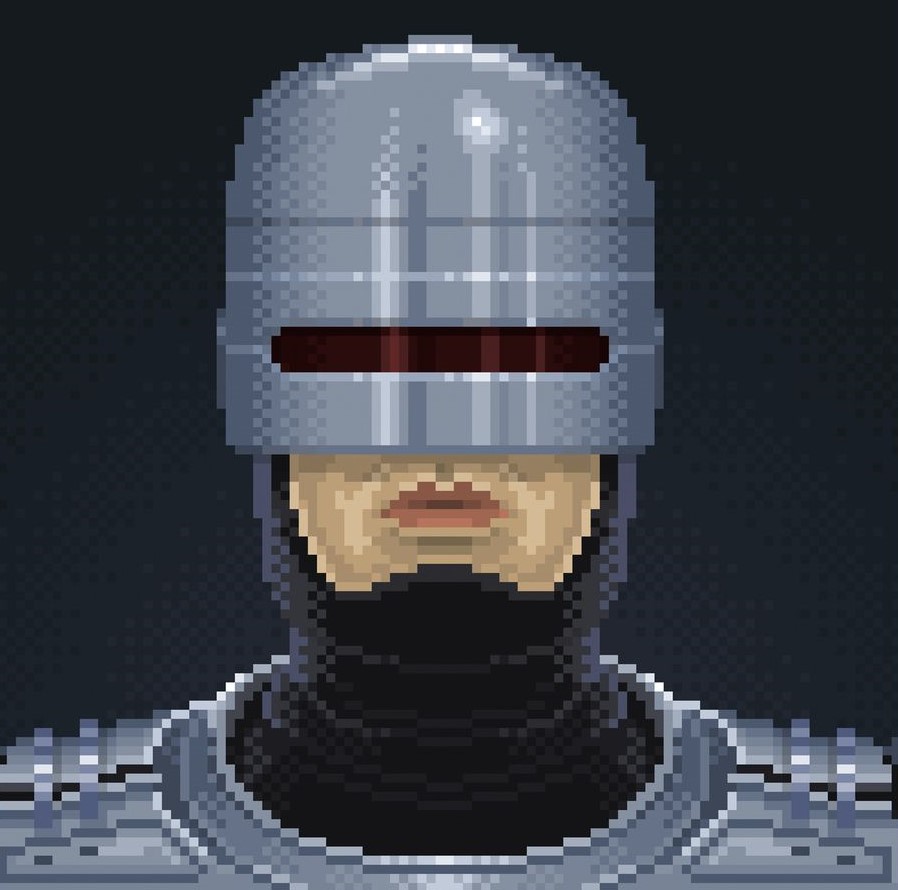
Just a little silly demo I hacked together to demonstrate an effect like the eyes from the robots of a certain popular tv show. It only uses a single sprite, and the animation is performed with the unused color indices of the robot sprite. Please excuse the programmer art! This effect can be adapted to many other things. Feel free to use the code or art or whatever in your own thing.
1 comment


The infinite monkey theorem states that a monkey hitting keys independently and at random on a typewriter keyboard for an infinite amount of time will almost surely type any given text, including the complete works of William Shakespeare.
3 comments







Second project! A pong clone using some of the physics in B_breaker. Let's see if you can beat the computer easily. I'll appreciate any feedback. Enjoy!
0 comments



Flickering ember effects for my game's opening crawl with some randomized sizes and movements
0 comments


Hello, everyone!
Thank you for playing this game.
Instructions:
Z - start the game
X + Arrow key - sprint
Arrow keys - move left and right
Target:
Collect as much fruits you can. Be careful to not get something else!
0 comments


Pico Surfer!!
 -0#]
controls
Up and down to move surfer
Hold A to enter barrel stance (allows you to go through barrels)
Hit the top of the wave to do an air

By. Griffin Flowers
0 comments


Cut grass and mutated plant life to gain score and save the last members of humanity from the toxic fumes the plants produce! Spend your score to upgrade your lawnmower or save up to get the highest score!
2 comments


Hello! My name is matthilde and i'm new here :D
Sharing my first cartridge, it's a tiny voxel demo thing with shows a cool animated uuuuh thing
Enjoy :)

 5 comments

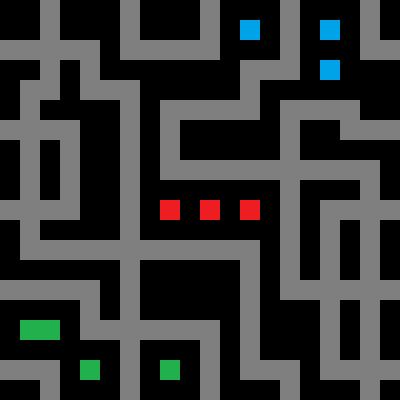








blink
(288 chars)
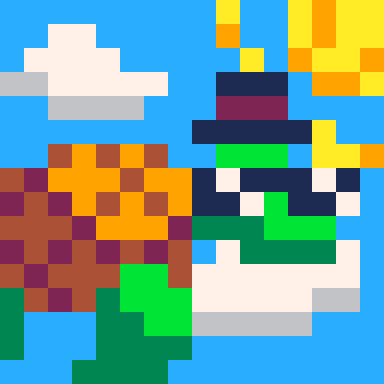
★=rnd() poke(0x5f2c,6) extcmd"rec_frames" ::l:: srand((t())\2+★) fillp(rnd(0xffff)\1) color((rnd(7)+8)<<4|(rnd(7)+8)) rectfill(0,0,128,128) s=4 ⧗=t() ⧗=⧗%2<1 and ⧗%1 or 1-⧗%1 m=((⧗)*1^(1/s))^s for n=0,127 do line(n,0,n,m*n*(n-127)+64,0) end flip() if(t()>20)extcmd"video" stop() goto l |
0 comments



-==================================================-
Welcome to lily_pal()
-==================================================-
"May this cart bring a little joy every time you need
to check the number of a color."
-- Wash 🙏
How To Use
Each lilypad is colored and numbered with a Picotron
palette index. Watchout! Frogs like to rest on your
lilpyads, but they're spooked easily by your mouse.
- Click and drag lilypads around the pond
- Create your own Color ramps or fun designs

Menu
The ▤ menu contains some useful options.
- Tab 1: Orders the lilypads into COLOR RAMPS to match
the first tab in Picotron's GFX editor. - Tab 2: Orders the lilypads by COLOR INDEX to match
the second tab in Picotron's GFX editor. - Custom: Load your custom lilypad layout as well as
the window size. - Cleanup by Grid: Tries to align the your lilypads
to a 18x16 grid. (Configurable in
1 comment


Landing Game


What is this game about?
In this little game you controll a little ball-rocket that is trying to land safely on the surface. Your goal is to reach the H on the ground without beeing too fast or running out of fuel!
You got here 3 level to play through with the option to replay the game in an instant. Your starting point is randomly generated.
Controlls
Z/C to confirm (O)
Y/V to cancel/go to title (X)
Left/Right Arrow Key to move Left or Right.
Up Arrow Key to slow down the fall/fly higher
Future Plans
- Adding more Level
- different challenges
Why did I create this game?
I wanted to create a little but simple project with pico-8 to get to know the engine.
2 comments


Hello! I'd like to introduce my game, Star Captain 32767. It's a retro-arcade shooter heavily inspired by games like Galaga, as well as rogue-lites emphasizing upgrading with permanent buffs over repeated replays such as 10000000. With nothing but your trusty torpedo launcher, minigun, beam cannon, time-slowing machine and tons of upgrades, blast your way through waves of enemies of increasing difficulty in your quest to get 32767 points to beat The Hive...somehow.
I hope you enjoy it!
1 comment


Toney the Music Tutor


Toney the Music Tutor can help you learn to read music!
Sequential lessons and interactive quizzes help you learn the notes of the treble and bass clefs, and where to find them on a piano keyboard!
Lesson progress is saved as you go, and you're free to jump around in the lessons as needed based on your interest and skill level.
Changelog
- v0.9.2 (2025-08-04):
- Added lessons for the bass clef
- Added lessons for practicing all treble and all bass notes
- Visual improvements (including new note and menu colors)
- v0.9.1 (2025-08-01):
- Fixed colors displayed on keyboard to match note colors
- Added version number to main menu screen
1 comment
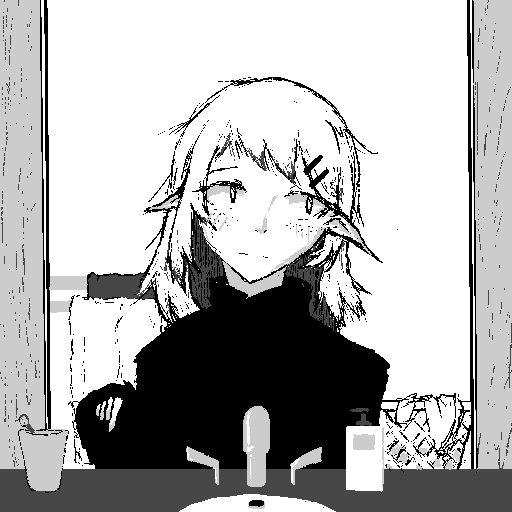


Simple little automation based game I made a few months ago!
Controls are simple:
Move cursor with arrow keys, place stations with X and scroll through shop with Z+[Arrow Keys]
Stations:
- Generator : Generates raw ore on tile below
- Smelter : Smelts any raw ore that passes by it on any side into ingot (worth more $$$)
- Conveyor belt : Moves any material on it. Placement is directional (arrow on cursor)
- Seller : Sells any item that passes by it on any side
- Wood generator : Generates wood material on tile below
- Crafter : Accepts wood and metal material and crafts them into furniture. Has 3 inventory slots which can hold items
- Destroy station
3 comments


Snake Run
A fast-paced survival shmup where light is your ally, bananas are your lifeline, and snakes are always watching.


Controls
Arrow Keys: Move character
🅾️ (Z): Fire bullets
❎ (X): Drop bombs
Rules
- Head into the grass to collect bananas and increase your ammo. The riper they are, the more ammo you get. Watch out for the rotten ones though!
- The more ammo you have, the clearer the map becomes... but you might not be able to hang onto it for long when the snakes emerge.
2 comments