


When I go into any mode, my character automatically starts moving forward, and all I can do is make him stop moving forward/make him move left or right. He wont move backwards at all. Any help with this bug?


 10 comments





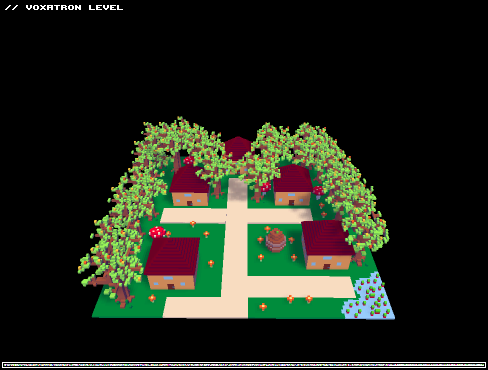
The controls right now are kind of clumsy, with the movement keys doing double duty as movement direction and firing direction. Why not have them like Smash TV/Binding of Isaac, where you have four keys to shoot in the four cardinal directions? One good adaptation would be to allow diagonal shooting by pressing two keys together, which those games lack.
9 comments





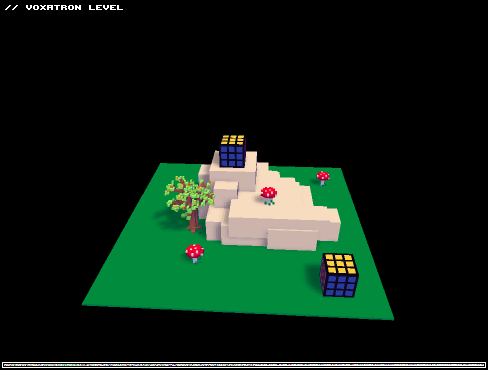
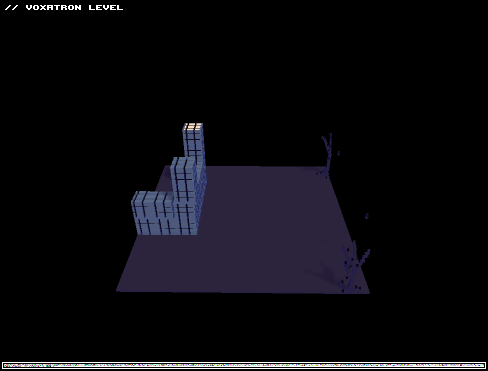
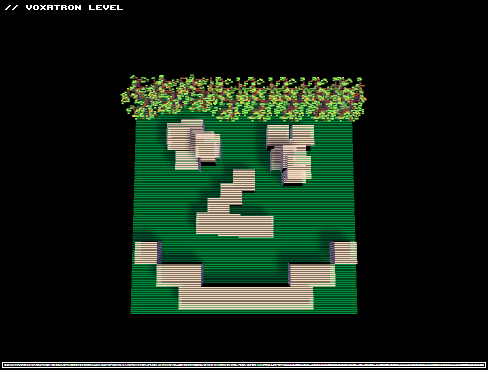
Just a small level to get the basic idea of how to build levels, feel free to shoot stuff and what not
0 comments

Hey guys how do i upload my own level in Voaxtatron ? I made one but can't find out how to put it online !
Thank's :-)
1 comment

Has anyone considered steam support? I know you are currently in Alpha, but I have many friends (usually including me) who only play games through steam. IT keeps all our games in one place and makes our lives much easier as tamers. Especially now that steam has cross platform support, it really helps your cause with this game being that its cross platform support. This is just my way of letting the devs know that I would really appreciate it. Even if you don't give a steam code to indy bundle purchases, I'd repurchase it to be able to play through steam.
Thanks for your time! ~PR0X
3 comments

In the future will there be a way for people who bought in the bundle to have the game show up in their account here?
Just curious :3
0 comments


Hi there,
Will voxatron go on steam?
I bought the game via humble bundle. Normally all games are available on steam.
But this time, sadly not :-(
Are the developers working on getting this on steam, or will it never get on there?
Anyway, thanks for the awesome game :-D
9 comments


I bought Voxatron Alpha in the Humble Voxatron Debut. I tried it out, and noticed the sound effects weren't working. The music was working, but not the sound effects. My friend tried it out too and it worked for him, but he is using PulseAudio. I prefer ALSA. I tried using the aoss wrapper to start the game, but no luck. Then I tried running the Windows version in WINE, and the sound effects worked. But some aspects are slower.
Any fix?
12 comments


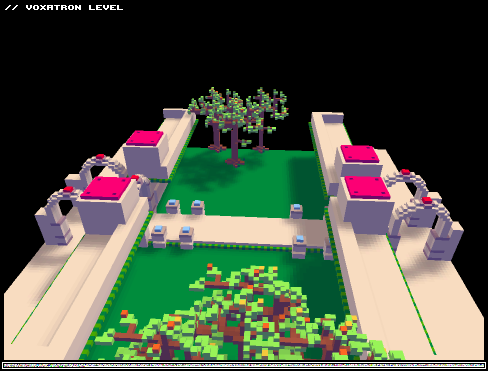
Hi,
The current (0.1.3) 64-bit linux .deb crashes (SIGSEGV) when I try using the D-pad on a gamepad (Logitech Rumblepad 2 or Xbox360 gamepad tested).
OS: Debian sid with 3.0.0-2-amd64 kernel
gdb has this to say about it:
Program received signal SIGSEGV, Segmentation fault.
HandleHat (value=0, axis=< optimized out >, hat=< optimized out >, stick=< optimized out >)
    at ./src/joystick/linux/SDL_sysjoystick.c:939
|
Using the distro's installed SDL lib seems to fix it.
3 comments


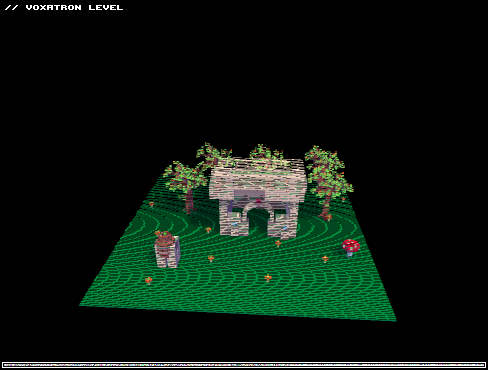
I know that building is pretty bad, it is my first time in editor and I wanted to test this:)
0 comments

So I download voxatron and run it on my nifty dual monitor setup... and voxatron appears spread over both screens. (Actually, given that I ran it in the right-hand monitor, it appeared half on the screen and half off the edge. I'd rather it just occupy one screen because a huge black bar down the middle of the game would be unpleasant.)
Attempting to resize the window (by, say, hitting maximize to constrain it to one screen) causes the window to softly and silently vanish away.
I know libsdl-1.2 has awful support for xrandr (I had to hack it to stop it from switching my screens back into cloned mode whenever I quit a game!), so it would be entirely acceptable for voxatron to start out spanning two screens, as long as I could then resize it. (Though this would still make it the only SDL game I own that does this.)
Now to try to make it work in fullscreen. Hanging onto my hat...
-- the monitors are two nearly-identical devices side-by-side, configured as a single virtual screen distinguished with xrandr like so:
Screen 0: minimum 320 x 200, current 3360 x 1050, maximum 8192 x 8192
DVI-0 connected 1680x1050+0+0 (normal left inverted right x axis y axis) 478mm x 300mm
1680x1050 59.9+ 120.0 110.0 100.0
DIN disconnected (normal left inverted right x axis y axis)
DVI-1 connected 1680x1050+1680+0 (normal left inverted right x axis y axis) 474mm x 296mm
1680x1050 59.9+
6 comments


Hi everyone !
I've just purchased Voxatron from the HIB.
As you read, I'm running (L)Ubuntu 11.10 64bits using the Nouveau driver and the game refuses to launch while I already installed the ia32-libs packages.
It sends me back the following message:
/opt/voxatron/vox: error while loading shared libraries: libGL.so.1: cannot open shared object file: No such file or directory |
The find /./ 2> /dev/null | grep -i libGL.so.1 command give me back this:
/./usr/lib/i386-linux-gnu/mesa/libGL.so.1.2 /./usr/lib/i386-linux-gnu/mesa/libGL.so.1 /./usr/lib/x86_64-linux-gnu/mesa/libGL.so.1.2 /./usr/lib/x86_64-linux-gnu/mesa/libGL.so.1 /./usr/lib32/mesa/libGL.so.1.2 /./usr/lib32/mesa/libGL.so.1 |
If anyone have an idea...
Thank you all very much in advance!
11 comments


hi
can we have a few more lives/health on voxatron i am just not making the grade with my old reflexes-and would like to see more than 2 screens of the game....
any help appreciated
cheers
1 comment


